
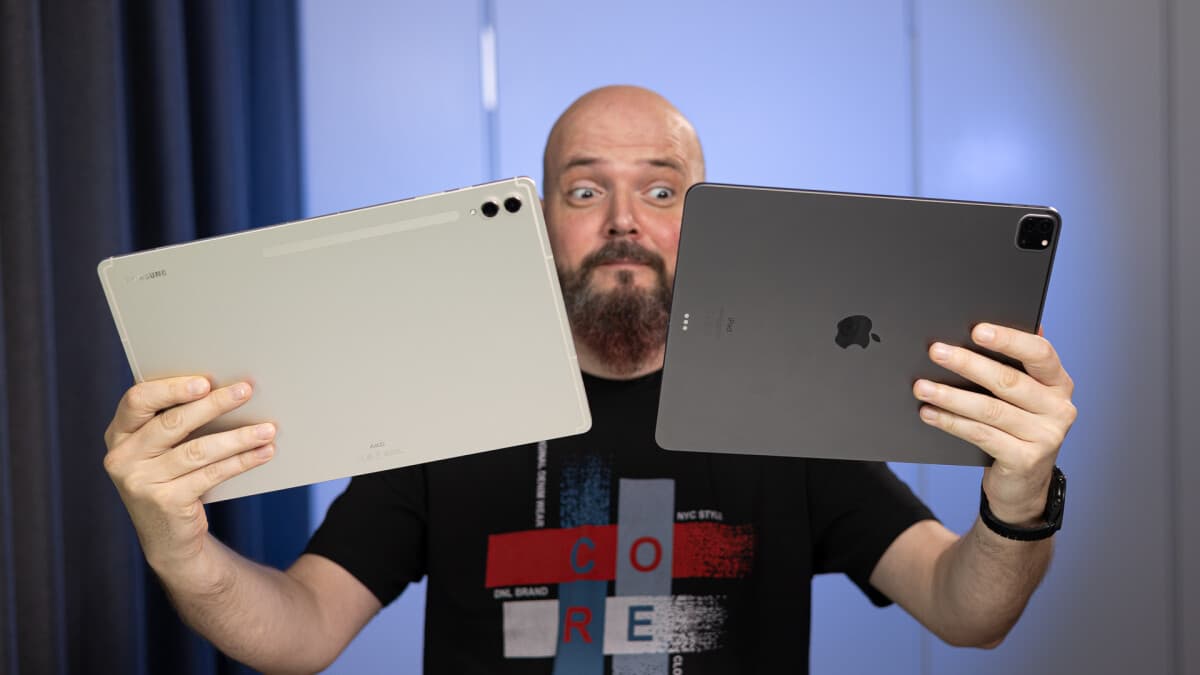
Samsung Galaxy Tab S9 Ultra vs Apple iPad Pro 12.9: what’s the better laptop replacer?
Intro
Samsung has just released the new
Galaxy Tab S9
line and — just like last year — we have a huge, 14.6-inch Ultra model at the top end. It’s a truly gargantuan tablet that moves away from the portability aspect and invites you to use it as a laptop replacement of sorts — especially if you pair it with a keyboard, be it the compatible Book Cover Keyboard or a 3rd party Bluetooth one.
Samsung Galaxy Tab S9
Ultra vs Apple iPad Pro 12.9 — performance, battery life, software, real life use, and overall experience. Let’s dive in!
Galaxy Tab S9
Ultra vs iPad Pro 12.9 (2022) in a nutshell:
- Wide-screen 16:10 14.6″ vs square-ish 4:3 12.9″
- AMOLED vs mini-LED
-
More multi-tasking options with floating
windows
and DeX on board - S Pen included, Apple Pencil is a separate buy
- Tab S9 Ultra has a thinner bezel frame with a notch
- Fingerprint scanner vs Face ID
Table of Contents:
Design and Display Quality
The aspect ratio makes the difference
The
Galaxy Tab S9
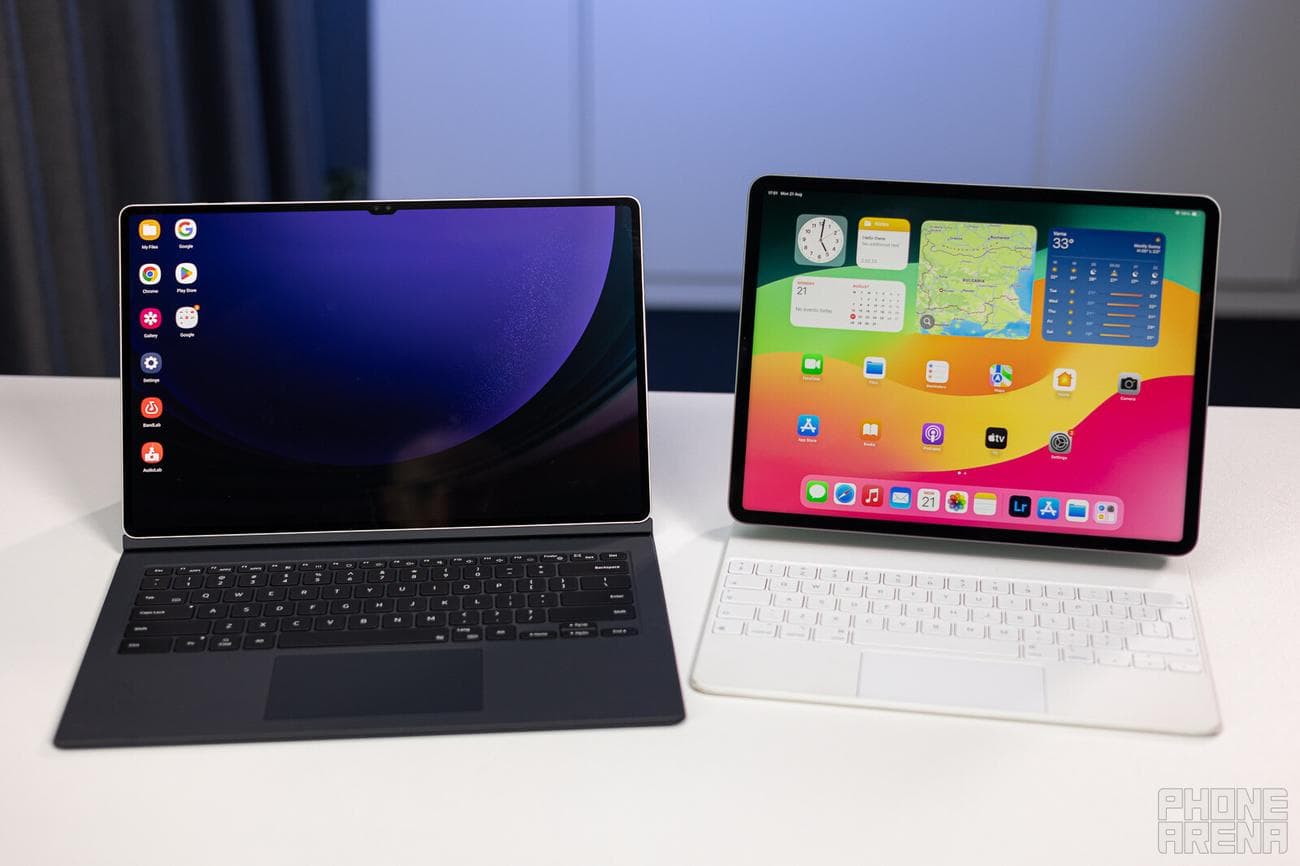
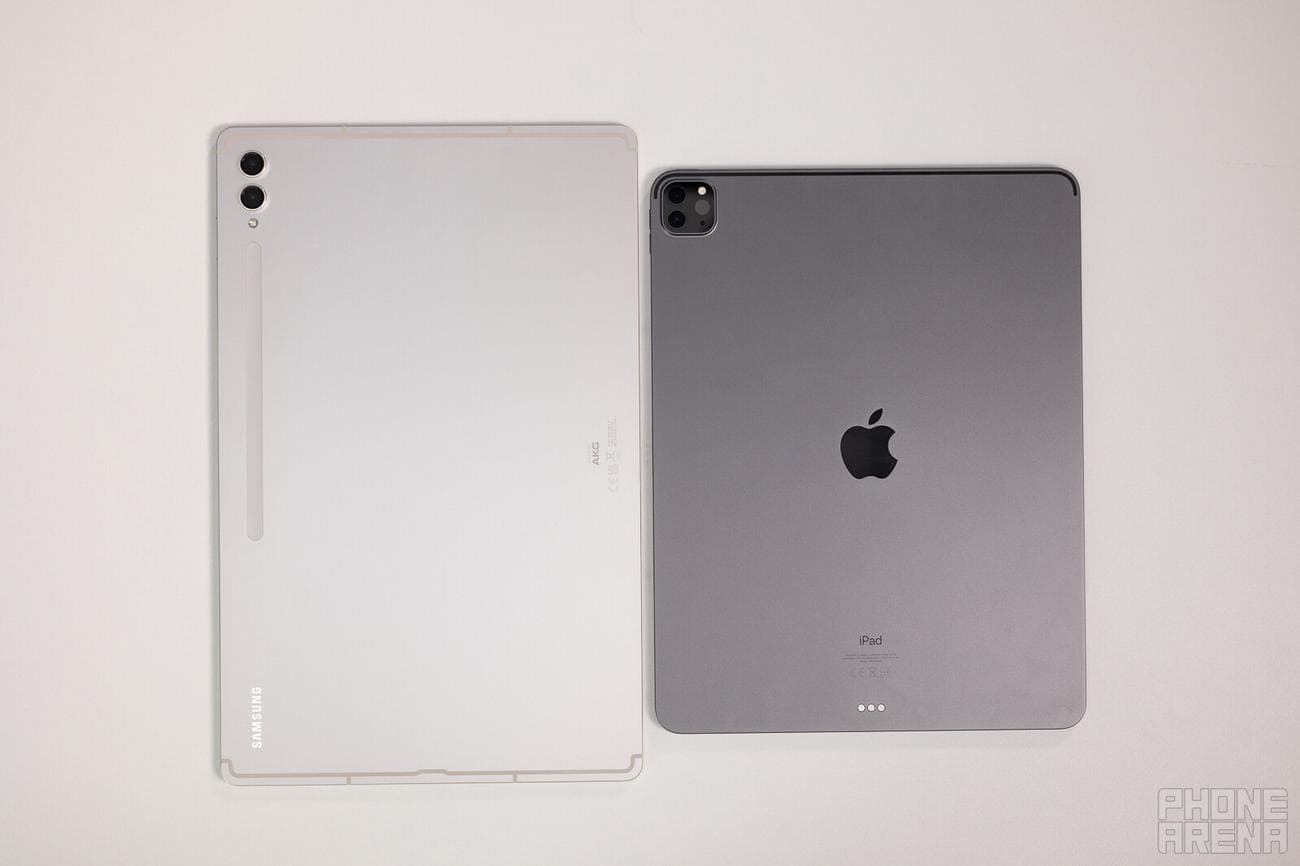
Ultra has a huge footprint, yet it’s extremely thin, at 0.22 inches or 5.5 mm. To compensate for the large 14.6-inch screen, Samsung shrunk the bezel around it quite a bit. To the point where the two selfie cameras need to be housed in a slightly protruding notch on the right (or top) frame. The thin bezles make it extremely difficult to simply hold this tablet while using it with the other hand — this is in no way a machine for portable work.
Apple’s iPad Pro 12.9 is also by no means a small tablet, but we do have to note that its thicker frame makes it easier to tap away at emails while on the go. Still, it too is a tablet that will feel much better propped up on a desk — either via a stand or keyboard.
The
Galaxy Tab S9
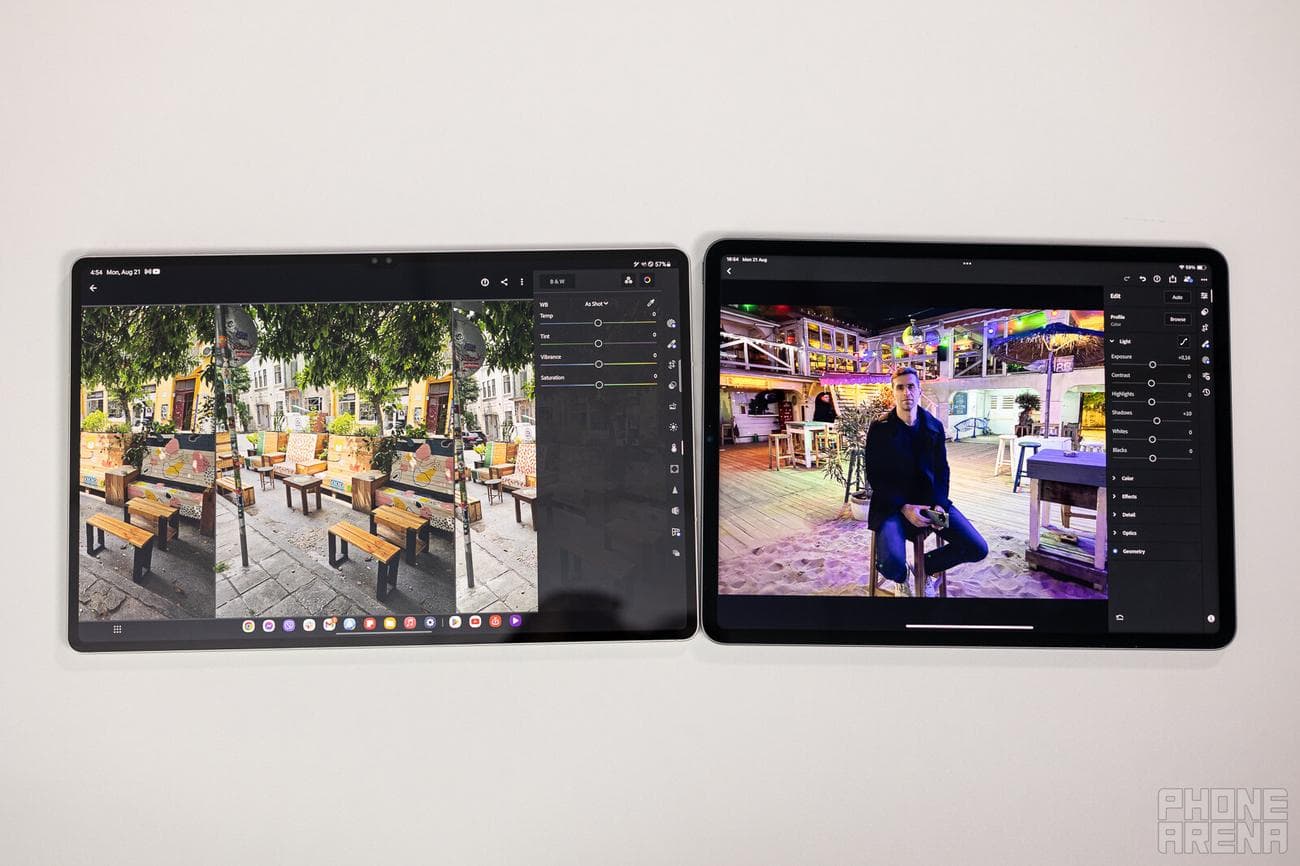
Ultra’s 16:10 wide aspect ratio makes it better for consuming video media — with smaller black bars on the top and bottom and bigger image in the middle. The iPad Pro’s 4:3 aspect ratio means we get more letterboxing when watching video, but it lends itself better for things like reading articles and emails, or even editing video and pictures as the taller screen can comfortably fit the media
preview
window and the tools below it.
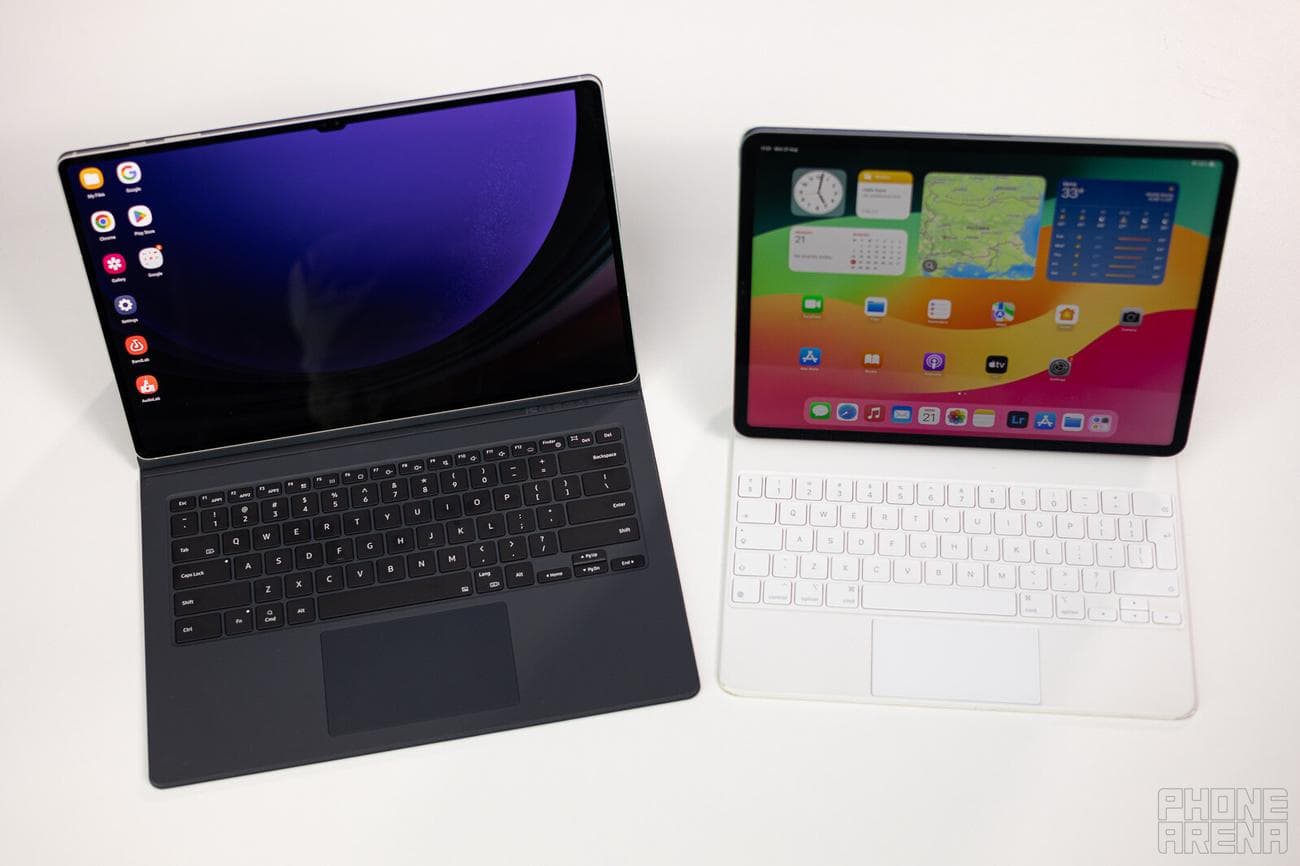
In terms of quality, we find the Samsung Book Cover Keyboard’s keys to be just a little mushy, but not terrible to write on. Its touchpad is a bit of a hassle to deal with, as mouse sensitivity doesn’t feel quite right and clicks or taps sometimes don’t register right. The iPad’s Magic Keyboard does feel better — the keys are a bit more tactile, and the touchpad itself is a lot more intuitive to use.
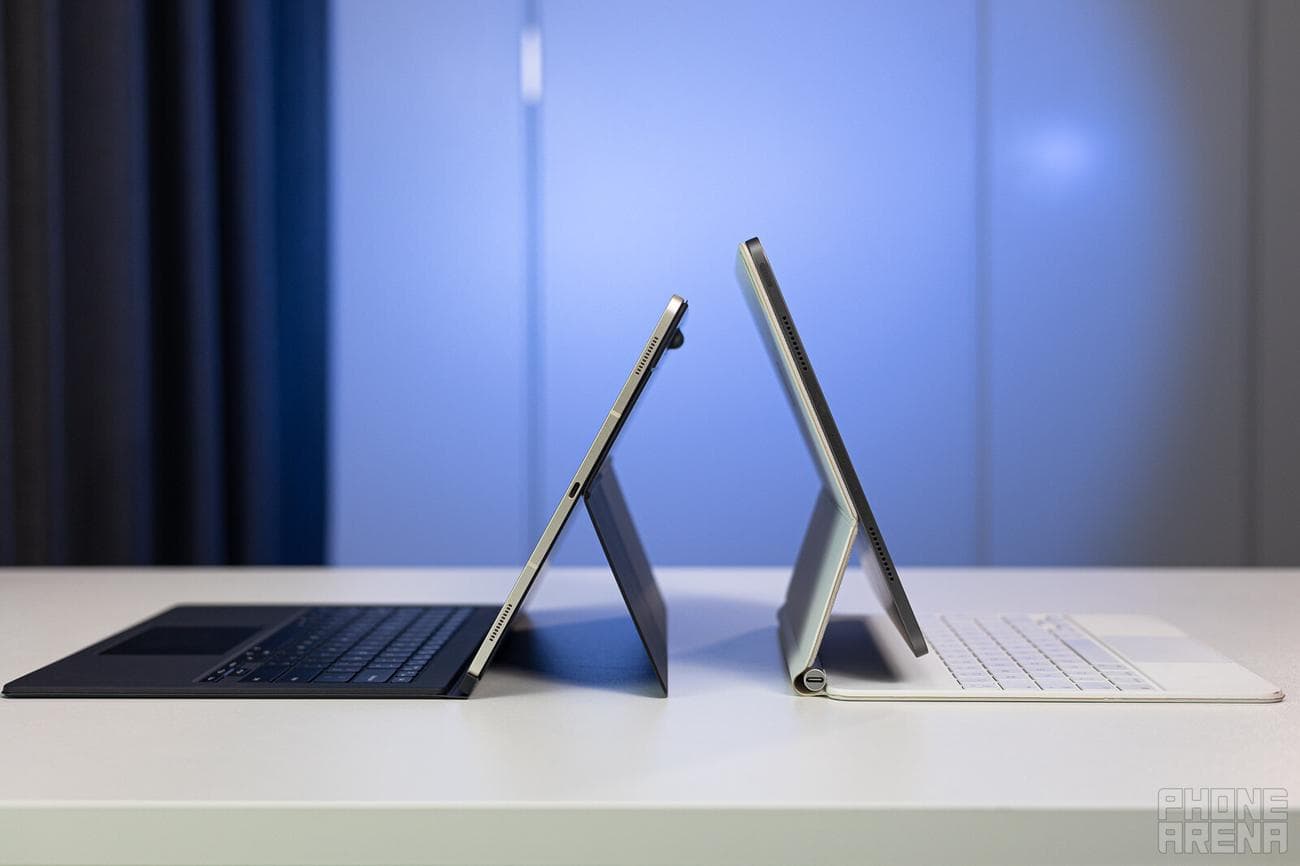
Kickstand vs elaborate hinge
Also, here’s a stark contrast — the kickstand of the Samsung Book Cover Keyboard is definitely not an ideal solution, as this type of mechanism limits your options in terms of where you can prop the tablet up, plus it’s a hassle to pull out and slap back in every time. The Magic Keyboard feels much more like a laptop, but its base is heavier (to achieve this balance), so it makes the entire package heavier.
For controls, we have physical power and volume buttons on both tablets. The iPad Pro will unlock via a Face ID scan as soon as you swipe on the screen. The
Galaxy Tab S9
Ultra uses an optical fingerprint sensor embedded in the display. We wouldn’t say one or the other of these is superior. It does kind of feel nice to unlock the tablet by just “looking” at it, but if you’re used to fingerprint unlocking, you wound’t notice a quality of life difference. And yes, the
Samsung tablet
does have face unlock, but it’s not as secure as the scanner.
There is a noteworthy difference in the screen panel technology here. First off, let’s note and get it out of the way that both the
Galaxy Tab S9
Ultra and iPad Pro 12.9 have 120 Hz refresh rates. But the tech of the panels is different.
Samsung employs its own Dynamic AMOLED technology — each pixel on the screen glows autonomously and it needs no backlight. Therefore it has “infinite contrast” and “true blacks”, as a pixel that should be black is simply off. Apple uses mini-LED tech for its top-tier iPad Pro — it is still a backlight-based tech, but instead of having just a few LED lights providing for the whole area, the iPad Pro 12.9’s screen is separated in 2,596 dimming zones. They are not quite as accurate as the AMOLED’s sharp contrast, and when looking at the display in darkness, you can see the mini-LED areas lighting up around bright objects. But other than that, it too looks very, very good.
If you like to customize your colors, the
Galaxy Tab S9
gives you a bit more options, with either punchy and vibrant colors or a tamed “Basic” mode with more realistic hues. The iPad offers no such options, though its screen is excellently calibrated. Both devices have their own form of blue light filtering for comfortable viewing as the sun goes down.
Performance and Software
Made for Galaxy vs Made for Mac
Apple dropped quite the bomb when it announced that it will be putting its M-class chips in its tablets. And, to this day, they are hard to beat. The latest iPad Pro 12.9 has an octa-core M2 chip — the very same processor that you can find in a MacBook Pro and MacBook Air.
The
Samsung
Galaxy Tab S9
Ultra is powered by the Qualcomm Snapdragon 8 Gen 2 Made for Galaxy — not a run-of-the-mill Snapdragon 8 Gen 2, but one that has been overclocked specifically to meet Samsung’s needs. Plus, the Tab S9 Ultra comes with its own upgraded cooling, so it too is quite capable of delivering sustained performance. It’s just that, in raw numbers, it still can’t beat the Apple M2.
Performance Benchmarks:
But this whole comparison isn’t skewed towards the iPad. The Galaxy Tab pulls off desktop-class productivity much… easier. While Apple’s Stage Manager desktop UI can sure get the job done, you need an actual external monitor to get it to boot up in the first place. This is kind of frustrating, considering the iPad Pro’s 12.9-inch screen surely is capable of showing us that desktop interface.
Samsung pulls no such stops — you can jump into DeX mode with just the naked tablet alone. Connect any wireless keyboard or mouse and you’re good to go for work.
Both Stage Manager and DeX don’t work exactly as you’d expect from a desktop machine — there are quirks with text selection, copy-paste, or the way certain html code loads or works on web pages. It can get frustrating for different reasons with both of these devices. But, at the end of the day, they are very competent if you simply want to sit down and write an article, a plethora of emails, or do some research.
If you are not using the desktop UIs, the
Galaxy Tab S9
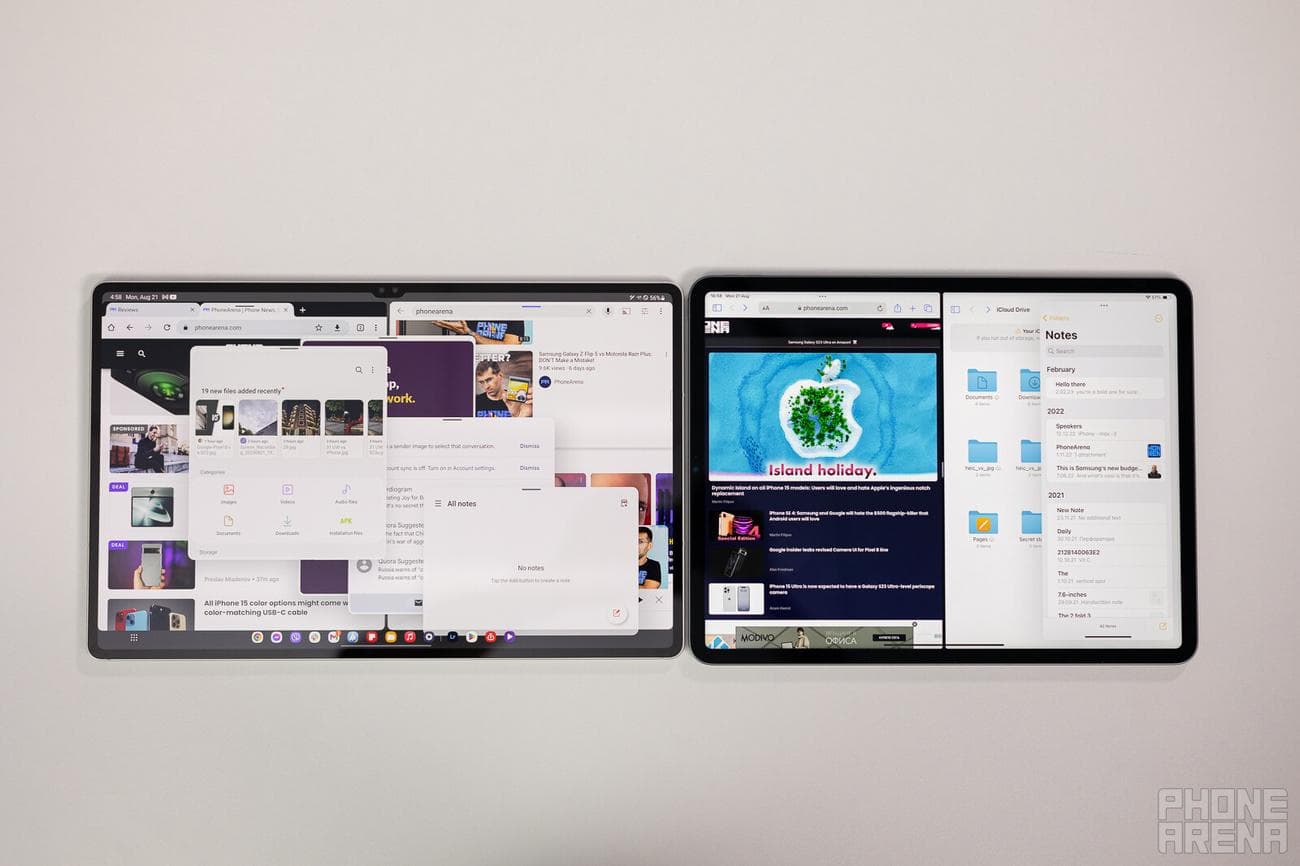
Ultra is better at multi-tasking hands down. You can open any app you wish in a floating window, you have shortcuts to open app pairs directly into split screen. Apple’s iPadOS still only gives you split view and slide over, with very specific points where you can drag the floating windows. So, very often, it’s hard to move a window “out of the way”, without fully dismissing it.
S Pen vs Apple Pencil?
We do like how the S Pen feels better. For one, it has a rubber tip, which provides friction against the screen, better simulating the friction of pen against paper. Plus, it’s a pointier tip that feels more precise.
Audio
Quality
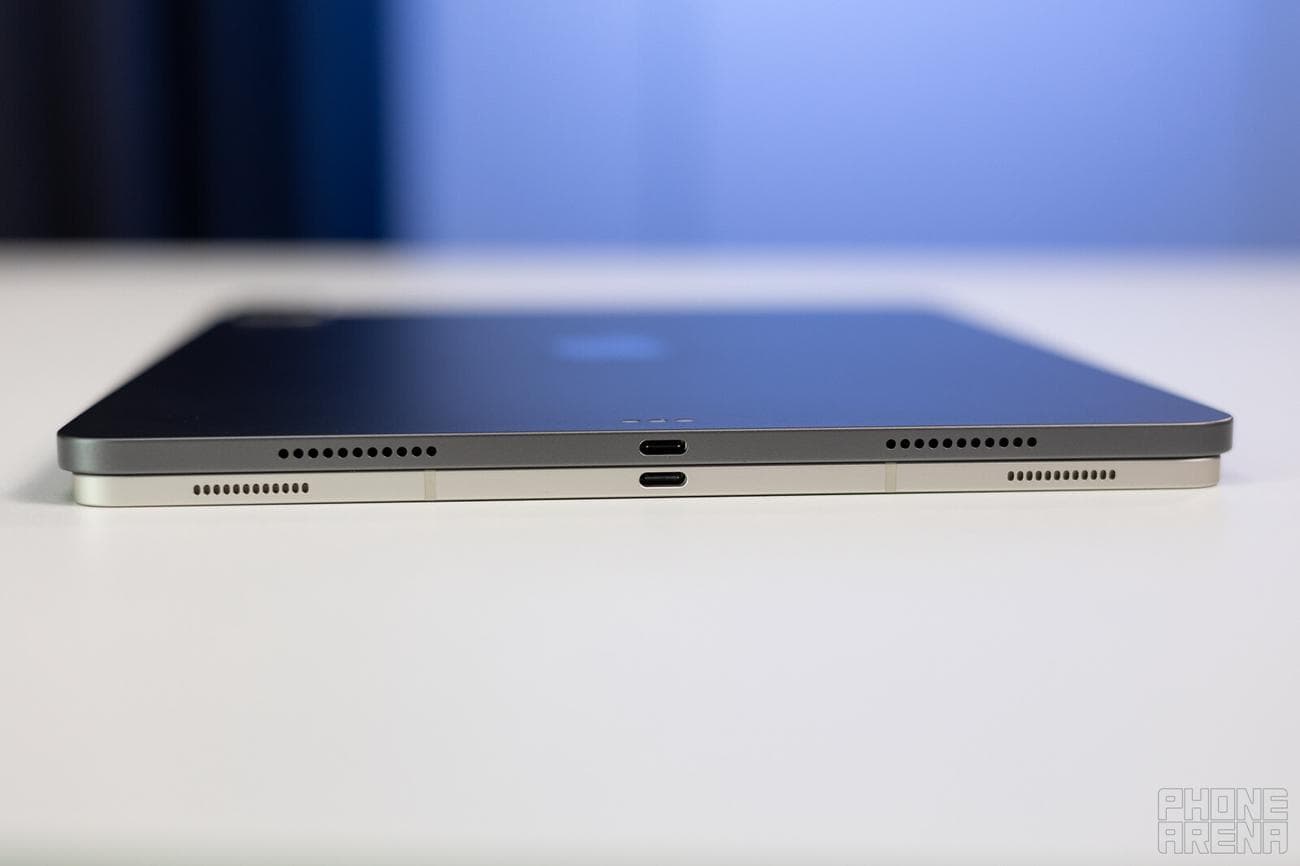
With quad speakers in stereo setup, these tablets sound lovely. Lots of bass, crisp highs, and a good amount of volume. We do find the iPad Pro to sound a bit more scooped in the mids, while the
Galaxy Tab S9
Ultra has a slightly more pronounced mid hump. That said, both sound excellent, but we’d also like to add that the Tab S9 Ultra gives you an EQ, so you can fine-tune the sound to taste (not by much, as extreme values on the EQ tend to ruin its sound).
Battery Life and Charging
Two machines to last you a day
The
Galaxy Tab S9
Ultra has a 11,200 mAh call in its thin, thin chassis, which helps it keep the lights on for quite a while. About 10 hours of web browsing, a bit more than 7 hours of YouTube playback on our tests. Quite the respectable endurance — it can certainly truck you through the day. And so can the iPad Pro 12.9 with its 10,758 mAh cell — it’s slightly smaller, but Apple’s optimizations gave us around the same results (if not an hour more) whilst testing.
Specs Comparison
| Specs | Samsung Galaxy Tab S9 Ultra | Apple iPad Pro 12.9 |
|---|---|---|
| Dimensions | 12.85 x 8.21 x 0.22 inches (326.4 x 208.6 x 5.5 mm) | 11.05 x 8.46 x 0.25 inches (280.6 x 214.9 x 6.4 mm) |
| Weight | 25.82 oz (732.0 g) | 24.06 oz (682.0 g) |
| Screen |
14.6 inches 2960 x 1848 pixels, 16:10 ratio Dynamic AMOLED 120 Hz |
12.9 inches 2732 x 2048 pixels, 4:3 ratio IPS LCD mini-LED 120 Hz |
| Processor | Qualcomm Snapdragon 8 Gen 2 | Apple M2 |
| RAM, Storage and Price |
12 GB / 256 GB – $1,199.99 12 GB / 512 GB – $1,319.99 16 GB / 1 TB – $1,619.99 |
8 GB / 128 GB – $1,099 8 GB / 256 GB – $1,199 8 GB / 512 GB – $1,399 16 GB / 1 TB – $1,799 16 GB / 2 TB – $2,199 |
| Cameras |
13 MP main 8 MP ultra-wide
12 MP main |
12 MP main 10 MP ultra-wide 12 MP main |
| Battery Size | 11,200 mAh | 10,758 mAh |
| Charging Speeds | 45 W | 18 W |
Summary and Final Verdict
Well, what’s the ultimate verdict? Both of these tablets deliver the goods, in reality. Things to consider: the iPad still has super-specific professional apps on the App Store, especially when it comes to musician apps. If you are
shopping
for a specific creative niche use, it’s a good idea to take a look at which platform has more of the apps you’d want (it’s a good bet that iPadOS will).
For generic tablet use and work — these here are head to head. The
Galaxy Tab S9
Ultra comes with the S Pen included, which is a very nice bonus. On the other hand, the Magic Keyboard for the iPad feels better than the Samsung Keyboard Book Cover. The Tab S9 Ultra’s screen is noticeably bigger, but that can be both a pro and a con — that thing is hard to carry around, but so nice to view once you prop it up somewhere.
Galaxy Tab S9
Ultra the “iPad Pro of Android”? Yes, we do think so. It’s big, powerful, pretty, and it excels in a few areas — productivity, multimedia, gaming. Will it get iPad Pro users to switch over? Very likely no. But at least it gives you the option for a premium tablet on the Android side!
