
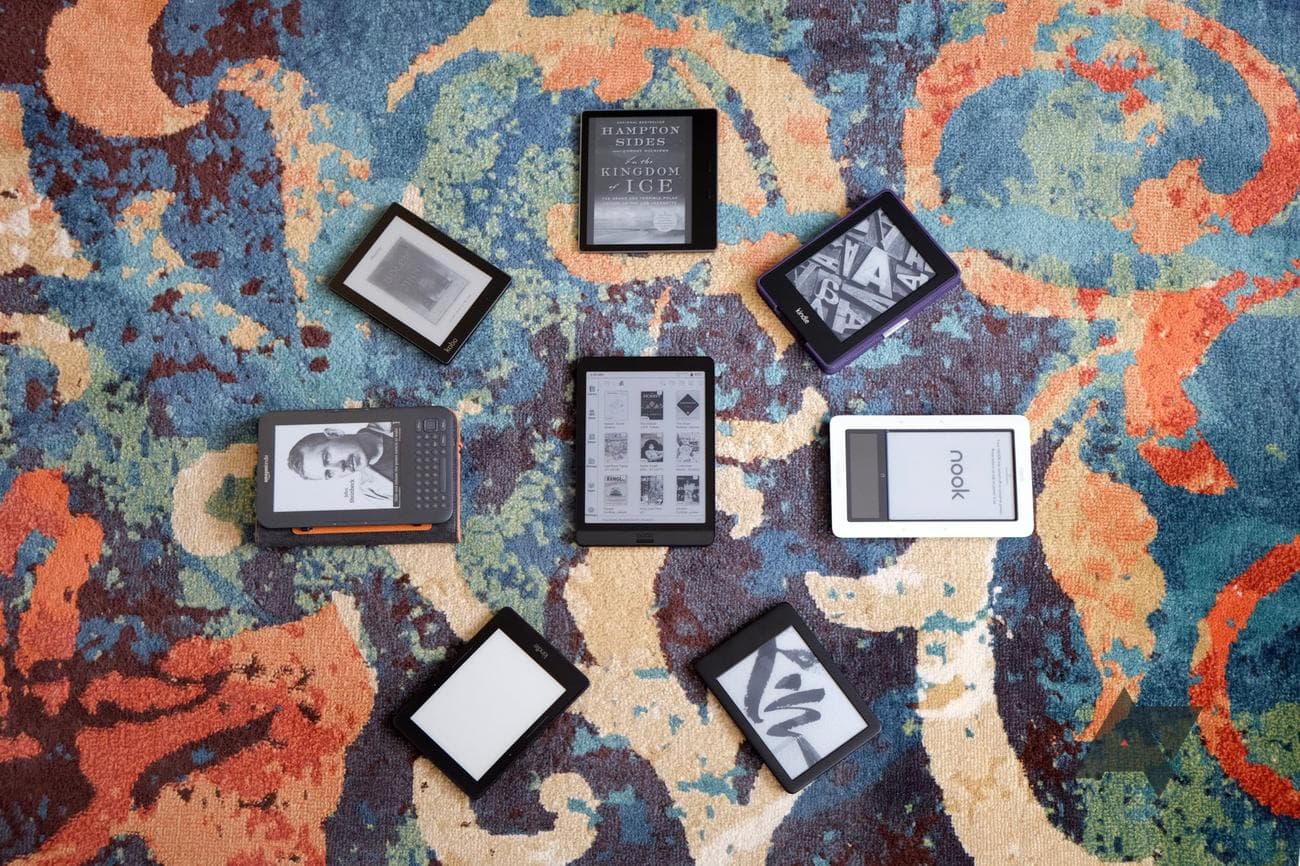
Best e-book reader you can buy right now
The first thing most of us think of when we think of e-readers is the Kindle, but they’re far from the only player in the game. Rakuten’s line-up of Kobo devices is competing head-to-head with Amazon’s Kindle, and Onyx’s Boox readers are some of the
best
high-end and tablet-sized devices available. But with all this diversity in the market, knowing which e-reader is for you can be a daunting task. It may even be the case that you’d be best served with a nice tablet instead.
If you’re looking for the most pain-free user experience possible, there’s no better choice than Kindle with its integration with the largest bookstore in the world, although that means you’ll be locked into the Amazon ecosystem. On the other hand, it’s hard to beat the versatility of an Android-powered Boox device and the plethora of file types it supports, even if it does come with a higher learning curve. Whatever your e-reader needs, you’ve come to the right place. We’ve curated a list of 10 of the best e-readers on the market to help you get the perfect device for you or as a gift.
Our favorite e-readers of 2023
Source: Amazon
Amazon Kindle Scribe
Best Overall
Amazon’s first note-taking e-reader
The Scribe is the largest and most versatile Kindle in Amazon’s lineup. Its 10″ screen and included pen make it ideal for doing work or enjoying a book.
Pros
- The only large-screen Kindle
- Great for manga
- Stylus for notetaking is convenient
Cons
- Expensive, with tiered pricing for better gear
- Notetaking software is lacking
- Large bezel that serves no purpose
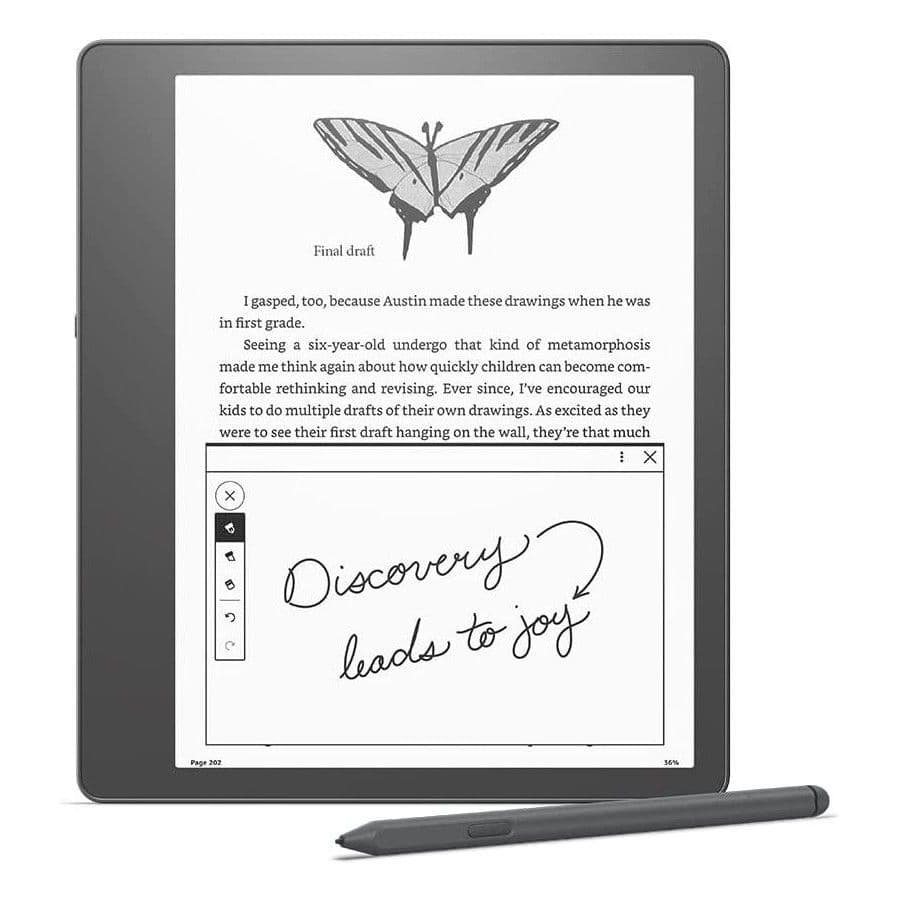
Amazon hasn’t offered a large-screen Kindle since the DX was discontinued, with the Kindle Scribe now reigning as the latest and greatest Kindle with a large screen. At 10.2 inches, the Kindle Scribe’s screen is plenty big enough to
display
manga with aplomb, and since there’s a Wacom layer, the device supports pen inputs for note-taking and drawing. This is handy for taking notes in books, but it’s also great if you tend to read PDFs for work, as you can annotate them on the Scribe. While the software still feels a little bare bones, if you need an e-reader with a large screen and don’t want to leave the Kindle ecosystem, the Scribe is your only choice. Luckily, it’s a solid one.
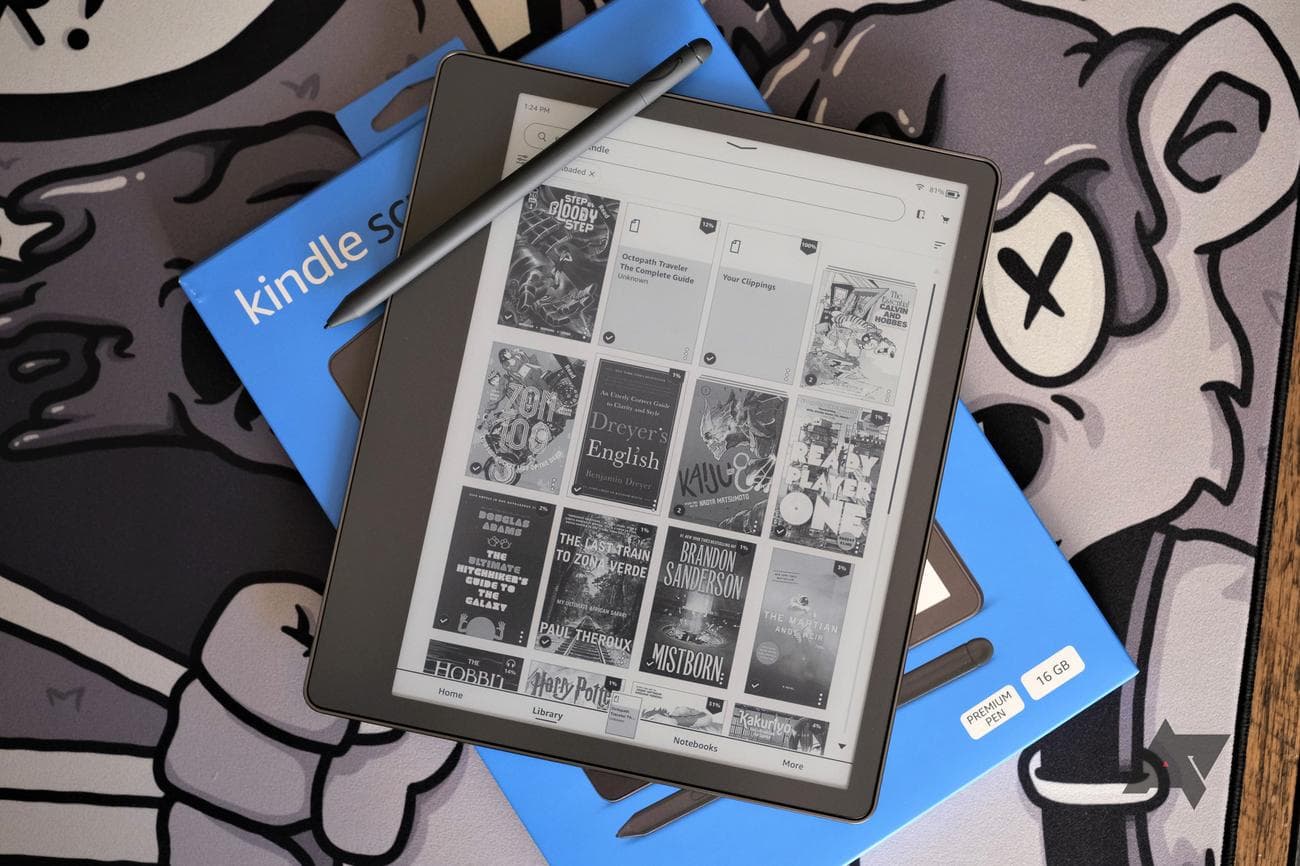
Of course, greatness doesn’t come cheap, so you’ll have to shell out a minimum of $340 for the 16GB mode and basic pen. If you’re looking to max things out with the premium pen and 64GB of storage, you’ll have to spend $420. While these prices are high, they are comparable to competitors, plus you can rest assured the best e-book market in the world is available on the device anytime you need to pick up something new to read.
Source: Boox
Onyx Boox Tab Ultra C
Premium pick
Big screen, vibrant color
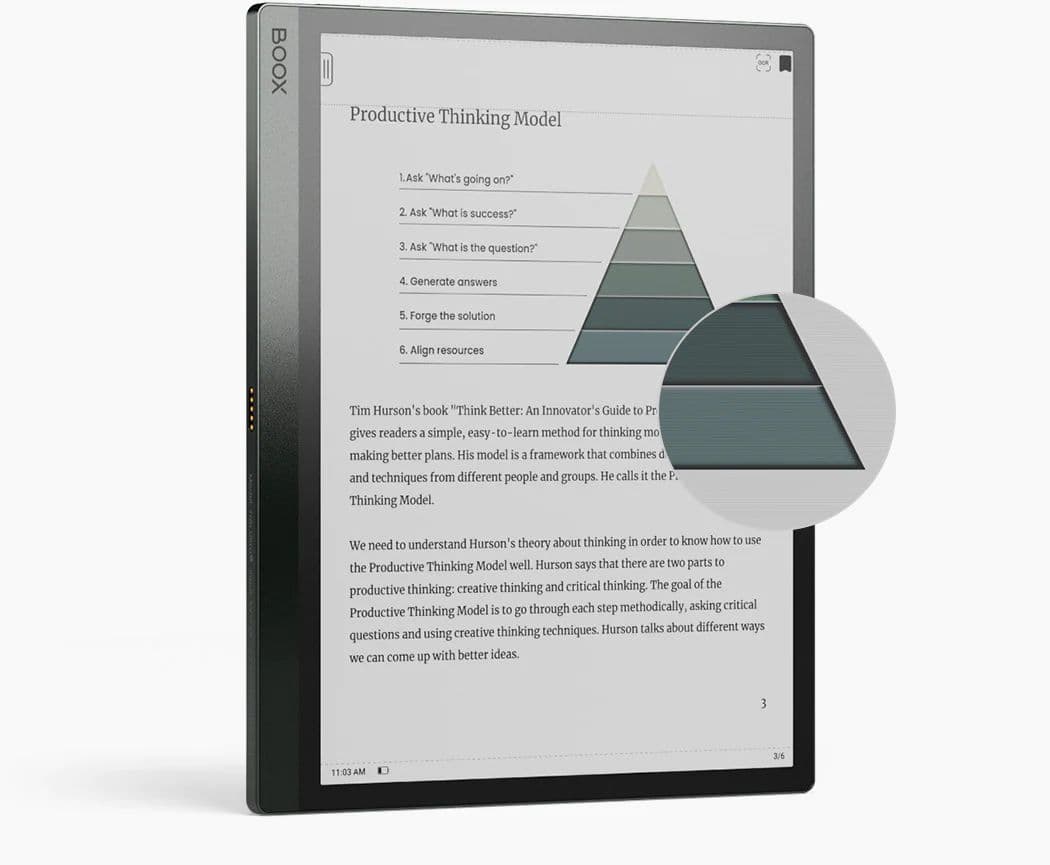
The 10.3-inch screen on the Boox Tab Ultra C is the perfect device for both students who don’t want to lug around a heavy backpack and professionals who need to work with a lot of documents.
Pros
- 128GB of storage, expandable to 2TB
- Included magnetic stylus including eraser
- Cutting-edge kaleido 3 E Ink screen
Cons
- Keyboard is too small
- Good stylus support limited to first-party apps
Do you need a color e-reader that’s big enough to read a document without zooming in? If so, this is the device you want. The 10.3-inch screen on the Tab Ultra C is one of the largest on the market, and its Kaleido 3 E Ink display is at the cutting edge of color e-reading technology. If you thought previous generations of color displays on e-readers were a bit washed out, it’s worth taking another look, especially if you like reading magazines or comics on the go.
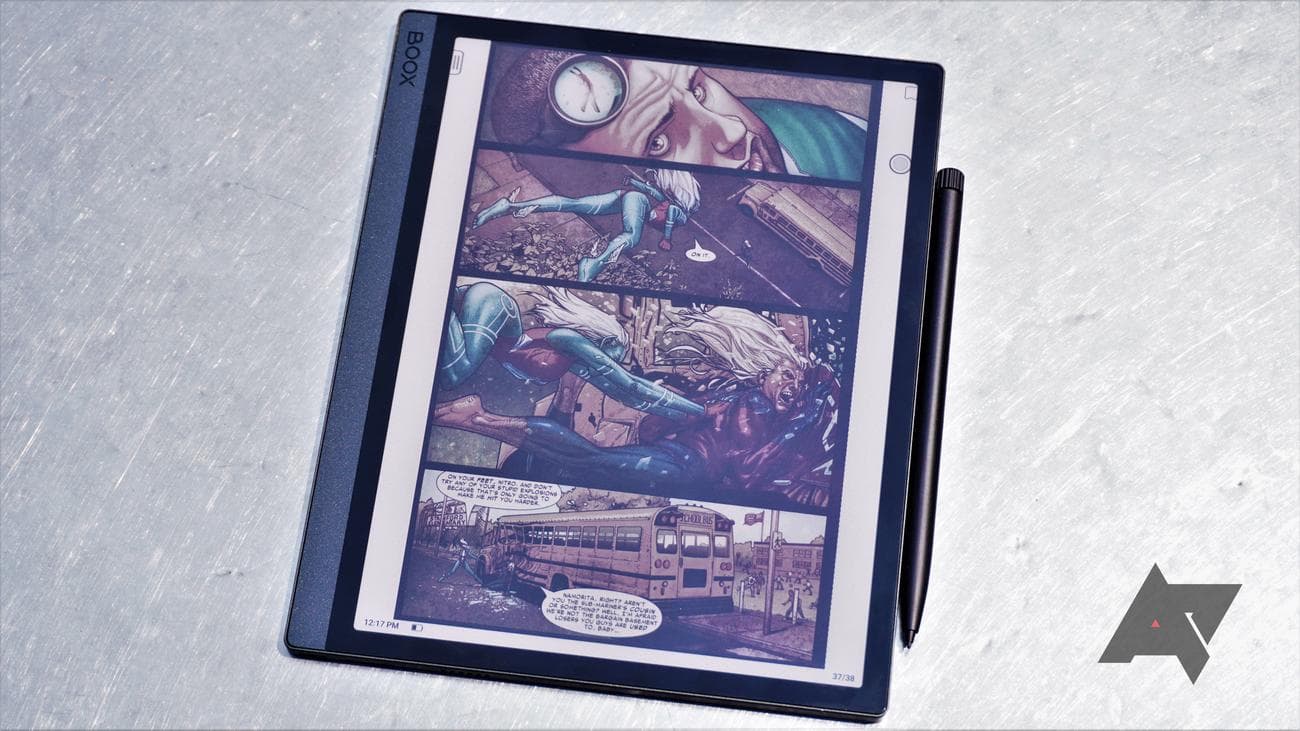
There’s no doubt that with its $600 price tag, the Tab Ultra C is a high-end device, but you’ll be hard-pressed to find another e-reader with its list of specs. Although it’s not the most powerful tablet on the market, its Snapdragon 662 processor and 4GB of RAM ensure that you’ll have more than enough horsepower to listen to YouTube Music while you’re taking notes in your textbook. Plus, if you buy it directly from the Boox website, it comes bundled with the keyboard/cover, meaning you might get some actual work done on this. There are cheaper tablet-sized devices out there, but none of them are going to display vibrant colors in direct sunlight, nor will they have the impressive battery life of an e-reader.
Source: Amazon
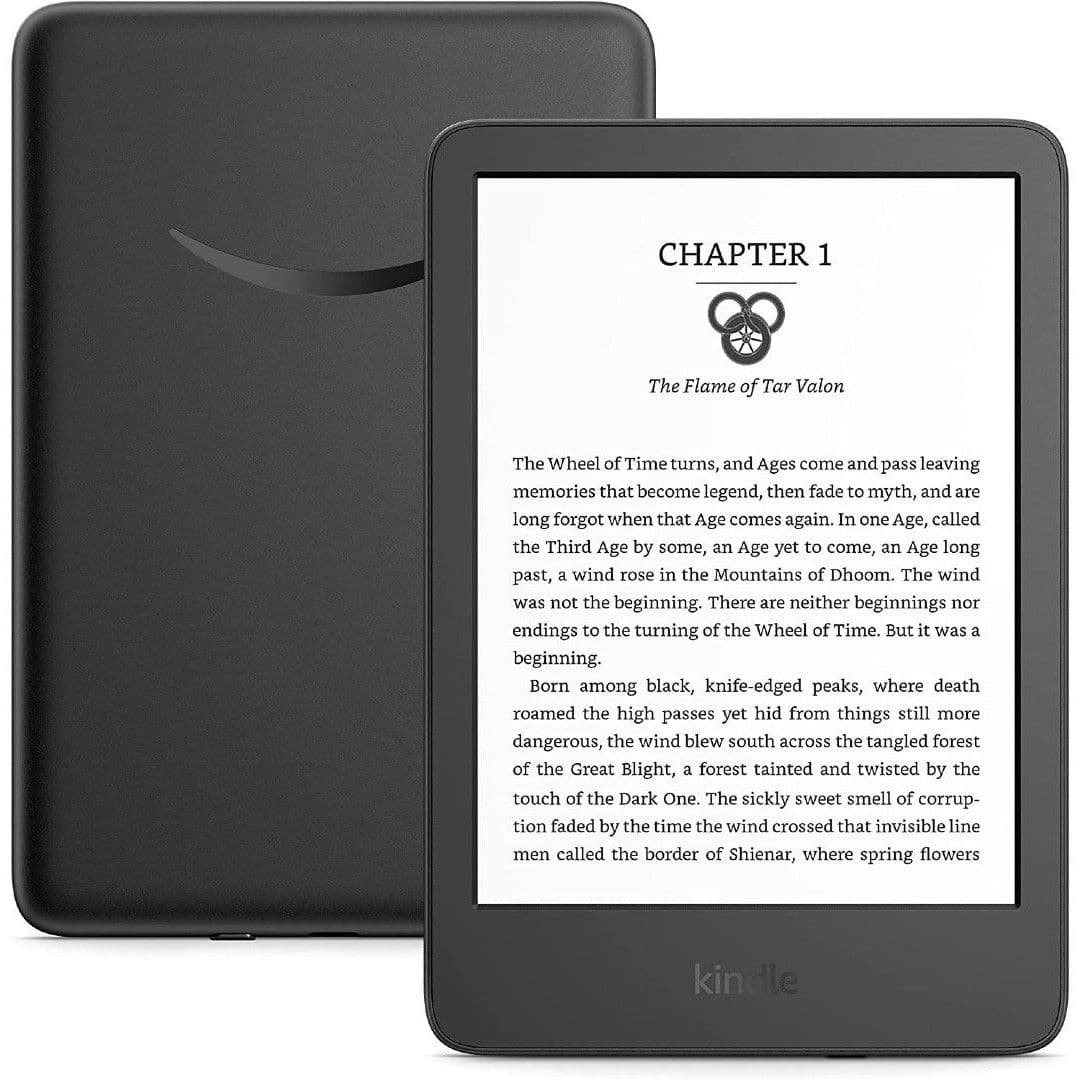
Amazon Kindle
Best value
It’s a classic for a reason
The Kindle is what most people think of when they think of e-readers, and with its latest iteration it has started to catch up to its competitors with higher resolution and a USB-C port. Are you e-book curious? This is the device for you.
Pros
- Incredibly affordable
- Small size is very portable
- No distracting features
Cons
- Feels cheap
- Pixelated text due ot low ppi
- Raised bezel, the screen is not flush
If you’re looking to get in on the ground floor of Amazon’s Kindle E Ink e-reader line, then the base Amazon Kindle is the model you’re looking for. Recently refreshed with front-light support for all your nighttime e-reading needs, this device packs 8GB of storage. If you don’t mind lockscreen advertisements, you can snag one for $90, which is about as cheap as e-readers get, even Amazon’s.

While plenty of other e-readers offer all kinds of exciting features, like the ability to take notes with a stylus, the base Amazon Kindle is a no-frills device. It’s best for those who are only interested in reading on a portable 6-inch unit that can easily fit inside a purse or back pocket. At the very least, you do get Bluetooth support. If you’d like to listen to your Audible audiobooks over a Bluetooth headset, the base Amazon Kindle now supports Bluetooth connections for this very purpose. It’s a nice touch for such an affordable device.
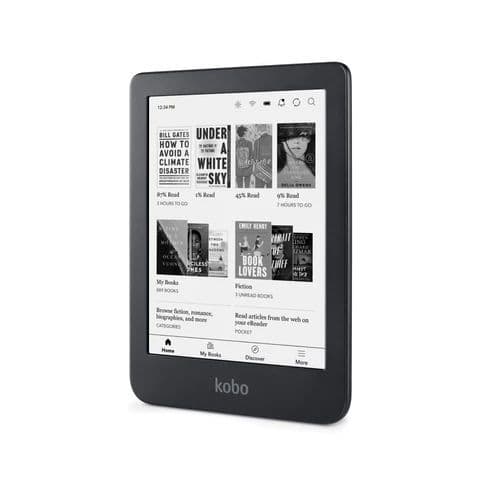
Kobo Clara 2E
Best to take to the beach
Kindle alternative with more to offer
If you don’t want to be locked into the Kindle ecosystem but you want a robust device at a reasonable price point, look no further than the Kobo Clara 2E. Don’t forget to take it to the beach because this device is waterproof.
Pros
- Lightweight, easy to carry
- Clear text that’s easy to read
- Auto adjusting warm lighting
Cons
- Slow navigation
- No landscape mode
The waterproof Kobo Clara 2E replaces the Kobo Clara HD, packing plenty of improvements over the previous model, such as Bluetooth support for audiobooks and an improved screen resolution for clearer text. E-books can be purchased directly on the device, straight from Rakuten’s Kobo e-book store, and the quality of the books stacks up to the likes of Amazon. So, if you’re looking for a solid Kindle competitor, especially at the low end, the Kobo Clara 2E is an excellent choice at $140.
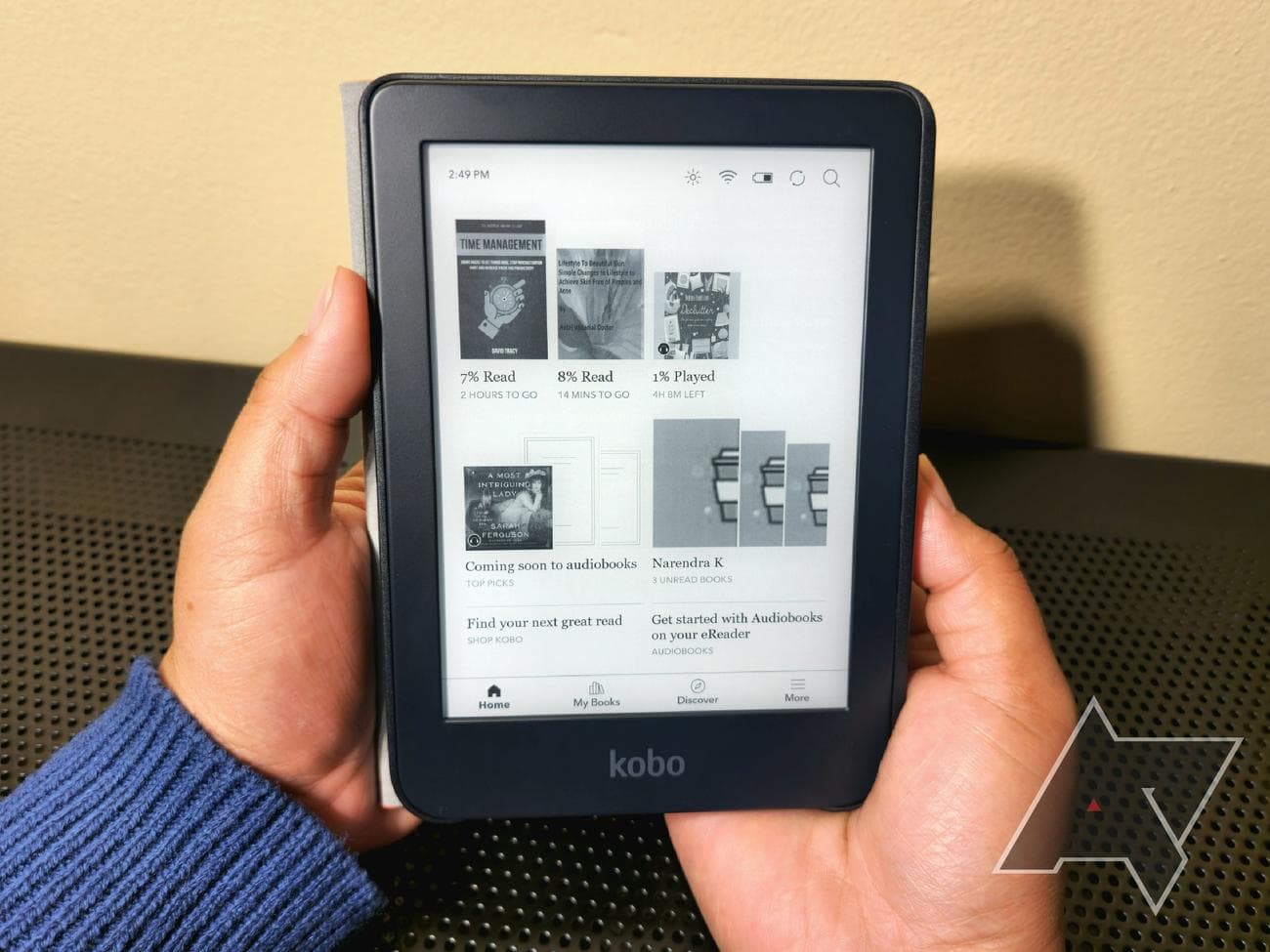
What really sets the Kobo Clara 2E apart from competitors is its grippy back and auto-adjusting warm lighting. You can also expect competent EPUB support, so if you prefer to build your library of e-books from several sources, the Kobo Clara 2E is much more versatile than a locked-down Kindle and supports a wide range of formats. All around, Kobo is about as close as you can get to a polished and worthwhile competitor to Amazon, and the Kobo Clara 2E easily blows the base Kindle out of the water.
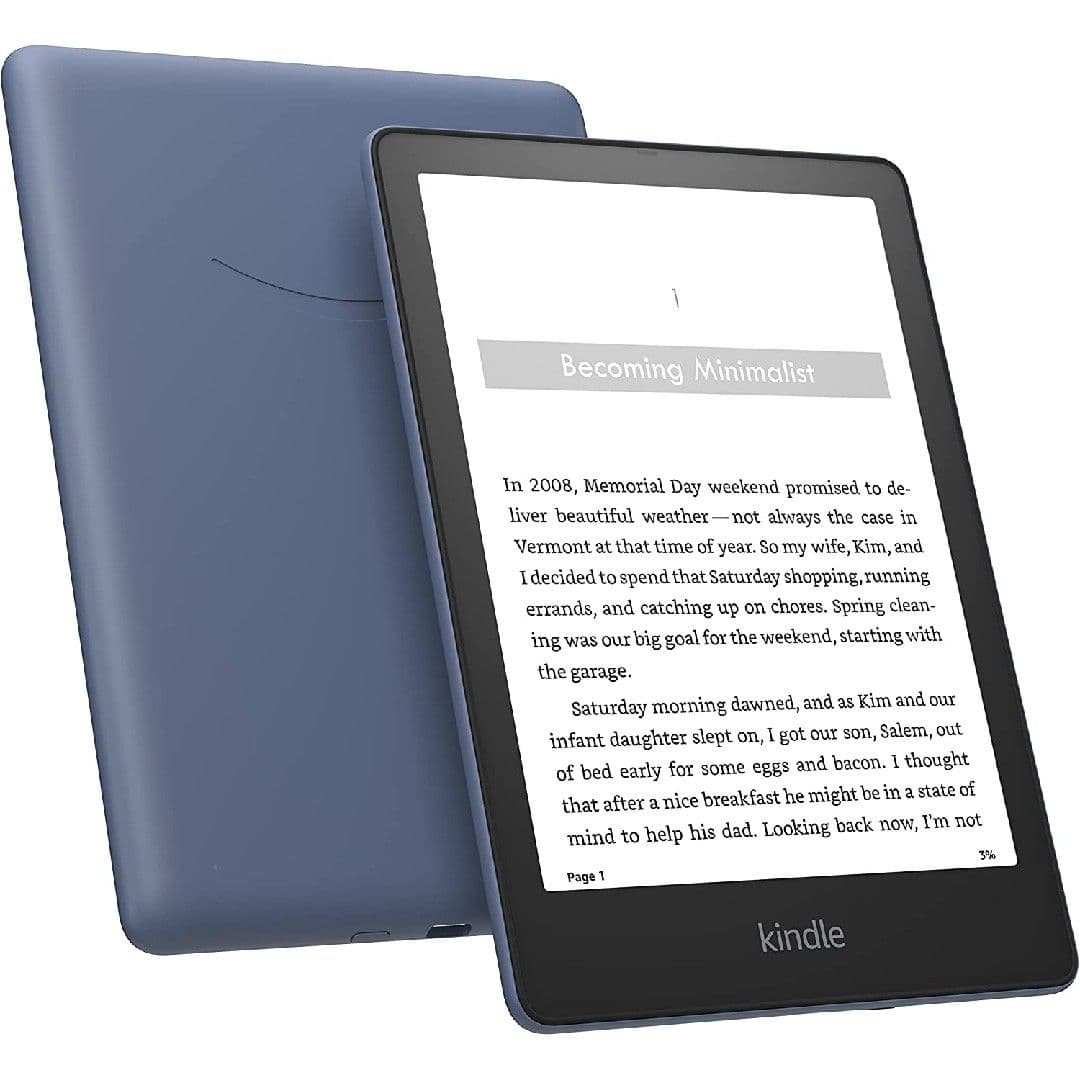
Amazon Kindle Paperwhite Signature Edition
Best in the Kindle ecosystem
A step up from the base Kindle, without breaking the bank
The base Kindle is a great device but sometimes you have to invest in yourself. The Paperwhite outperforms the base Kindle in battery life and comes with wireless charging and water resistance.
Pros
- USB-C port
- E Ink Carta 1200 cuts down on ghosting in combination with a new page turn animation
- Proprietary e-book format offers the best formatting in the business
Cons
- 7.8 inches isn’t large enough for some manga, let alone comic books
- No speakers despite audio support through Bluetooth
- UI is getting worse
Kindles are the most well-known e-readers on the market and for a good reason. Amazon spearheaded E Ink devices, polishing them to the point that mass adoption is now a reality. This is not only because of quality hardware designs that don’t break the bank but also Amazon’s incredible e-book store. These e-books lean heavily on a proprietary format, but that’s how Amazon delivers the best e-book formatting in the business. With the 7.8-inch screen on the Kindle Paperwhite, you have plenty of room to display this well-formatted text.
Of course, this version of the Paperwhite is the Signature Edition, which means you get a few extra features over the base Kindle Paperwhite, including a choice of extra storage (32GB), warm lighting, and wireless charging. All these features add just a bit more polish to an already exceptional E Ink e-reader. Plus, with the E Ink Carta 1200 screen, there’s hardly any ghosting, especially if you utilize the new page turn animation in the latest Kindle firmware.
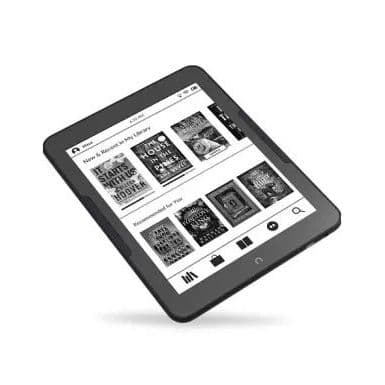
Nook Glowlight 4 Plus
Newest in the Nook lineup
The Nook refuses to die
The Nook returns with its best device in years. It has physical page-turn buttons, backlighting, a 300ppi screen, and a 3.
5 mm
audio jack. What it doesn’t have is expandable memory or an open audiobook ecosystem.
Pros
- IPx7 water resistance
- Headphone jack
- Page-turn buttons
Cons
- No expandable storage
- Cannot sideload audiobooks
The Nook GlowLight 4 Plus is the premium older brother to the GlowLight 4e, and at just $100 more, it might have enough extra features to make it your choice. It has a waterproof design, so you can use it at the beach or in the tub without fear. The screen is almost two inches larger (7.8 inches vs. 6 inches) and boasts a 300ppi resolution, giving you crisp text at any size. It also has four times the storage of the GlowLight 4e (32GB vs. 8GB), meaning you should never run out of room in your personal library.
If you like audiobooks and get them from Barnes & Noble, the GlowLight 4 Plus might be the best device for you, given that it has not just Bluetooth but a 3.5 mm audio jack! If you get your audiobooks from anywhere else, however, you should look elsewhere since the GlowLight 4 Plus does not support sideloading audiobooks from other vendors.
Amazon Kindle Oasis
Premium Kindle pick
The premium Kindle experience
If you need physical page-turn buttons and a Kindle that’s easier to hold, it might be worth it to splurge for the $250 Oasis. Still, the Oasis is from 2019, so it might be worth it to wait for a new model to drop.
Pros
- Comfortable to hold
- Physical page-turn buttons
- Warm lighting
Cons
- Still micro USB
- No external speakers
- Design hasn’t changed for three generations
The Kindle Oasis has faded a little into the background with Amazon’s new Paperwhite models, which offer a similar screen size as well as USB-C. So the benefits of jumping up to the Oasis over a Paperwhite are growing smaller, though you still get physical page turn buttons, which could be worth the upgrade alone if you demand tactility with your e-readers. The ergonomic design is also a selling point, as the e-reader is very comfortable to hold in hand. Plus, you can splash out on a 32GB model to store even more books or audiobooks, though expandable storage sure would be nice to see in this premium e-reader.
.jpg)
If you’re looking to stay within Amazon’s ecosystem but require the cream of the crop when purchasing your devices, the Oasis is still the top dog under the Kindle brand. Sure, the Paperwhite is encroaching, especially for those that require physical page turn buttons, which coincidentally feel great to click as you read.
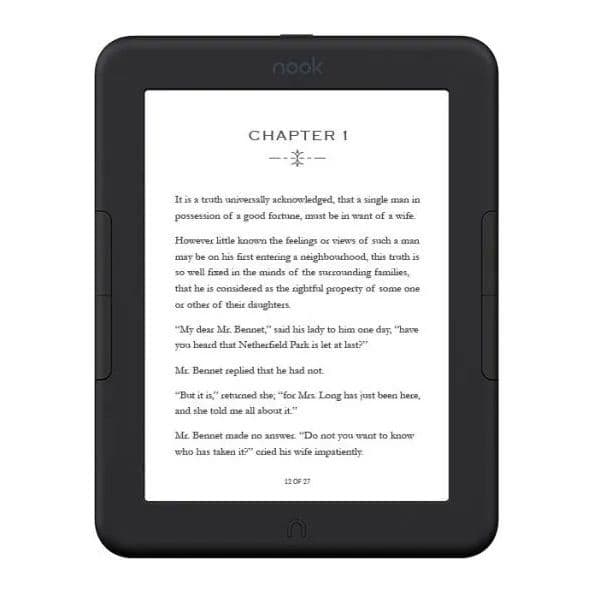
NOOK GlowLight 4e
Best budget Nook
Affordable, entry-level e-reader
The GlowLight 4e is the only e-reader on our list to compete directly with the Kindle on price. It might not be as sturdy, but if you crave old-school page-turn buttons and don’t want to pay for an ad-free device, you could do worse than the GlowLight 4e.
Pros
- Phyusical page-turn buttons
- Very affordable
- USB-C
Cons
- Big bezels
- Still more expensive than Kindle
- Pixelated text thanks to the 212 ppi screen
The Nook GlowLight 4e is Barnes & Noble’s competitor going up against Amazon’s affordable base Kindle model. Of course, Barnes & Noble has offered EPUB support since the beginning, which means the Nook is a great device for those who own or plan to purchase a library of EPUB e-books. It’s a much more open market than the proprietary formats used by Amazon and Rakuten, so you aren’t beholden to the prices on the default store built into the e-reader.
But even though the Nook is excellent for those who have invested in a library of EPUB books, since you also get access to the Barnes & Noble e-book store, you can easily treat the Nook just as you would a Kindle. It’s a no-muss, no-fuss device, perfect for anyone at any age, especially now that Barnes & Noble has fully embraced physical page-turn buttons. That feature is a fantastic addition since the buttons are way more accessible than tapping on a screen. So not only is the Nook GlowLight 4e competitively affordable, but it also offers tons of accessibility.
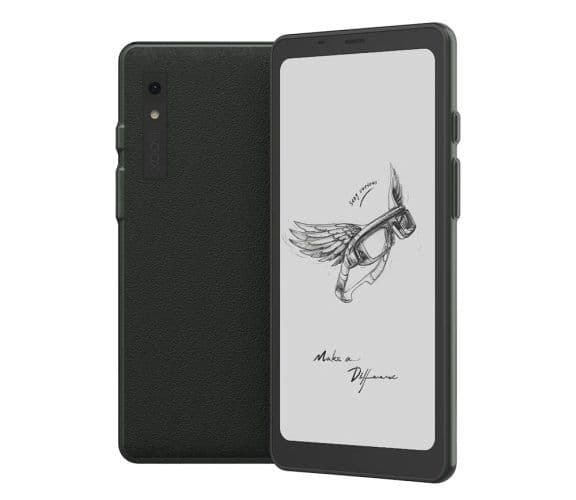
Onyx Boox Palma
Best to take anywhere
A
phone
-sized e-reader that fits in your pocket
The Boox Palma is more of an e-reader than a smartphone, but you’d be forgiven for being confused at first glance. It runs on Android 11, so you can load it up with your favorite online book stores and e-reading software. It even has speakers, so you can listen to your audiobooks without headphones.
Pros
- Smartphone-sized form factor
- 128GB of storage
- Stereo speakers
Cons
- No cellular radio
- Low refresh rate doesn’t play well with Android
Although Boox isn’t the first manufacturer to release a palm-sized e-reader, the Palma is a device that competitors will surely copy. As far as Boox products go, the Palma is smaller than anything it’s released to date, and it’s priced to move, coming in at just $280, putting it on par with the Kindle Oasis or the Kobo Sage.
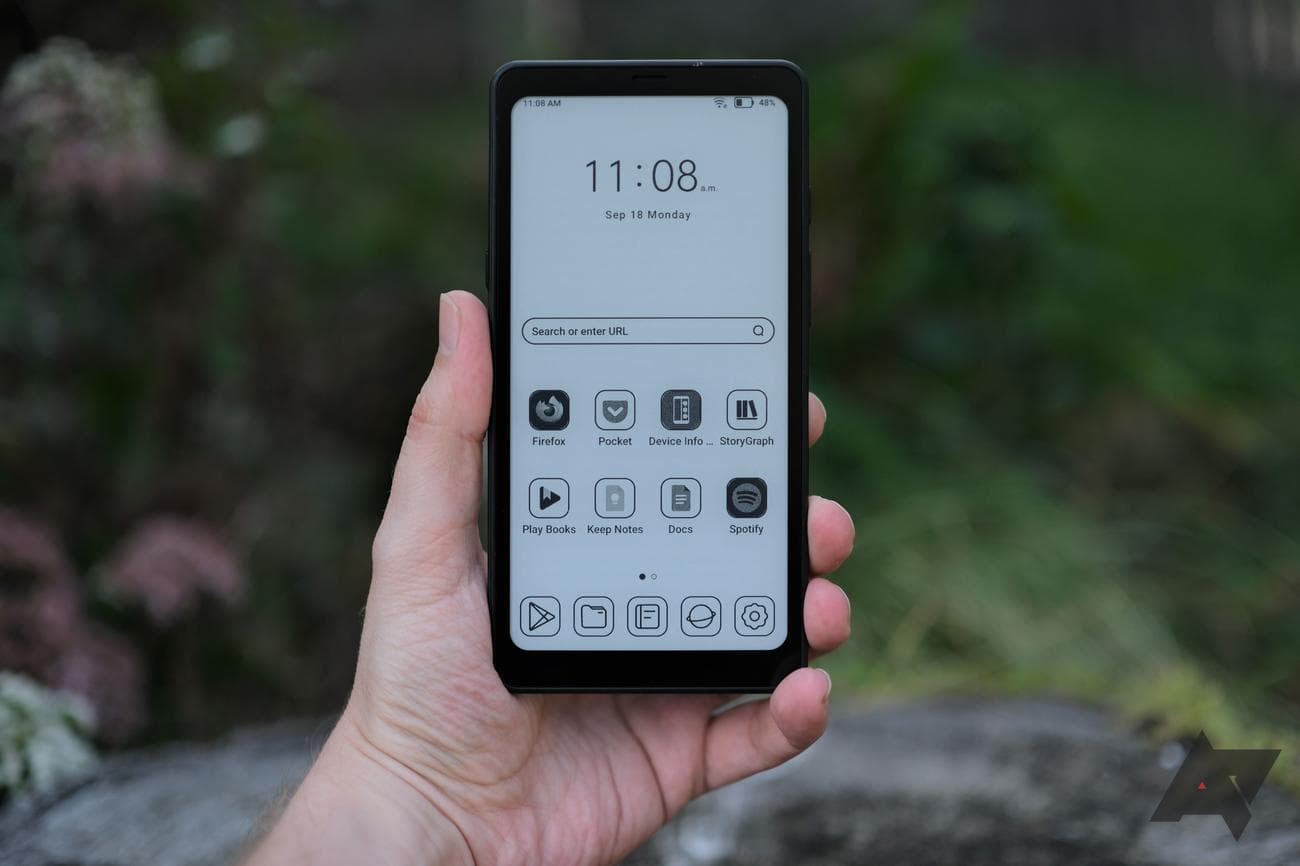
Although the Palma looks like a smartphone, it doesn’t have any cellular capability, but it does have Wi-Fi and Bluetooth connectivity. You won’t be making phone calls or sending SMS messages with the Palma, but it might be your everyday device for when you’re in the house; it does have a custom Android 11 OS, after all. And even though it’s small for an e-reader, it has the Snapdragon 662 that Boox likes to use and 6GB of RAM (compared to the 512MB in the Kindle Oasis).
Source: reMarkable
reMarkable 2
Best for writing
reMarkable, reBorn
The reMarkable 2 has the best writing experience out of every device on this list, but it’s achieved that distinction at the cost of being an adequate e-reader. If your goal is to take notes, get it; if you want your device to do more, look for something else.
Cons
- $80 stylus not included
- No backlight for night reading/writing
- Only supports EPUB and PDF
The reMarkable 2 was made to be one thing: the best writing experience on an E Ink tablet. More than any other e-reader, the reMarkable 2 replicates how it feels to put pen to paper when taking notes. If your number one concern when buying an e-reader device is writing and taking notes with a stylus, you want the reMarkable 2. If you want your E Ink tablet to be good at more than one thing, however, you might be better off with something like the Kindle Scribe.
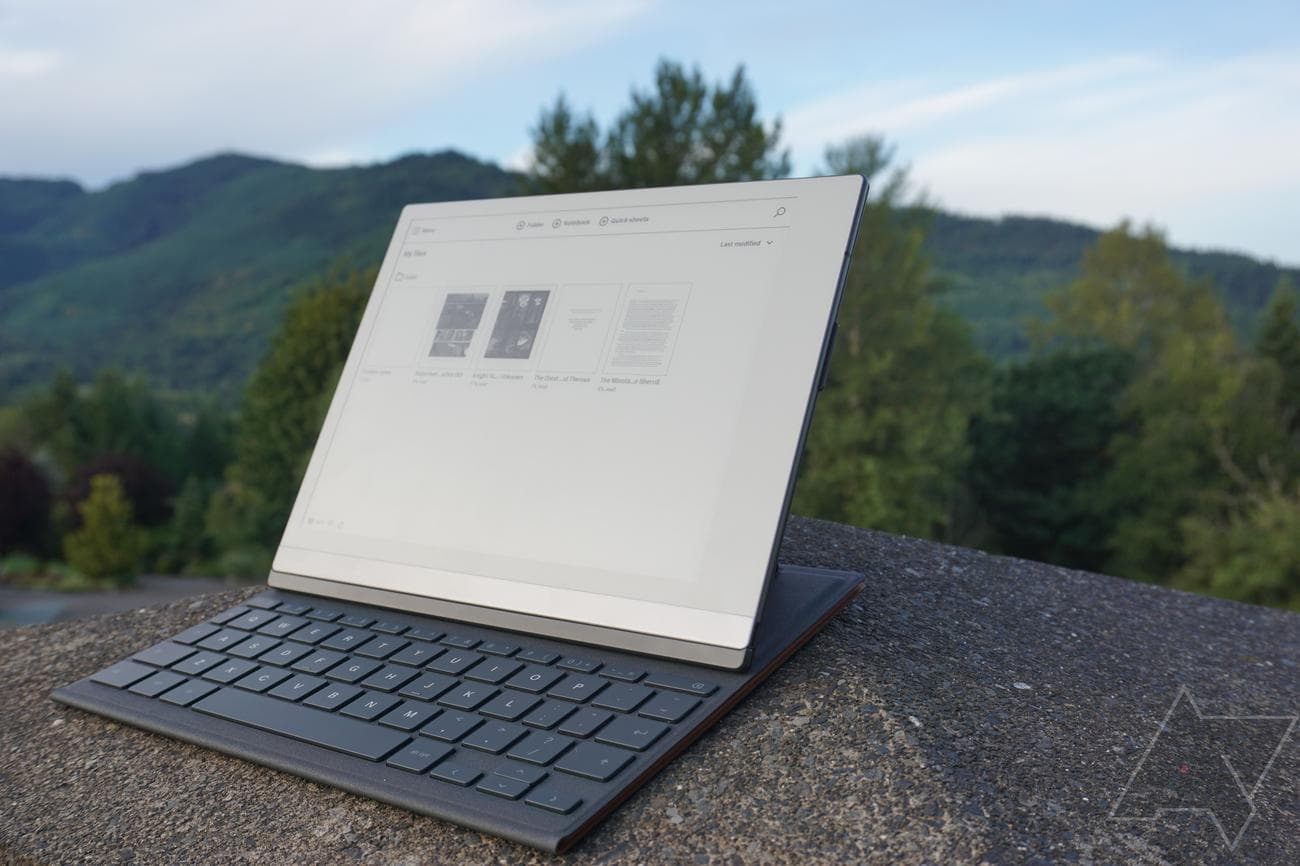
What might be a deal-breaker for you is the lack of support for document formats besides EPUB and PDF, so if you want to read a book from Amazon, you’ll have to convert it somehow. The lack of backlighting or page-turn buttons (virtual or physical) diminishes the e-reading experience, meaning you can only read or write in the light, and you have to swipe to turn pages. On the other hand, the writing features are very robust and intuitive. You can find a better e-reader, but you’ll be hard-pressed to find a better writer.
The best E Ink e-readers are easier to find than ever
There are a lot of good e-readers available for today’s readers; hopefully, our guide has pointed you in the right direction. For our money, the Kindle Scribe offers the most bang for the buck with its 10.3-inch screen; it’s the perfect device for reading manga at full resolution, and the included stylus lets you take notes as you read or just doodle if you’re bored. For more control over your content and more features in your device (and more money), look to the Boox Tab Ultra C with its state-of-the-art Kaleido 3 color E Ink display. It has everything the Scribe does and a little bit more.
Of course, not everyone is willing to spend over $300 on an e-reader. Amazon’s base-model Kindle is just $100 and finally has a USB-C port and 300ppi resolution. And for just $40 more, you can opt for the Clara 2E, which ups the ante with IPX8 water resistance and supports more diverse file formats.
Whether you like to keep things simple with your e-reader or you like to tinker with all the settings, there’s at least one device in this guide that will scratch that itch. And now that fall is finally here, it’s definitely time to sit down with a good book.
Source: Amazon
Amazon Kindle Scribe
Editor’s Choice
This is the Kindle to beat
When you factor in all the variables, it’s hard to beat everything the Kindle Scribe offers. Lots of OEMs offer similar features, but none put them together as well as Amazon.
