
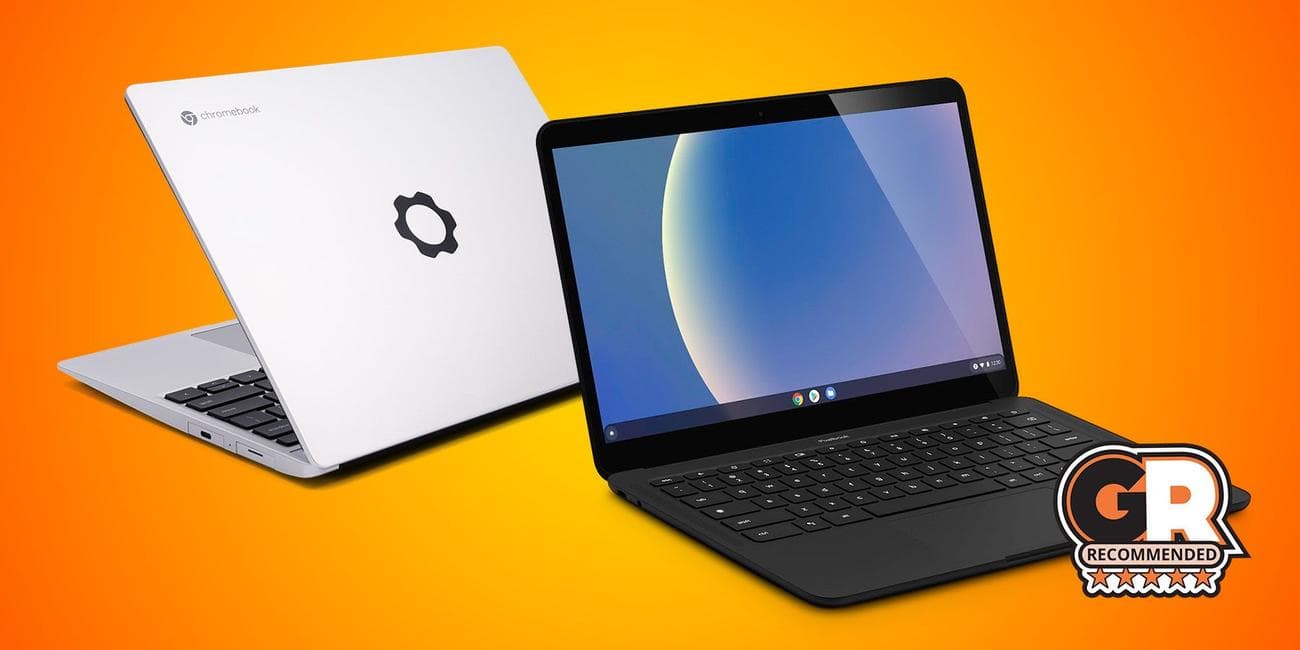
The Best Chromebooks in 2023
Gamers who haven’t been paying attention to Chromebooks over the last couple of years have been really missing out on some remarkable innovations. No longer are Chromebooks just little dinky laptops for middle schoolers. They are actually great lightweight laptops for personal use, business use, and maybe even gaming.
Best Gaming Laptops
Lenovo, Asus, and now Google are the leading producers of the best Chromebooks. Importantly, for the first time since Chromebooks became popular, pretty much every manufacturer is making consistently excellent Chromebooks.
Key Factors For Choosing The Best Chromebook
Buyers will want to consider these factors when choosing a Chromebook.
-
Size
: What size of Chromebook will work best? -
P
erformance
: What tasks does the Chromebook need to be able to accomplish? -
Storage and Battery Life
: What are the specs of the Chromebook?
The Best Chromebooks
Asus Chromebook Flip CX5
Best Overall Chromebook
$503
$700
Save $197
The 16-inch ASUS Chromebook Flip CX5 has a new look and features up to the latest 12th Generation Intel Core i3 processor plus Wi-Fi 6E for powerful performance and connectivity. To deliver expansive visuals in any scenario, its three-sided NanoEdge display with a 16∶10 aspect ratio fits more screen into the chassis, while a Harmon Kardon-certified audio system offers a quad-speaker design to deliver impeccable sound.
-
Brand
-
Asus
-
Storage
-
128 GB
-
CPU
-
Intel 12th Generation Core i3
-
Memory
-
8 GB
-
Operating System
-
Chrome OS
-
Battery
-
57 Wh Lithium-ion
-
Camera
-
720p
-
Display (Size, Resolution)
-
16 inches 1920 x 1200
-
Weight
-
4.17lbs
-
GPU
-
Intel UHD Graphics 630
-
Colors
-
Mineral Grey
Pros
- Compact and lightweight
- Fantastic keyboard and trackpad
- Thunderbolt 4 support
Cons
- Battery only lasts 8 hours
- 720p webcam
The Asus Chromebook Flip CX5 breaks the mold of what Chromebooks have the reputation of being: boring and lightweight alternatives to Windows laptops. This Chromebook has a stunning display and fantastic performance, and the flipping screen makes it very versatile to use as a tablet as well. Although the shape and size of the screen do make using it as a standalone tablet kind of awkward, people looking for a better tablet experience will want to look at the Acer Chromebook Detachable CM3 instead.
When it comes to performance, the Flip CX5 absolutely excels. It even holds its own when compared to Windows laptops like the Asus Zenbook 13. Now, of course, because it is on ChromeOS, it won’t be the same exact experience as a Windows laptop, but for those who regularly use web-based services, this Chromebook can keep up with the best of them. The higher performance, however, does mean the battery life is a bit shorter compared to other Chromebooks like the Asus Chromebook 514.

Framework Laptop Chromebook
Best Chromebook for Customization
Powered by a 12th Gen Intel Core i5-1240P processor with 4+8 CPU cores and 30W sustained performance, this Chromebook offers fantastic performance, excellent power efficiency, PCIe 4.0, and Intel’s new Xe Graphics, delivering a massive leap over previous generations.
-
Brand
-
Framework
-
Storage
-
256GB
-
CPU
-
i5-1240P (Up to 4.4 GHz, 4+8 cores)
-
Memory
-
8GB (1 x 8GB) DDR4-3200
-
Operating System
-
ChromeOS
-
Battery
-
55Wh
-
Ports
-
4 Customizable I/O Ports
-
Camera
-
1080p 60fps
-
Display (Size, Resolution)
-
13.5(2256×1504)
-
Weight
-
1.3 kg
-
Network
-
WiFi 6E
-
Speakers
-
Stereo 2W speakers with improved 80dB loudness
-
GPU
-
Iris Xe Graphics
Pros
- Easily customizable and upgradable
- Can handle some light gaming
Cons
- Expensive for a Chromebook
Gamers involved in the right-to-repair movement or DIY fans have probably heard about Framework. Their laptops are designed around user reparability and being able to upgrade components as needed rather than just buying a new laptop. The price might be a bit of a turn-off for some people. But keep in mind that Framework is a smaller company, and if their Chromebook is going to be like their other laptops, the next time an upgrade is needed, users will only have to buy a new main board for a much cheaper cost.
The swappable I/O is one of the most significant selling points for Framework laptops. Instead of being stuck with the I/O that comes with a Chromebook, the Framework Chromebook allows users to swap out all four I/O ports with anything they want. They sell modules that connect to internal USB-C ports to make that I/O anything from a USB-A to a full-sized HDMI port, making it perfect for people who like to tinker with their devices.
As far as performance goes, users can definitely game on this Chromebook. For users who plan to use it to study or work, it is also a great option. It is worth noting that the battery life is low compared to other Chromebooks at eight hours, but this isn’t a huge downside compared to the excellent performance users can get out of this Chromebook.
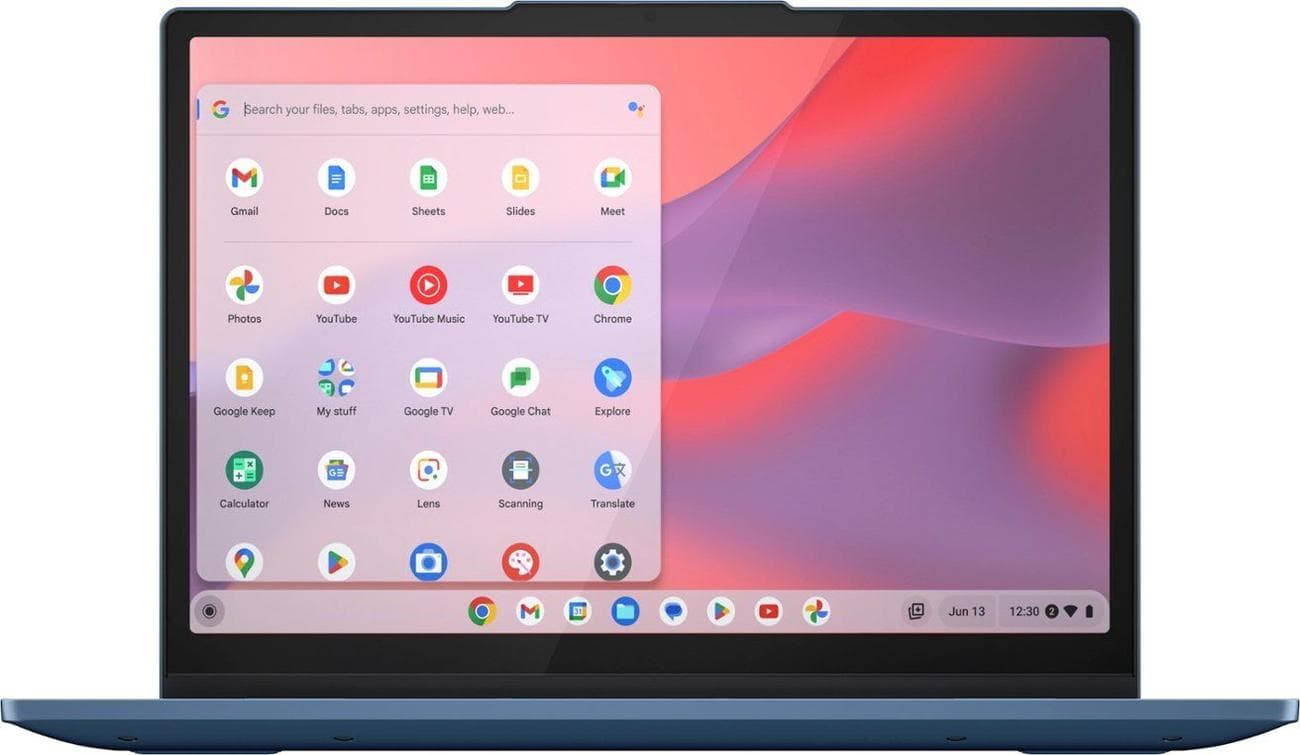
Lenovo IdeaPad Flex 3i (Gen 8, 12.2″)
Best Budget Chromebook
The Lenovo IdeaPad Flex 3i is compact, affordable, and has a stellar battery life. This Chromebook is meant for lighter tasks with its budget-friendly hardware, but for web browsing, study, or work, it is perfect. The 360-degree flip-and-fold design offers four different ways to use the Flex 3i, and thanks to the 12.2-inch 10-point multitouch screen, this Chromebook is stunning.
-
Storage
-
64 GB eMMC
-
CPU
-
Intel Processor N100
-
Operating System
-
Chrome OS
-
Battery
-
Up to 12 hours
-
Ports
-
1 x HDMI 1.4 2 x USB 3.2 Gen 2 Type-C 1 x USB 3.2 Gen 1 Type-A 1 x 3.5mm audio combo jack 1 x microSD card reader
-
Display (Size, Resolution)
-
12.2″ 1920 x 1200
-
GPU
-
Intel UHD Graphics
-
RAM
-
4 GB
Pros
- Very affordable price
- Excellent battery life
Cons
- Only 4 GB of RAM
- Multitasking can bog down the performance
Most Chromebooks are excellent budget options, but for users looking for the best Chromebook price to performance, look no further than the Lenovo IdeaPad Flex 3i Chromebook. This Chromebook is powered by the Intel N100 CPU, 4GB of RAM, and Intel UHD graphics, which provides fantastic performance, especially because it can be picked up for less than $300. Lightweight multitasking works perfectly fine, but once it kind of tips into a heavier workload, the performance does tend to bog down a bit.
Thanks to the lower-power hardware and how optimized ChromeOS is, the battery easily lasts up to 12 hours. Although it is thin, the build quality feels solid, and there is surprisingly little deck flex when typing on the keyboard. This reasonably small Chromebook is perfect for students who just want to be able to throw in their bag and be able to take notes or get some homework done.
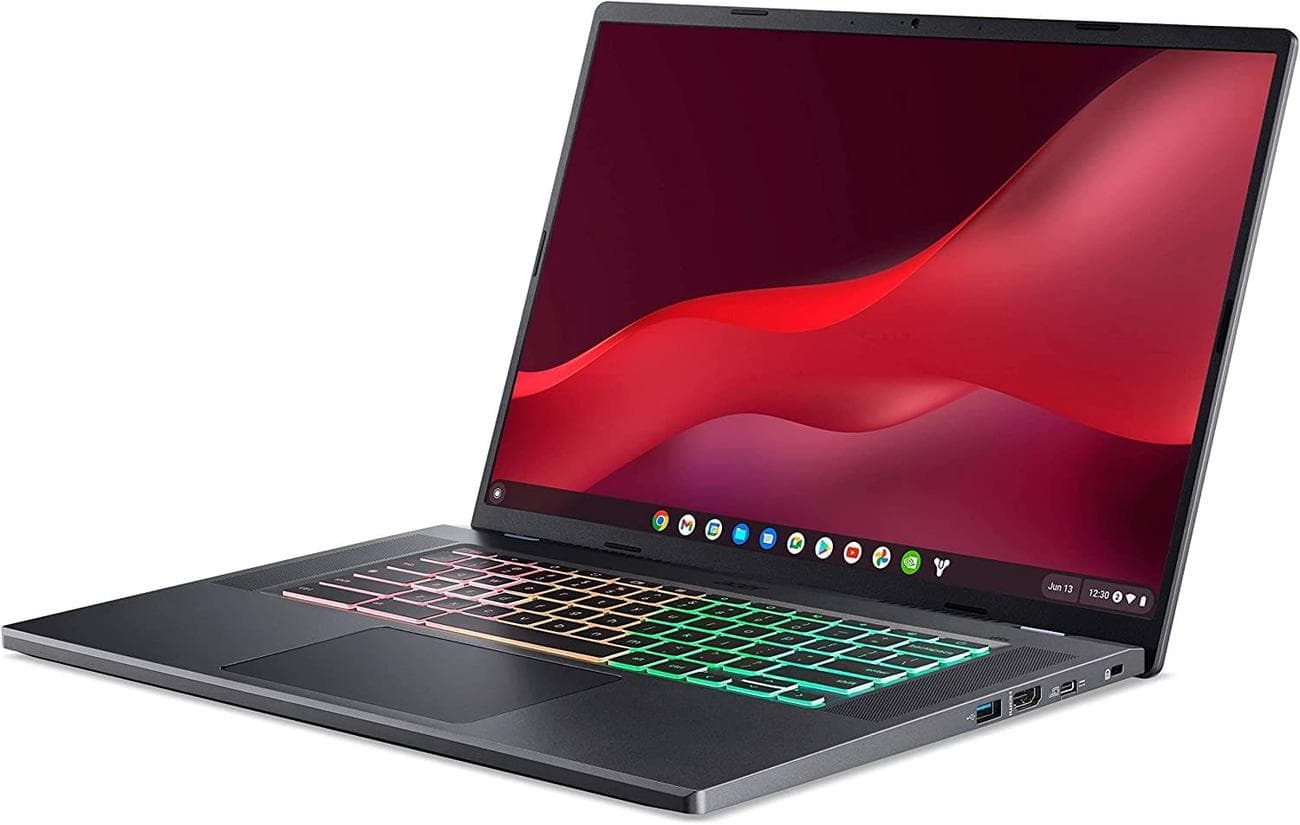
Acer Chromebook 516 GE
Best Chromebook for Gaming
Designed specifically for gaming on Chromebook and equipped with everything gamers need to get into cloud gaming, it’s now possible to fully enjoy high-FPS gameplay. It has a high-speed refresh rate of up to 120Hz and high bandwidth with a built-in RJ-45 2.5G Gigabit Ethernet (2.5GbE) LAN port and Wi-Fi 6E support. Take full advantage of the crisp and clear frame rate.
-
Brand
-
Acer
-
Storage
-
256 GB
-
CPU
-
Intel Core i5-1240P
-
Memory
-
8 GB
-
Operating System
-
ChromeOS
-
Battery
-
About 9 Hours
-
Ports
-
2 x USB-C (3.2), 1x USB-A (3.2), 1 x 3.5mm audio in/out, 1 x HDMI
-
Camera
-
1080p
-
Display (Size, Resolution)
-
16 inches ( 2560×1600)
-
Weight
-
3.75 lbs
-
Network
-
WiFI 6E, Gigabit Ethernet
-
Speakers
-
Quad speakers
Pros
- Excellent performance
- Fast 120Hz display
- Good selection of I/O ports
Cons
- No touch screen
- USB-C ports aren’t Thunderbolt 4
Not only can the best Chromebooks handle gaming, but now there are even gaming-focused Chromebooks that look like other gaming laptops. This Chromebook’s most game-centric features are the RGB keyboard and blazing-fast 120Hz display. Unlike other gaming laptops, the Acer Chromebook 516 GE (GE stands for Gaming Edition) is focused on cloud gaming instead of internal gaming. Because of that, there is no dedicated GPU, but that doesn’t mean users will just be playing Android mobile games. This Chromebook is perfect for any gamer who wants to get into cloud gaming or people looking for a more portable solution to fairly bulky gaming laptops.
Using GeForce Now on ChromeOS, gamers can pull up their Steam library and play games over the cloud wherever they are as long as they have an internet connection. The free version of GeForce Now doesn’t seem worth it because games can only be played at or under 1080p and only have an hour-long session at a time. Luckily, with this Chromebook, gamers get a free trial of the premium version for three months, and it is a much better experience. Besides the excellent performance, the 516 GE is incredibly well-built, and the I/O is reminiscent of older laptops that did not skimp in variety at all.
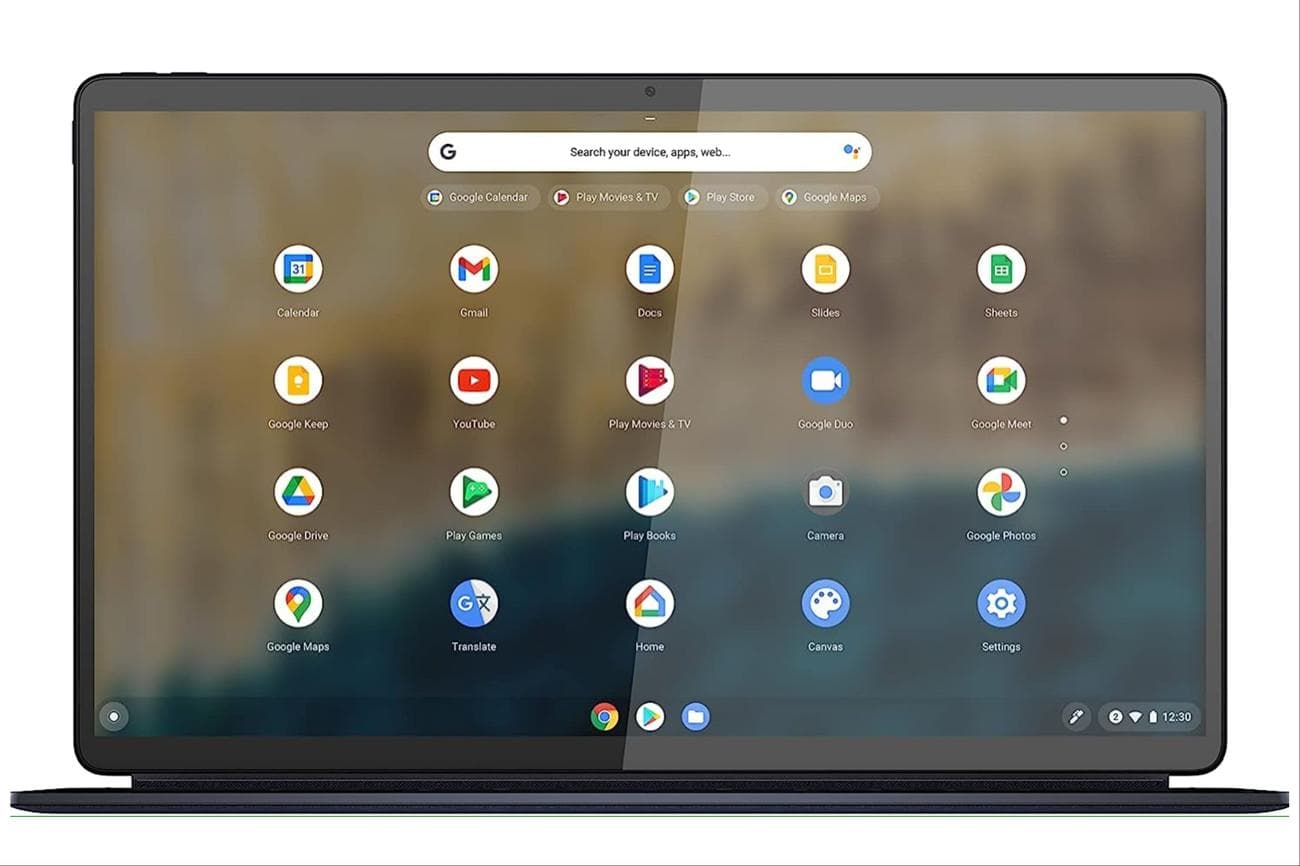
Lenovo IdeaPad Duet 5 Chromebook
Best 2-in-1 Chromebook
$400
$459
Save $59
The Lenovo IdeaPad Duet 5 is a tiny 2-in-1 detachable Chromebook that delivers both laptop and tablet functionalities. It shatters the stereotype of small, inexpensive Chromebooks.
-
Brand
-
Lenovo
-
Storage
-
256 GB
-
CPU
-
Qualcomm Snapdragon SC7180 Processor
-
Operating System
-
Chrome OS
-
Battery
-
Up to 15 hours
-
Camera
-
Front: 5MP Fix Focus CMOS Rear: 8MP Auto Focus
-
Display (Size, Resolution)
-
13.3 inches, 1920 x 1080 pixels
-
Weight
-
4.03 pounds
Pros
- Excellent battery life
- Keyboard and kickstand included
- Outstanding OLED display
Cons
- Somewhat disappointing performance
- Mobile processor
For anyone who wants the versatility of switching between a more typical laptop user experience and a tablet, 2-in-1 Chromebooks are great options. The Lenovo IdeaPad Duet 5 is one of the best 2-in-1 Chromebook options out there. With a 13-inch OLED 1080p display that covers 100% of the DCI-P3 color gamut, the display alone is almost worth the cost of the Chromebook. Unlike many other tablet options, the Duet 5 comes with a keyboard and kickstand, so there is no extra cost to get the 2-in-1 experience out of it.
Because the Duet 5 is so thin and is more of a tablet than a traditional Chromebook, it is powered by a mobile Qualcomm Snapdragon SC7180 processor instead of a laptop CPU. This isn’t the most powerful processor in the world, but it is more than capable of light multitasking, streaming media, or even some design work. Thanks to all the efficient components in the Duet 5, this Chromebook has an outstanding 15-hour battery life that can easily make it through a whole day of work or travel.
If people are considering picking up a Microsoft Surface tablet but are dissuaded by the price point, the Lenovo IdeaPad Duet 5 is an excellent alternative. Plus, users still have full access to Microsoft Suite programs.
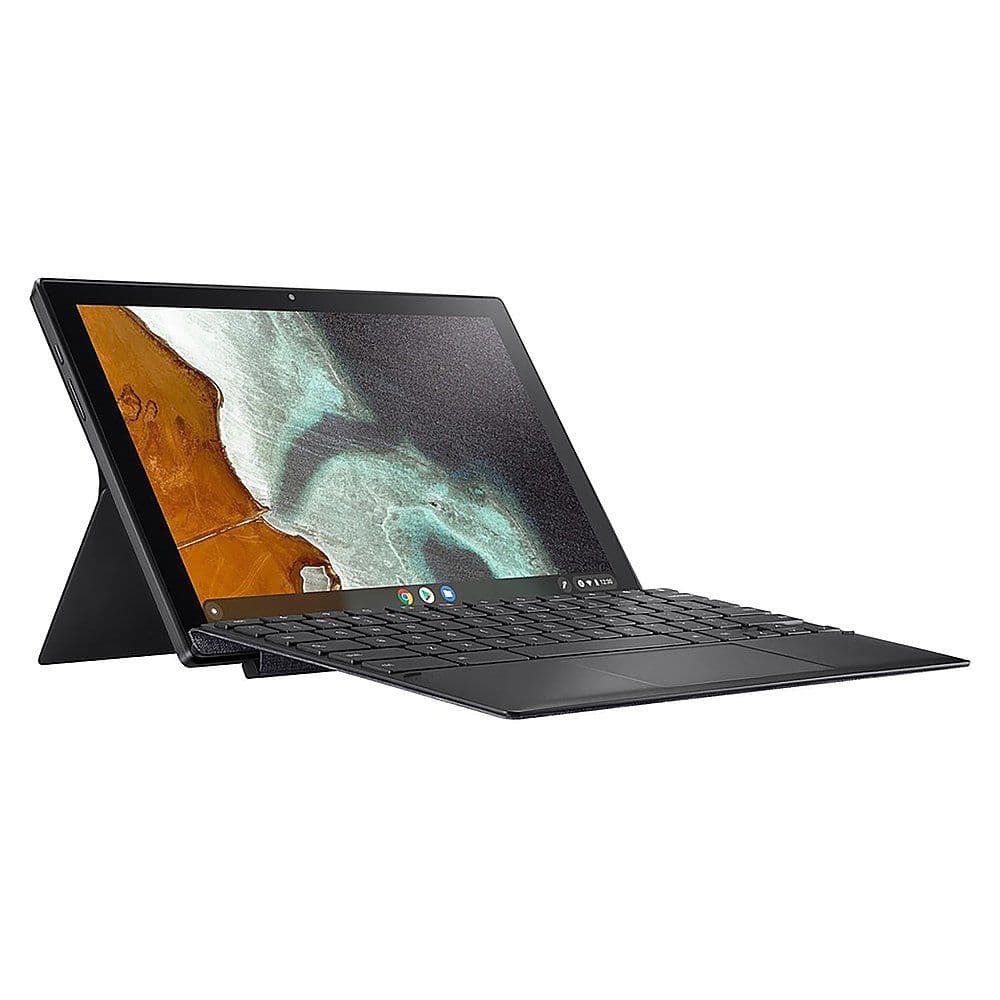
ASUS – Chromebook Detachable CM3
Best Lightweight Chromebook
ASUS Chromebook Detachable CM3 features a solid Mineral Grey aluminum Unibody chassis that is finished with delicate matte black diamond-cut edges, and the 7.9 mm ultra-thin design and stain-repellent cover make it a stylish, durable companion for work, play, or study.
-
Brand
-
Asus
-
Storage
-
64 GB eMMC
-
CPU
-
MediaTek MTK 8183
-
Memory
-
4 GB
-
Operating System
-
Chrome OS
-
Battery
-
27Wh Li-polymer battery
-
Ports
-
1x USB 2.0 Type-C, 1x 3.5mm combo audio jack
-
Camera
-
2MP front camera / 8MP rear camera
-
Display (Size, Resolution)
-
10.5 inches (1920 x 1200)
-
Weight
-
1.12 pounds
Pros
- Incredibly lightweight and thin
- Detachable keyboard
- Over 12 hours of battery life
Cons
- 2 megapixel front-facing camera
- Fairly weak CPU
The Asus Chromebook Detachable M3 weirdly falls more into an iPad alternative category rather than a Windows laptop alternative. With the lack of Android-based tablets, this Chrome OS-based tablet with a detachable keyboard is perfect for anybody who wants a lightweight productivity device. The CM3 keyboard, which comes included, is one of the best slim detachable keyboards available. The keys are clicky and responsive, like any other full-sized laptop keyboard. Plus, with 13 hours of battery life, users can easily get through a day of traveling or at the office without recharging.
Due to its thin and light design, the I/O is a little lacking compared to the other best Chromebooks, but compared to other tablets, it is pretty comparable. This will not be the best option for everyone, but the M3 might be the way to go for those who want an iPad alternative.
How To Choose The Best Chromebook?
These are the factors that buyers should consider when choosing a Chromebook: size, performance, storage, and battery life.
Size
Chromebooks come in various shapes and sizes, ranging from 10 inches to 16 inches. Most users will probably fall between the 12-inch to 14-inch range, but people who need more screen real estate and aren’t as worried about portability should look at the 16-inch options.
Alongside the screen size are the overall dimensions of the Chromebook. Most of these devices are intended to be used on the go and taken everywhere, so having one that will fit into a bag or is otherwise not a pain to carry is vital. This number is different for everyone, so to make it easy, take out a bag that is most comfortable for commuting or traveling and measure it to see which Chromebooks will fit.
Performance
Chromebooks are not the bleeding edge when it comes to mobile computer performance, but they can accomplish a surprising amount of tasks, especially with the latest Chromebooks that are coming out. Because most Chromebooks rely on integrated graphics, the CPU and RAM are the main two specs people will want to check out.
Generally, users who want to multitask and accomplish whatever the workday throws at them should look for quad-core CPUs. Some more budget Chromebooks will use mobile processors like a Snapdragon SC7180; these aren’t bad, but they will probably have slower performance than the Intel or AMD options.
As far as RAM goes, ChromeOS is very well optimized, so despite the Chrome browser’s reputation for being a memory hog, most Chromebooks can run perfectly fine with 4 GB of RAM. A Chromebook with 8 GB of RAM will feel much more snappy and responsive, but it is a bit overkill unless it is for gaming or heavy work.
Storage and Battery Life
Finally, storage and battery life are the last couple of factors to remember. Regarding storage, Chromebooks don’t need as much storage as Windows or MacOS devices, so there is no need to get 1 TB drives. For the most part, 64 GB is very common, but for users who want to use a Chromebook for work and gaming, it is probably best to go for 128 GB of storage. Separate from the amount is the type of storage.
SSD drives are great for every use case. They are faster, more reliable, and typically can support more storage than eMMC. On the other hand, eMMC’s main advantage is the price; eMMC storage will always be more budget-friendly than SSDs.
When it comes to battery life, it’s not too much of a concern. Most Chromebooks have a battery life of 8 to 12 hours, which will get most people through a day of work or travel without needing a recharge. Game Rant recommends ensuring all the other specs align with what is required and checking out battery life last.
FAQ
Q: Which Chromebook has the longest lifespan?
It is hard to tell for every person, but overall, the Chromebook that has the best chance to survive the longest is the Framework Chromebook. The fact that users can replace or upgrade components as needed means that they can hold onto this Chromebook for quite a while before purchasing a whole new one.
Q: Do Chromebook batteries last longer than laptops?
One of the most significant advantages of Chromebooks is that they typically have longer battery life than most laptops. Most of the Chromebooks recommended here have a battery life of over 8 hours, which is much better than even the most power-efficient Windows laptops.
Q: Are Chromebooks still good in 2023?
Chromebooks are an excellent option in 2023. They have only gotten better in recent years.
VIA:
GameRant.com
