
The
best gaming mouse
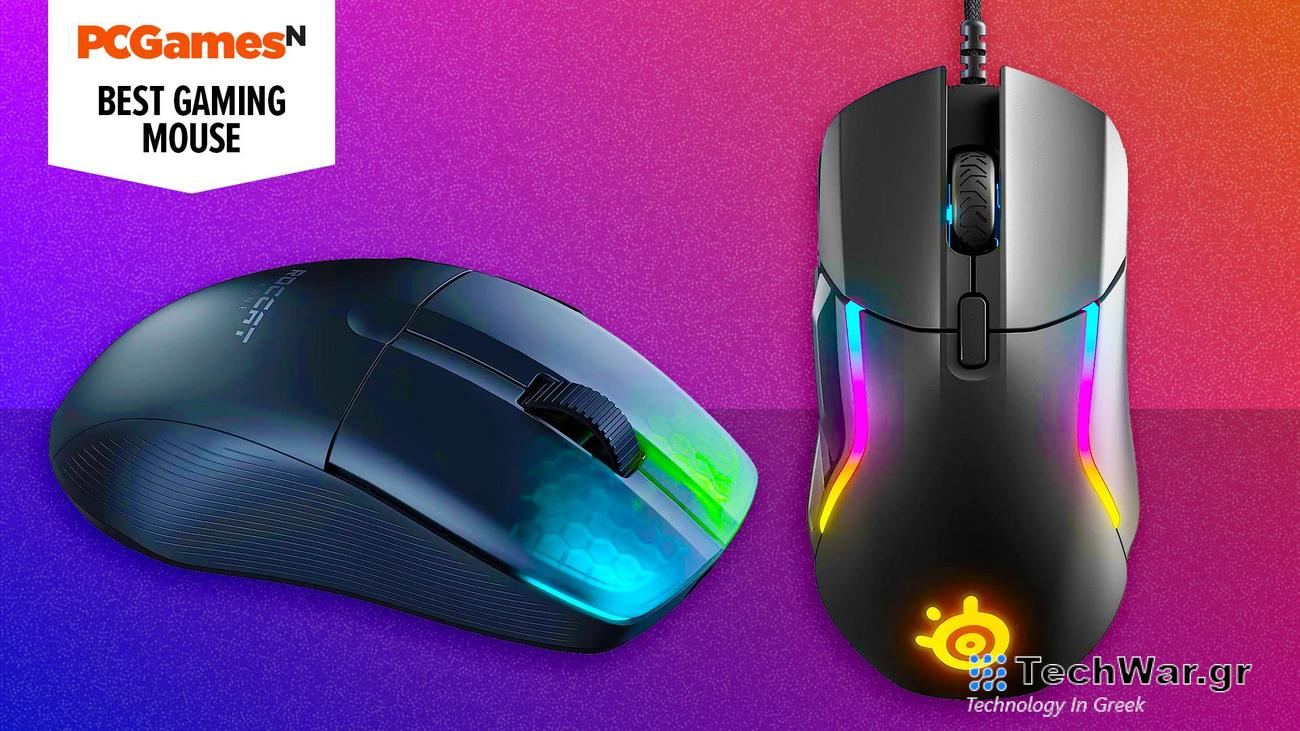
can transform how it feels to interact with your favorite games. With a top rodent, every click or swipe takes you a little closer to winning in the best PC games, but a poor mouse that’s slow and unreliable can cost you the game.
Do you want a wired or wireless gaming mouse? We’ve got both on this list, as well as lightweight and featherweight choices for different genres. And if budget is a concern, the SteelSeries Rival 3 is our favorite pick, but there are plenty of affordable options in this list.
All of our picks for your next palm pal pair nicely with the best gaming keyboard, because it’s a team effort, after all. These are our tried and tested picks for the best gaming mouse.
Why you can trust our advice ✔
At PCGamesN, our experts spend hours testing hardware, games, and VPNs. We share honest, unbiased opinions to help you buy the best. Find out how we test.
Best gaming mouse in 2024:
How to choose the best gaming mouse
When deciding which mouse is best for you, it’s important to consider it from all angles. Keep in mind all of these factors:
-
Pricing:
You don’t need to spend a fortune to get a decent gaming mouse, but we recommend not spending less than $30 at a bare minimum (unless it’s a sale). Anything less than that is unlikely to last long, or to offer much benefit for gamers -
Ergonomics:
A poorly designed mouse can do a lot of harm to your hand and wrist. Make sure to look into each mouse’s ergonomic features, and to read reviews from people who have used it so that you can get an idea of how it might feel to use over an extended period of time -
Configurable buttons:
Do you play competitively? This is going to be especially important if you do, because it will allow you to tailor your mouse use to best match your own unique style of gameplay. This may also be beneficial to anyone with limitations on their hand mobility. Most gaming mice will have a selection of these available, but not all, so make sure you’ve checked. -
Wired vs. wireless:
Some mice allow for both, some are just one or the other. We’ve detailed the difference between each type below. -
Max DPI:
The higher the DPI, the higher the level of control and precision you’ll have. Typically, mice with a very high DPI also come with a higher price tag, and since not everybody is going to require such high levels of precision, it won’t appeal to everyone. Fast-paced FPS games and RTS games are among those that will benefit from it the most.
If you have any other unanswered questions about gaming mice and their features, check out our FAQs below:
What are palm, claw, and fingertip mouse grips?
Gaming mice are much like the shoes you wear in that there’s no real one-size-fits-all. You’ll want to pay attention to how you move your rodent around your mouse pad before you choose the right one for you. Here are the three main grip styles:
- Palm grip: your palm sits on the back of the mouse. This is the least fatiguing but it’s not quite as versatile as other grips, relying more on full arm movements for precision.
- Fingertip grip: you use your fingers to control the movements of the mouse without the aid of your palm. Your wrist can touch the surface below but might hover above. This is the most fatiguing because it relies on lots of wrist movements, but is also more precise than the palm grip.
- Claw grip: a combination of the aforementioned two, this style is where you control the mouse with your fingertips but your wrist rests on the best gaming desk below.
Wired vs. wireless gaming mouse
This is a debate that’s raged on since the first wireless gaming mice arrived on the scene, with wired previously offering a competitive advantage with their superior connection. Fortunately, grabbing a wireless gaming mouse no longer comes with the latency it used to, as 2.4GHz connections are so quick that you’ll barely notice a difference.
Switching to a Bluetooth connection makes your battery last significantly longer and lets you swap between devices easily, but it comes with a noticeable amount of lag, which isn’t so bad when you’re working but can mean the difference between a win and a loss in FPS games.
What DPI is good for gaming?
There are a hundred different answers to this question that will depend on what type of game you’re playing. However, if you want a game with lots of slow, delicate movements, then something like 600DPI would be a good choice, but if it’s a game with quick, frantic movements, then 3000DPI or up may be preferable. Many gaming mice go a lot higher than this, and it’s good for players to be able to choose what suits them before hitting a glass ceiling.
Which mouse do pro gamers use?
Pro gamers play for teams that are often sponsored by companies like Logitech, Razer, and SteelSeries. Breaking away from sponsorships, however, the mantra is the lighter a mouse is, the better, as it allows for swifter arm movements with minimal fatigue.
The Logitech G Pro Superlight is still the weapon of choice for many, while other brands like Zowie, Xtrfy, and Cooler Master are coming for the crown with their own ultralight rodents.
Of course, if you don’t have the right mouse pad, even an amazing mouse might let you down. Read our guide on the best gaming mouse for our recommendations. We also recommend reading our hard vs soft mouse pads guides for further insights into getting the right setup for you.
VIA:
.pcgamesn.com

