Best Android TV box in 2023
If you want to use Android TV, you may find that your choices for high-quality streaming devices are somewhat restricted. While some TV brands like TCL and Sony are compatible with Android, Roku and
Amazon
‘s Fire TV offer a wider range of options. Nevertheless, there are still many good options to choose from. We have compiled a list of the best Android TV boxes, as well as some recommendations for new televisions with Android TV built-in.
The best Android TV boxes in 2023
Nvidia Shield TV (2019)
Best overall
Totally tubular
The standard Nvidia Shield TV gets you many of the benefits that the Shield TV Pro is known for — a beefy Tegra X1+ processor, the companion app, and an impressive AI upscaling, to name a few. It’s got a cylindrical design that’s unlike any other dongle and uses the same remote control as the Pro, which is miles better than the one bundled with older Shields.
Pros
- Great video quality with lots of supported standards
- Quick performance
- Excellent upscaling for sub-4K content
Nvidia’s tubular Shield TV has been available since 2019, so it’s not the newest “box” on this list — but we still think it’s the best Android TV device for most people today. Thanks to its custom Tegra X1+ chipset (and despite its two gigs of RAM), it’s super snappy. It also plays nice with more audio and video standards than you can shake a stick at, including Dolby Vision and Atmos, and has some of the most natural upscaling you’ll see in any streaming device. Nvidia’s also traditionally offered legendary software support for its Shield TV devices, too. It’s expensive at $150, though, and it’s got HDMI 2.0b — which doesn’t mean much now, but could present an issue when content that takes full advantage of HDMI 2.1 is more prevalent (whenever that is). If those things don’t bother you, the Shield TV is an excellent pick.
Source:
Google
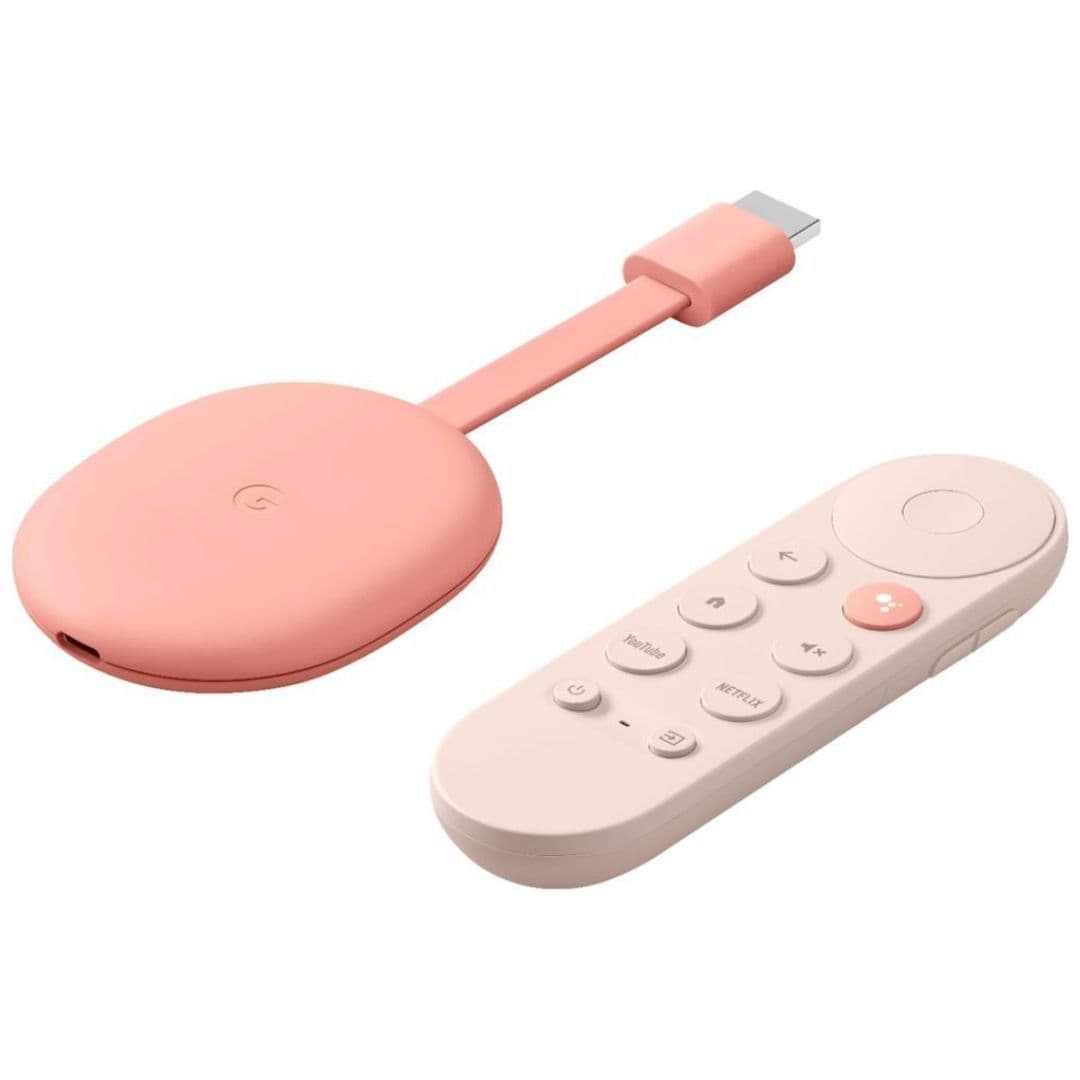
Google Chromecast with Google TV (4K)
Easy to recommend
Reliable 4K for $50
Although it’s a couple of years old now, the Chromecast with Google TV (4K) is still holding its own as a great all-around option for your home theater. Long-term usage has proven a couple of flaws — namely, a limited amount of storage space that can get bogged down with system files and
apps
— but that hasn’t stopped us from highly recommending Google’s latest puck-shaped gadget. With a great UI, an excellent remote, and support for all the audio and video standards you’d expect, it’s still a solid buy.
Pros
- Super affordable
- Great remote control
- Relatively snappy performance
Cons
- Limited storage space
- Only one USB port
The Chromecast with Google TV is a great option if you’re put off by the Shield TV’s high price. At 50 bucks, it also offers broad AV standard support, and unlike the Shield, it has HDMI 2.1. It’s only got eight gigs of storage, though, which will be a problem if you want to use lots of apps. It’s also only got one USB port, which is used for power — so if you want to connect accessories like SD cards or hard drives, you’ll need both a compatible USB hub and a 45-watt (or higher) Power Delivery charger. Still, it’s generally simple to use and doesn’t cost much, and being a first-party Google product, it should enjoy long software support. It’s a great starter Android TV device.
Nvidia Shield TV Pro (2019)
Premium pick
For Android TV enthusiasts
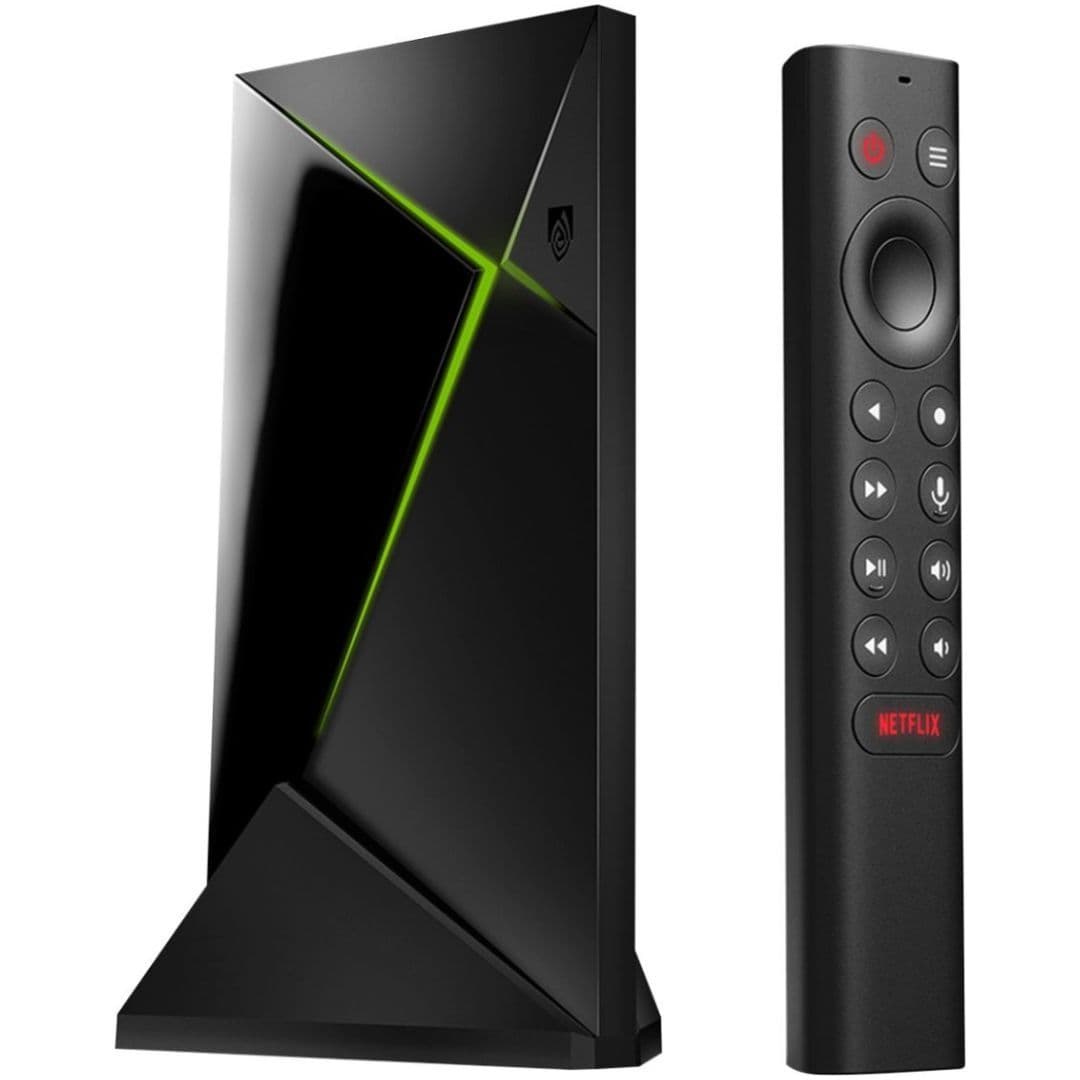
For those who want to do more than just stream movies on an Android TV box, Nvidia Shield TV Pro is the best (and maybe only) choice. No Roku streamer can even come close to the Shield TV Pro’s capabilities and versatility. For one, the Shield TV Pro gets 3GB of RAM and 16GB of onboard storage, both of which are more spacious than most other streaming hardware. If you attach an external hard drive to it, you can even turn it into a great Plex server.
Pros
- Same great 4K video
- Extra RAM means it’s even quicker
- Can be used as a Plex server
Cons
- Very expensive for a set-top box
The Shield TV Pro is the fancier version of the base-model “tube.” It has all the same features, plus extra RAM and storage, USB ports, and Plex integration — the Shield itself can act as a server that you can stream content from to other devices. At $200, it’s very obviously not for most people; this is an enthusiast option through and through. If you were thinking about the regular Shield TV, though, the added perks might be worth it for you.
Onn Android TV 4K
Best value
Extremely affordable
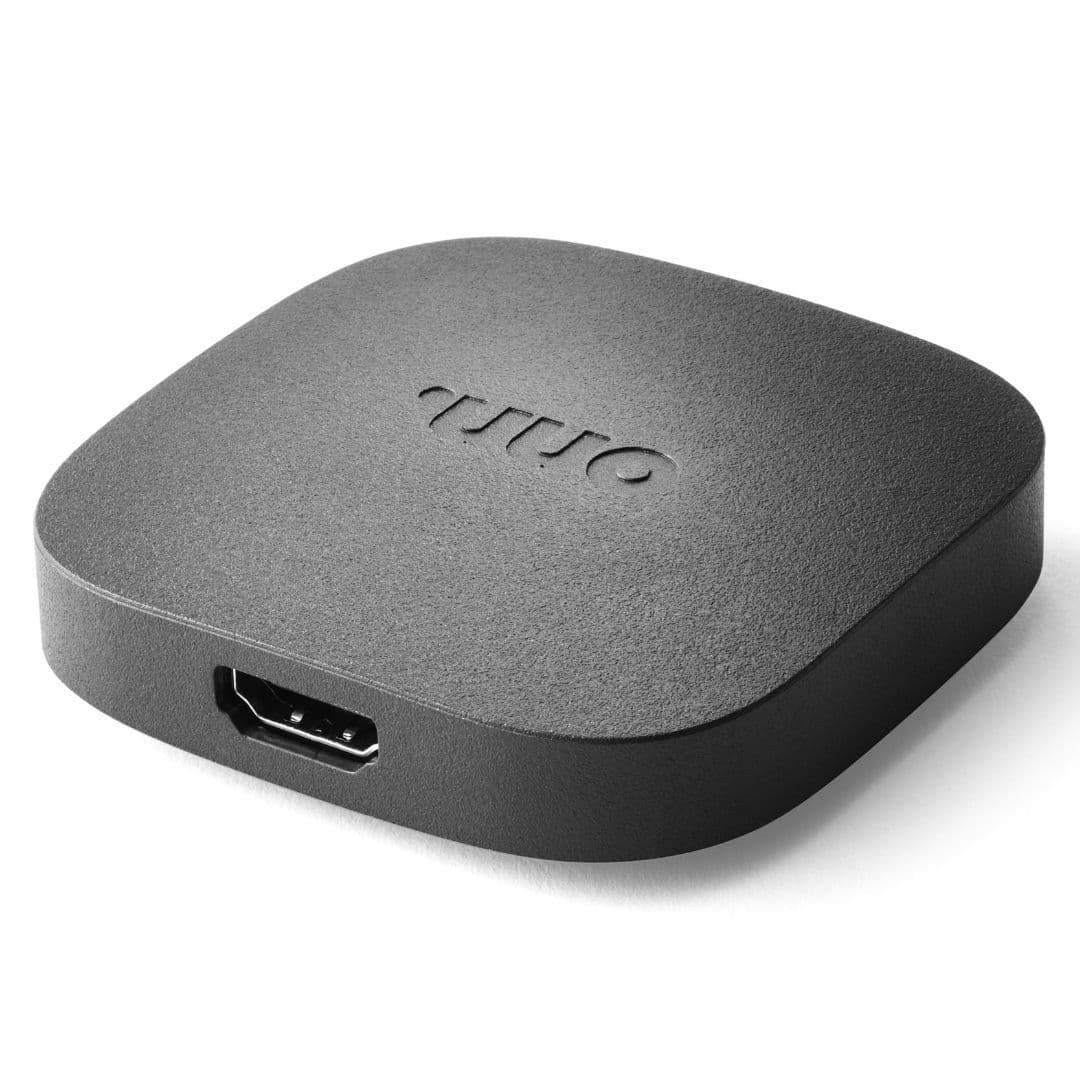
Walmart’s Onn Android TV 4K is an unbelievable bargain. For $20, the little streamer offers Android TV with support for high-end features like 4K playback and HDR. There’s no Dolby Vision, but for the price, that might be an acceptable trade-off.
Cons
- Often out of stock
- No Dolby Vision
If you’re out for something
really
cheap, Walmart’s Onn Android TV 4K is 20 stinkin’ bucks. Performance is fine, but build quality is what you’d expect at the price. And while it does support 4K video, it lacks Dolby Vision certification — so it’s only got HDR10, HDR10+, and HLG. It also doesn’t have Atmos support. But again, it’s $20, so it’s hard to judge it too harshly. If you want the cheapest 4K Android TV solution possible, this is the one for you.
Xiaomi TV Stick 4K
Chromecast competitor
A cheap Android TV dongle not made by Google
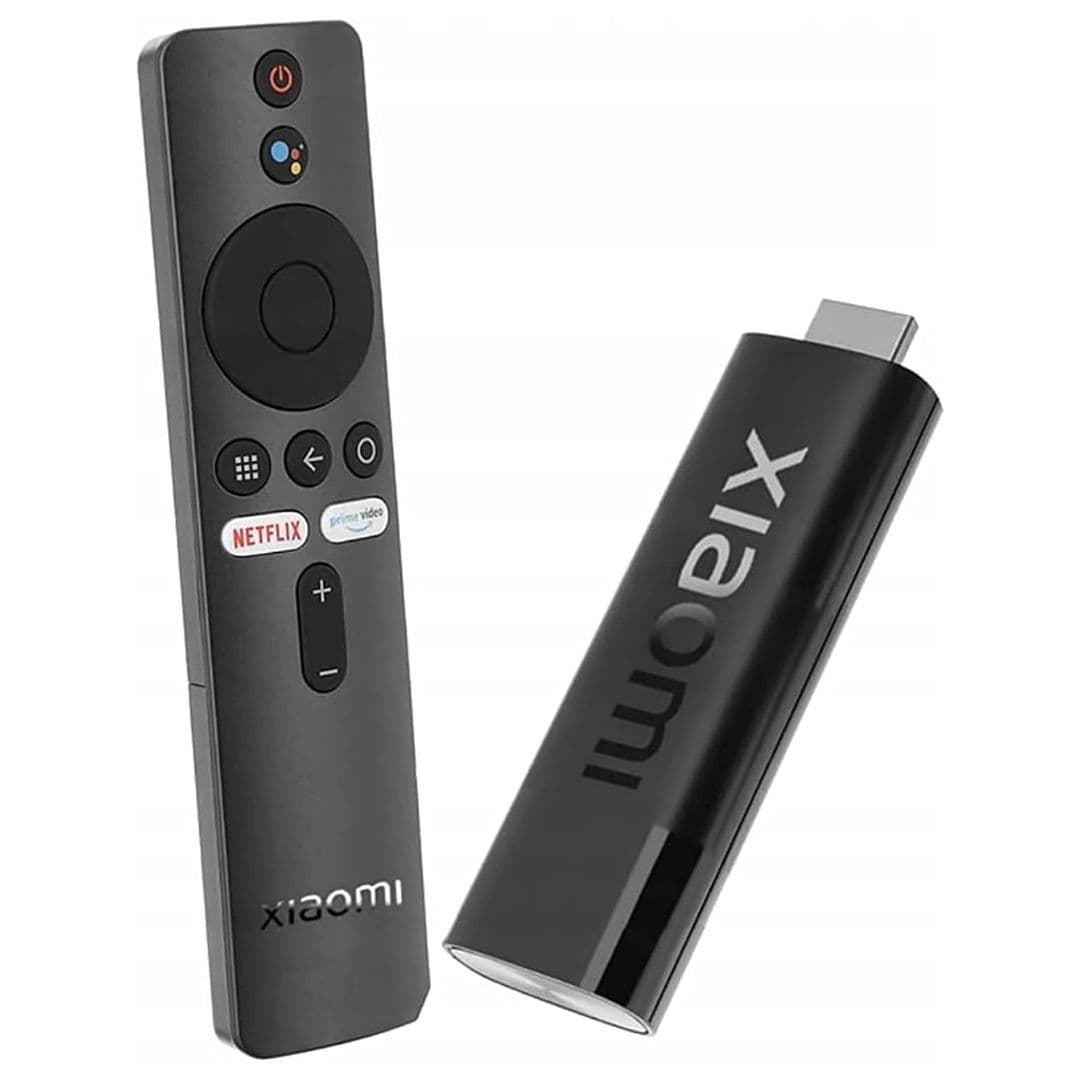
Xiaomi’s Mi TV Stick 4K offers 4K, HDR streaming at a low MSRP of $60. While it’s not the least expensive Android TV box out there, the TV Stick 4K comes with desirable features like Dolby Vision compatibility, something you won’t find in super-affordable options like the Chromecast with Google TV (HD) or Walmart’s Onn streamer.
Pros
- Better performance than Xiaomi’s non-4K TV Stick
- Support for Dolby Vision and Atmos
- An alternative to Chromecast devices
The Xiaomi TV Stick 4K is a good alternative to the 4K Chromecast with Google TV if you’d prefer a streamer not manufactured by Google. It’s a similar form factor — a small dongle that lives behind your TV — but comes with a microUSB port for power rather than the USB-C you’ll find on Google’s streamers. There’s support for 4K playback, of course, including desirable standards like Dolby Vision HDR.
Source: Google
Chromecast with Google TV (HD)
1080p pick
A great option for sub-4K screens
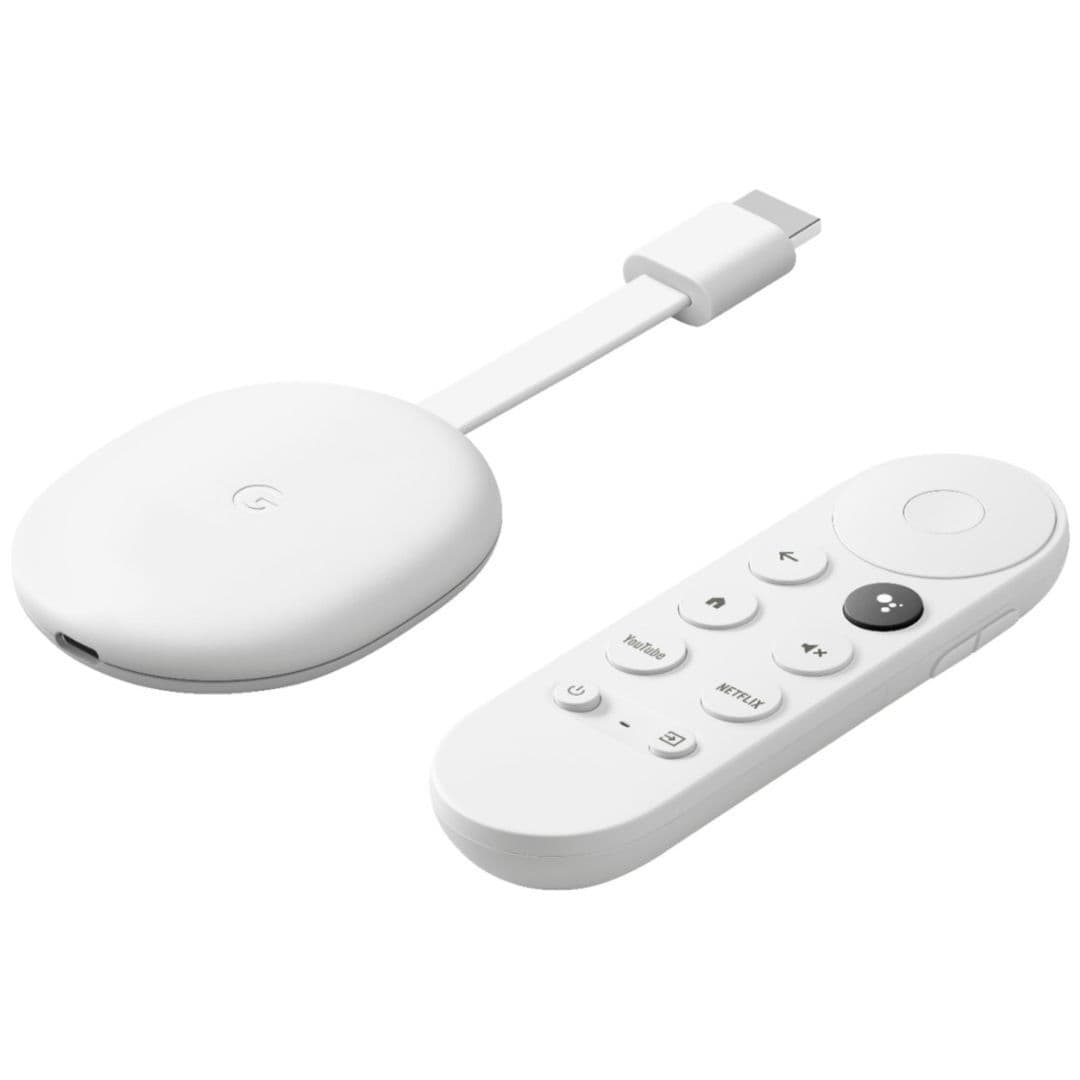
The Chromecast with Google TV (HD) is a 1080p version of the 4K-capable Chromecast with Google TV. The experience between the two is nearly identical, with the exception that this model is capped at 1080p and doesn’t support Dolby Vision.
Pros
- Cheap
- Up-to-date software
- Generally quick enough
Cons
- Limited to 1080p
- No Dolby Vision HDR
The Chromecast with Google TV (HD) has everything we like about 2020’s Chromecast with Google TV, minus the 4K resolution and Dolby Vision HDR. Instead, it tops out at 1080p and offers HDR10 and HDR10+. If you’re looking for a streaming dongle to use on a sub-4K display, this is a great pick, but consider springing for the previous generation if you think you might upgrade your TV in the near future. Your next television will almost certainly be 4K.
Hisense A6 Series
Entry-level 4K set
An affordable TV with Android built in
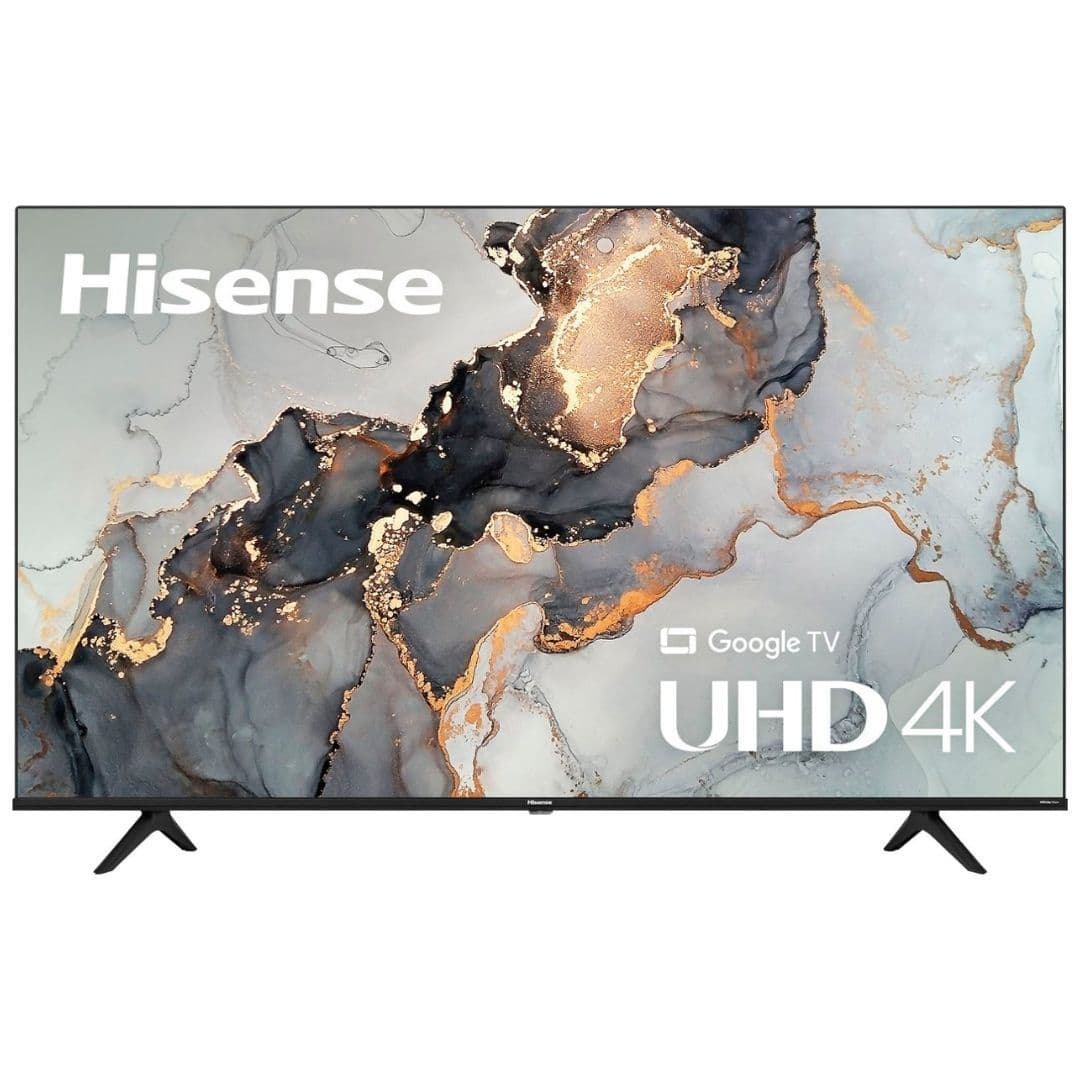
Starting under $300, the Hisense A6 is a great entry-level 4K smart TV, with support for HDR including Dolby Vision. It’s available in sizes from 43 to 75 inches, and comes with the newer Google TV interface for Android TV.
Pros
- Very affordable
- Google TV built in
- Good viewing angles
Cons
- Glare can be an issue
- No local dimming
If you’re looking for an affordable new screen that’s got Android built right in, Hisense’s A6 series is a great place to start. The 43″ model retails for a modest $280 and is often on sale to boot. The A6 doesn’t have any local dimming zones, and contrast out of its uniformly lit LCD panel is a bit lacking compared to more expensive sets, but it’s got Google TV built in and support for popular HDR standards including Dolby Vision.
Sony Bravia XR A95K Series
Super premium
A great OLED TV with Android included
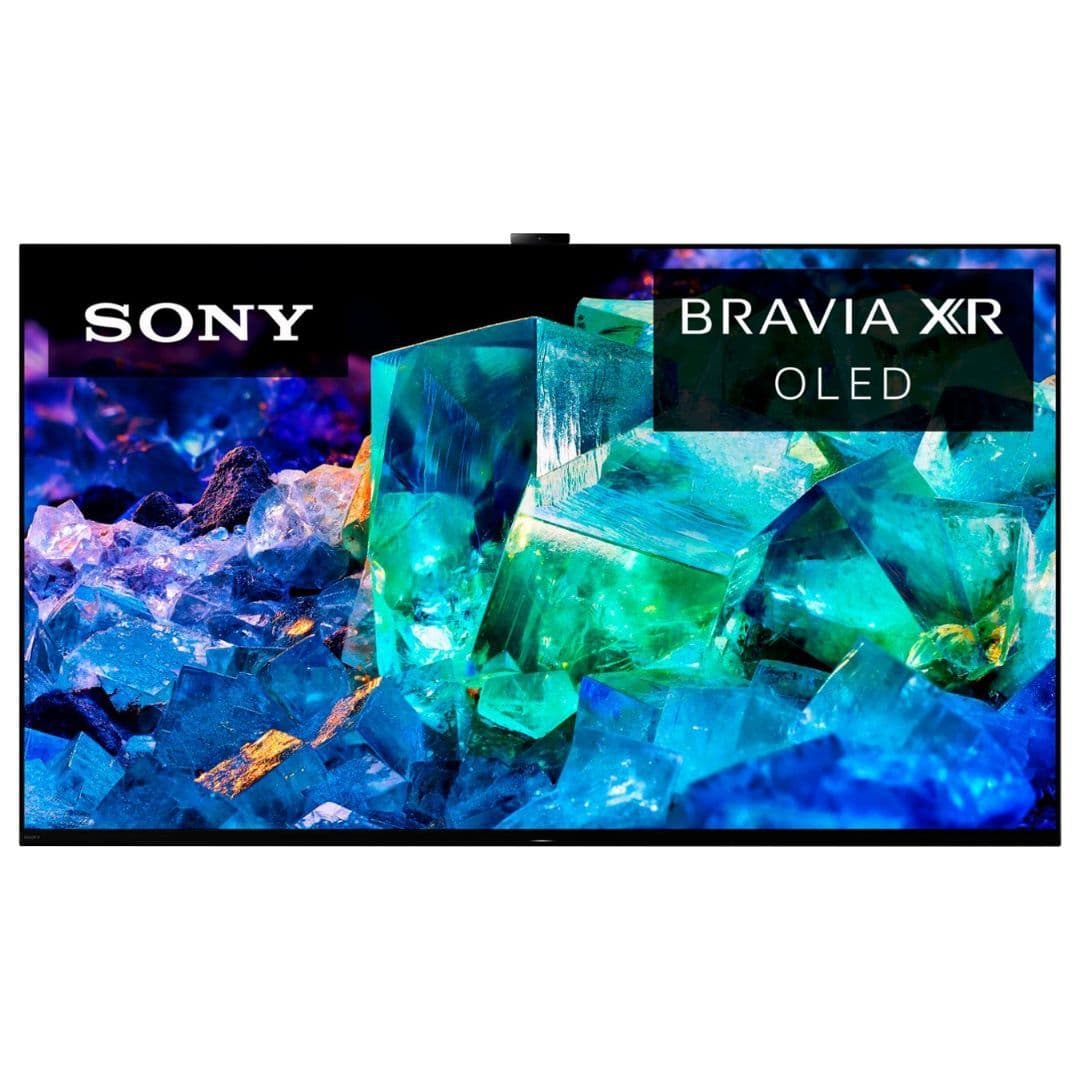
Sony’s Bravia XR A95K Series TVs are some of the best Android TV-equipped displays on the market. The TVs’ QD-OLED panels provide both vibrant colors and deep blacks, and the Google TV interface makes queueing up your favorite shows and movies a breeze.
Pros
- Bright display with vibrant colors
- OLED screen means perfect blacks
- Great viewing angles
Cons
- Very expensive
- Only available in 55″ and 65″ sizes
Sony’s Bravia XR A95K Series TVs are among the most premium TVs that ship with Android TV onboard: the 55″ version retails for a staggering $2,800. The A95K is a QD-OLED set, though, a relatively new type of TV that combines the benefits of OLED screens with the color-boosting properties of semiconductor nanocrystals (or
quantum dots
) to make for a picture that’s bright, contrasty, and very colorful. It supports every A/V standard you could
hope
for in a smart TV, and it’s got the new Google TV interface right out of the box. It’s pricey and it only comes in two sizes, but if the A95K suits your needs and budget, you’re in for a treat.
What’s the best Android TV box for you?
A new streaming device is a great way to add smarts to your non-connected TV or revitalize a smart TV that’s started to feel slow. All the options in this list have access to the same video streaming services, so the right one for you depends on your specific needs.
If you want a fast, smooth experience complete with all the modern A/V standards, the Nvidia Shield TV will be a good fit for you — provided you’ve got $150 to drop on a streaming box. The Shield TV Pro costs 50 bucks extra for some added functionality. If you’re not sure whether you should choose the regular or the Pro, go with the less expensive model; you’d know if you had any use for the
Pro
features.
The Chromecast with Google TV is a fine starter device at $50. Google TV is a version of Android TV with Google’s newest design and recommendation system centered around the Google TV app and Google Assistant. Compared to the Shield TV, it’s not as powerful, which means navigating the UI will feel slower. It also has limited storage space at just eight gigabytes, and to connect a USB storage device, you’ll need a USB-C hub. Still, as long as you only use a handful of apps, you shouldn’t have any trouble. The Xiaomi TV Stick 4K offers a similar experience for $60, if you’re set on a non-Google device.
Walmart’s Onn TV 4K is only $20, so it’s a great choice for spare bedrooms and the like — just be aware it doesn’t support some advanced features like Dolby Atmos surround sound. There’s also the $30 Chromecast with Google TV (HD), which is almost identical to the 4K Chromecast with Google TV, except it tops out at 1080p and doesn’t offer Dolby Vision HDR. Looking to save money on content, too? Several streaming services offer the best value for your buck, such as YouTube, Netflix, Peacock, and more.
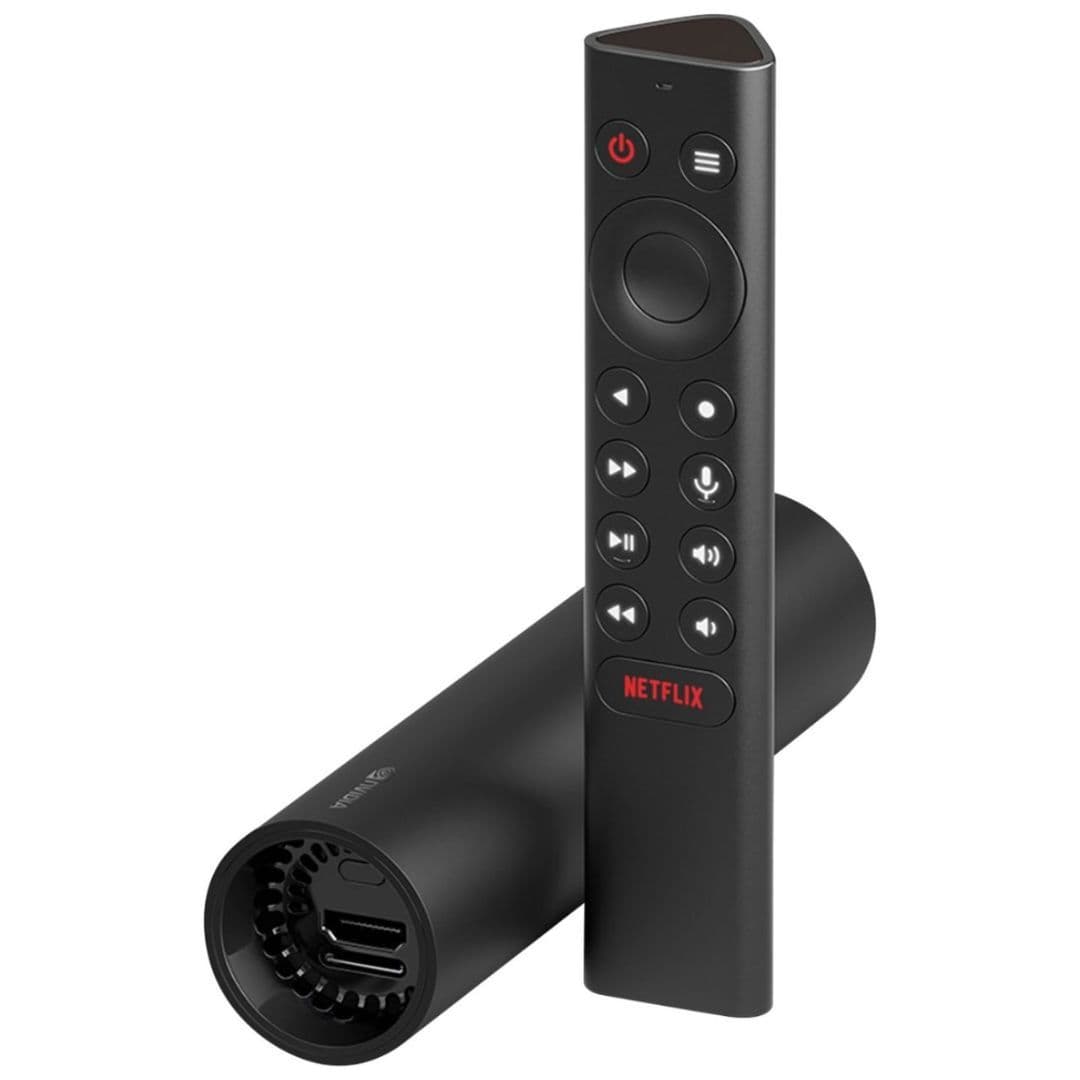
Nvidia Shield TV (2019)
Best overall
The standard Nvidia Shield TV gets you many of the benefits that the Shield TV Pro is known for — a beefy Tegra X1+ processor, the companion app, and an impressive AI upscaling, to name a few. It’s got a cylindrical design that’s unlike any other dongle and uses the same remote control as the Pro, which is miles better than the one bundled with older Shields. As opposed to 3GB of RAM on the Pro, the standard Shield ships with just 2GB of memory. While this step-down doesn’t have any noticeable impact on your regular streaming services, it does mean that you cannot play any Shield-exclusive games like Doom 3 and Half-Life 2. In a sea of cheap and equally capable video streaming boxes, the Shield TV indeed isn’t the most value for your money. You can probably get by with the $50 Chromecast, but if you have your heart set on an Nvidia Android TV box, the non-Pro Shield TV won’t disappoint you.