Best NAS hard drives in 2023
After spending hours researching, you finally found the perfect NAS enclosure for your home or office setup. But it’s incomplete without any hard drives to store all your data. You want NAS-specific hard drives designed to run 24/7 in servers without fail, even under much load. All these NAS HDDs look the same from the outside but come in multiple configurations suitable for different users. Here we have some of the best NAS hard drives that you can get to populate those empty bays on your brand-new NAS enclosure.
The best hard drives your brand-new NAS could use
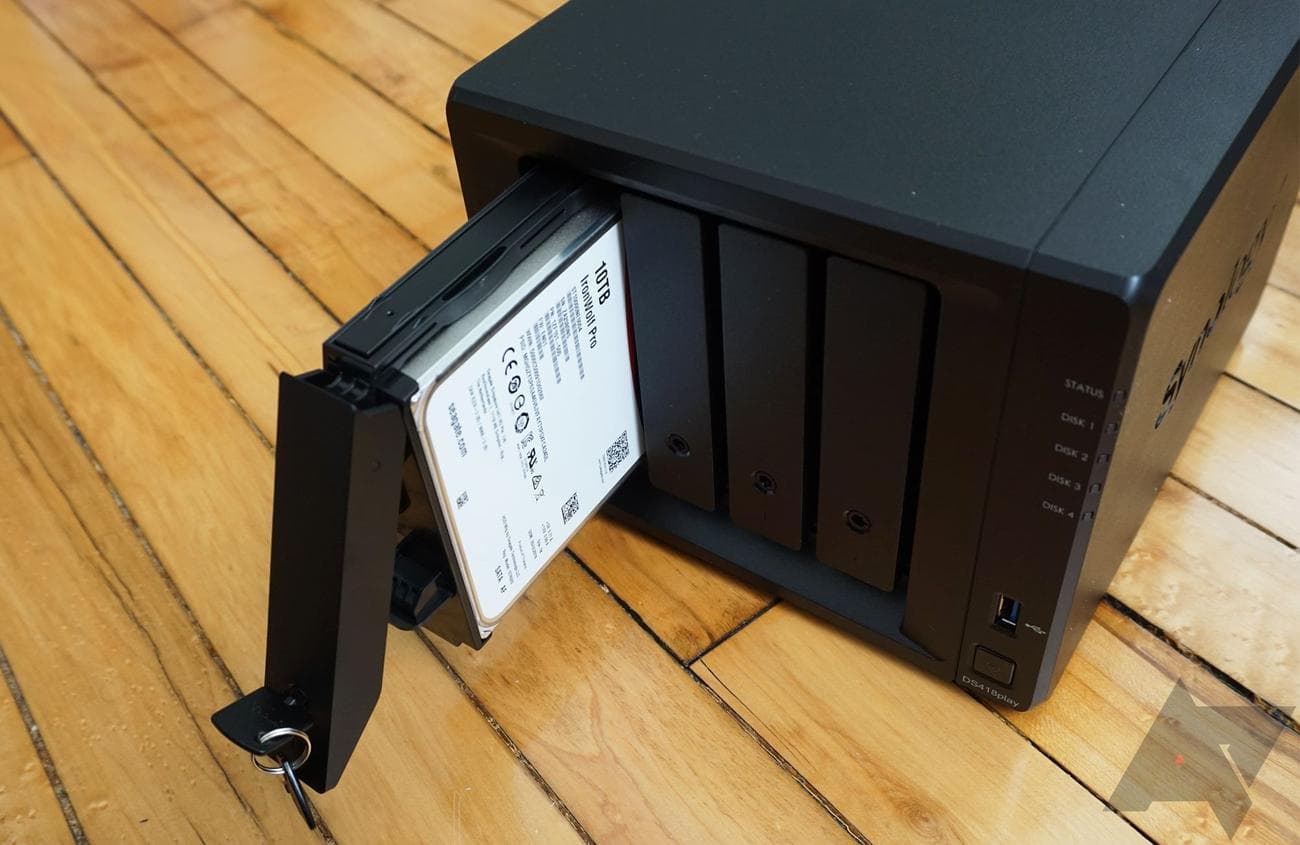
Seagate IronWolf Pro
Best overall
The gold standard for NAS hard drives
Considering the IronWolf Pro is a professional hard drive made for large NAS units with up to 24 bays, you get extra peace of mind if you decide to use it with your 6-bay office NAS. It offers top-notch performance and reliability, and that 5-year warranty is the icing on the cake.
Pros
- Reliable performance
- Designed for large NAS servers
- Long warranty and data recovery service
Cons
- Extra services add to the upfront cost
- Workload rate of 300TB isn?t the best in the segment
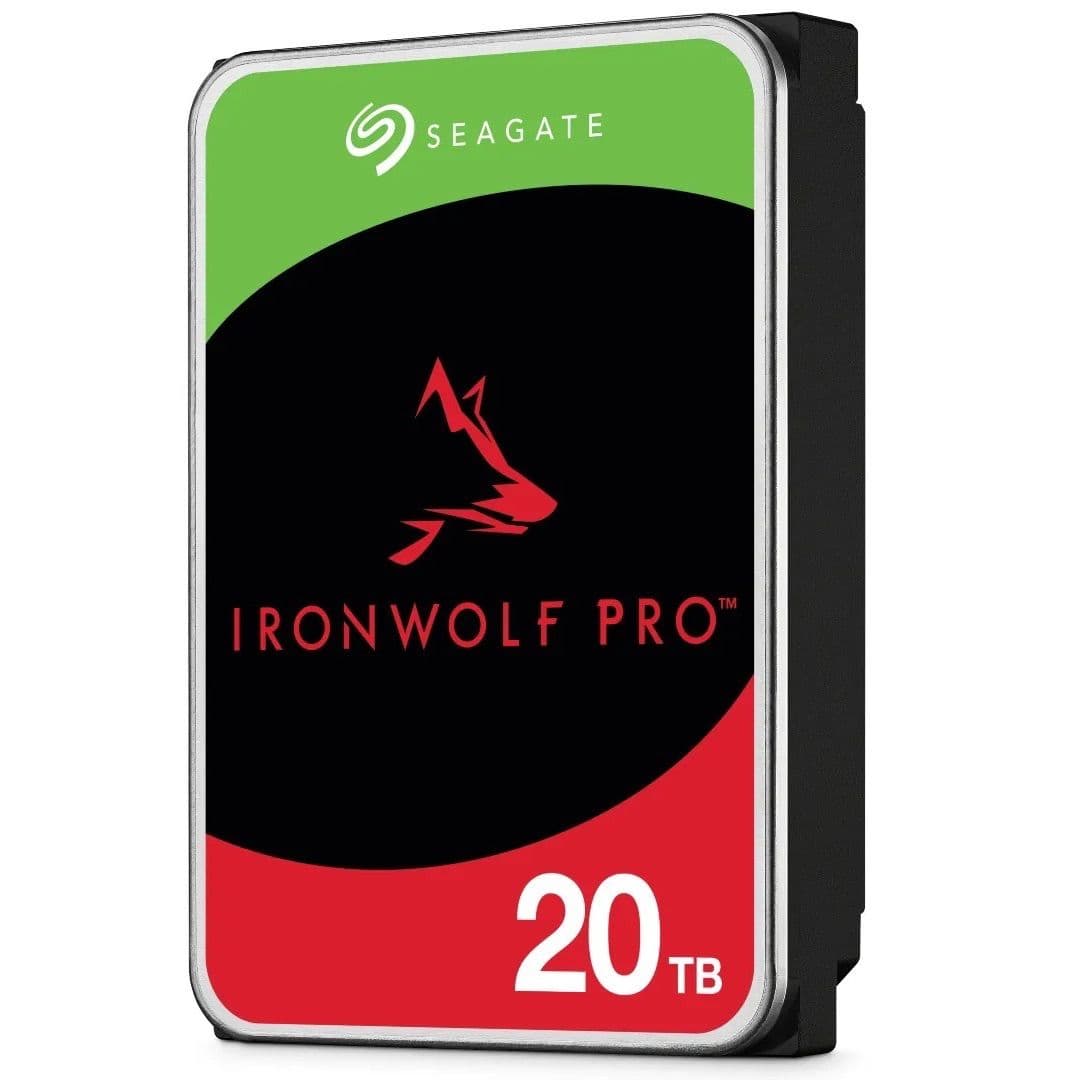
The professional IronWolf Pro hard drives are the gold standard for server storage solutions and are among the most reliable NAS hard drives out there. Since they’re designed for larger NAS enclosures with up to 24 drives spinning side-by-side, the IronWolf Pro has a higher tolerance to vibrations, with all its storage variants getting the rotational vibration sensor.
While the IronWolf Pro drives are better suited for professional NAS systems, you can easily use them for your home servers as well if you prefer that extra reliability. These drives are rated for 300TB of workload (data transferred to and from the drive) over a year, almost double what consumer NAS drives offer.
Seagate bundles these drives with an incredible five years of warranty as standard. And it sweetens the deal with a 3-year
data recovery service
, under which you can send your damaged hard drive to Seagate to recover your data — a service you’ll have to pay extra for if taken from a third party.
Source: Western Digital
Western Digital WD Red Plus
Best value
The ‘plus’ upgrade that’s light on your pocket
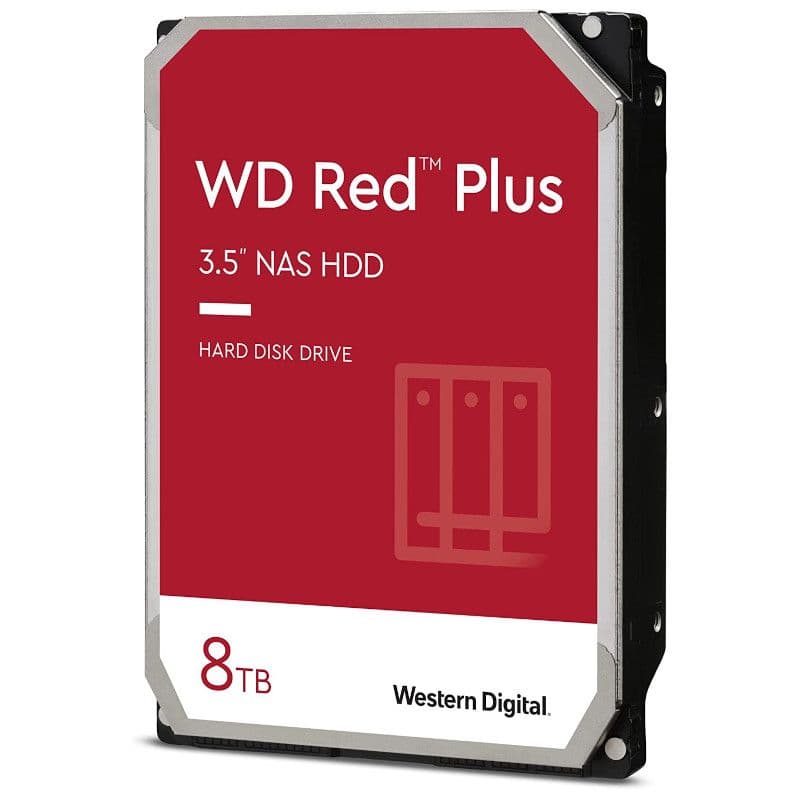
The WD Red Plus is available in a bunch of configuration options, allowing you to get the variant that meets your needs and maybe even save some cash in the process. It is designed for smaller NAS units with up to 8 bays, so you’re covered for your home and office needs, especially since it’s available with up to 14TB capacity.
Pros
- Multiple cache and storage options to choose from
- Getting started with a pair of these won?t break the bank
Cons
- Smaller storage sizes come with slower transfer speeds
For small NAS enclosures meant for home use, like the DiskStation DS220+, you don’t necessarily need pro-grade hard drives. Instead, you can save some cash and go with the WD Red Plus, which offers ample benefits without the premium price. The best part about these WD NAS hard drives is all the options you have to get just the configuration you need. Do you want a pair of 8TB drives but can do without 256MB of cache? You can go with the 128MB variant instead and save even more money. Need a smaller capacity drive that doesn’t skimp on cache? You have that option too!
You get all that for a price that won’t break the bank, even if you go for the higher storage variants. Compared to other premium hard drives, you’ll save quite a lot of cash with the WD Red Plus. But that doesn’t mean you’re losing out on anything. The Red Plus packs the same NASware
software
as WD’s higher-end drives, ensuring better compatibility with NAS enclosures. You also get the same drive reliability score across storage options, and the company also includes a standard 3-year warranty. However, you should note that the smaller capacity variants use the 5400 RPM configuration, which is a bit slower than 7200 RPM models, though home users are unlikely to feel any difference.
Western Digital WD Gold
Premium pick
Data center-ready hard drive for your office NAS
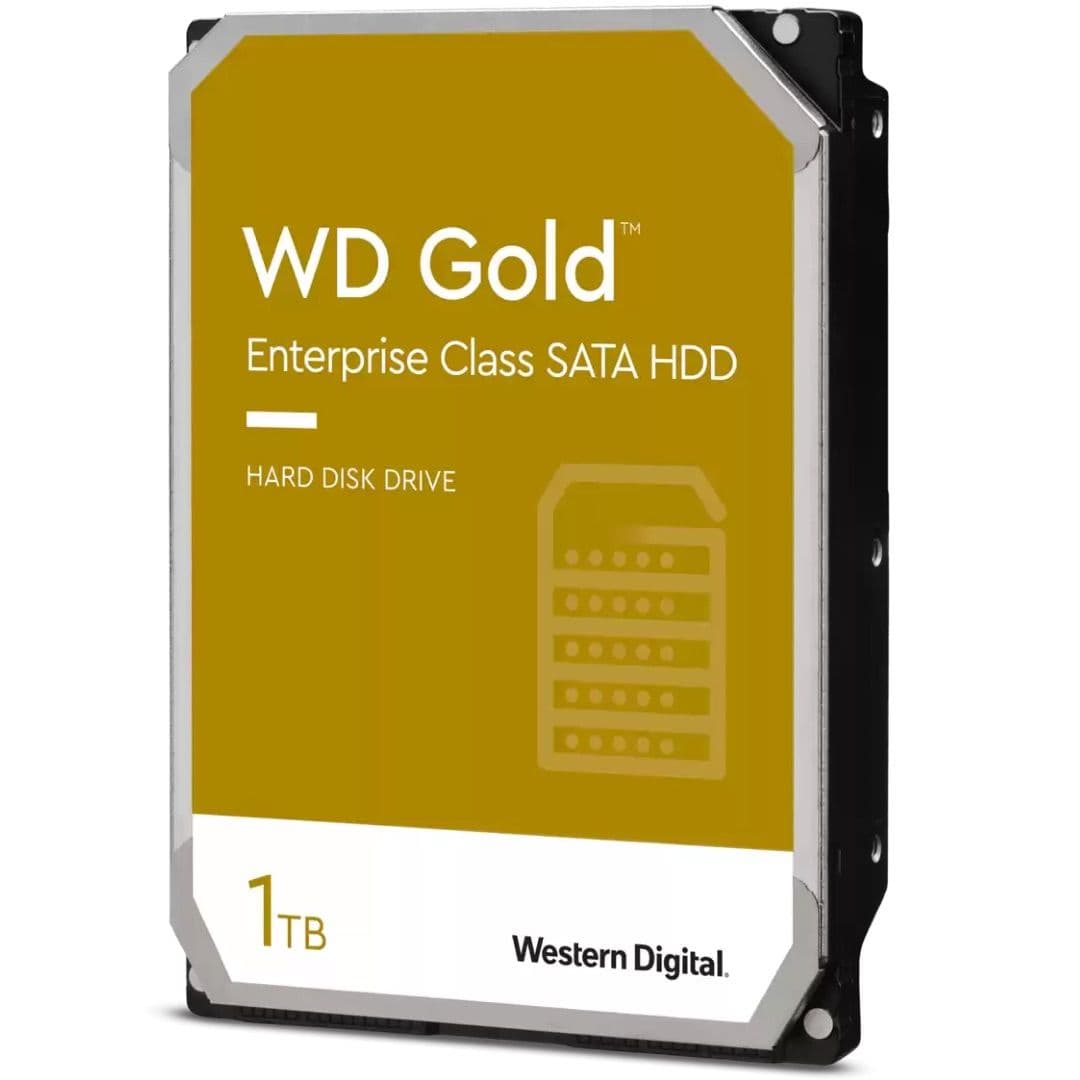
Western Digital made the WD Gold for large data centers with hundreds or even thousands of drives spinning together throughout the day. What that means for you is that these drives are unquestionably dependable and well-suited if you cannot afford to risk the integrity of your business data, even if it means paying a premium for these drives.
Pros
- Made for running 24/7 in massive data centers
- Not too expensive for an enterprise-class HDD
Cons
- Lacks additional data recovery features like Seagate
- Lower storage trims have limited capabilities
Enterprise servers and data centers usually have hundreds and thousands of hard drives spinning simultaneously, a challenging environment for any hard drive. But the WD Gold is geared toward such demanding situations, making it more than capable of handling smaller rackmount NAS servers with dozens of bays that medium-sized businesses set up in-house for their team-sharing needs. And it does all that while offering some notable improvements over our editor’s pick HDD.
The WD Gold gets you double the cache size (on higher storage options), up to 2.5 million hours of mean time between failures (MTBF), and almost double the workload capacity. What these numbers mean is that Western Digital’s top-end hard drive stands true to its purpose as an enterprise HDD and is a dependable choice, no matter the size of NAS it’s used with.
Just make sure you avoid the 1 and 2TB sizes because they get you slightly inferior features, like 128MB of cache and hence, a lower transfer rate. You’re better off getting the IronWolf Pro or the WD Red if you want something with a smaller capacity.
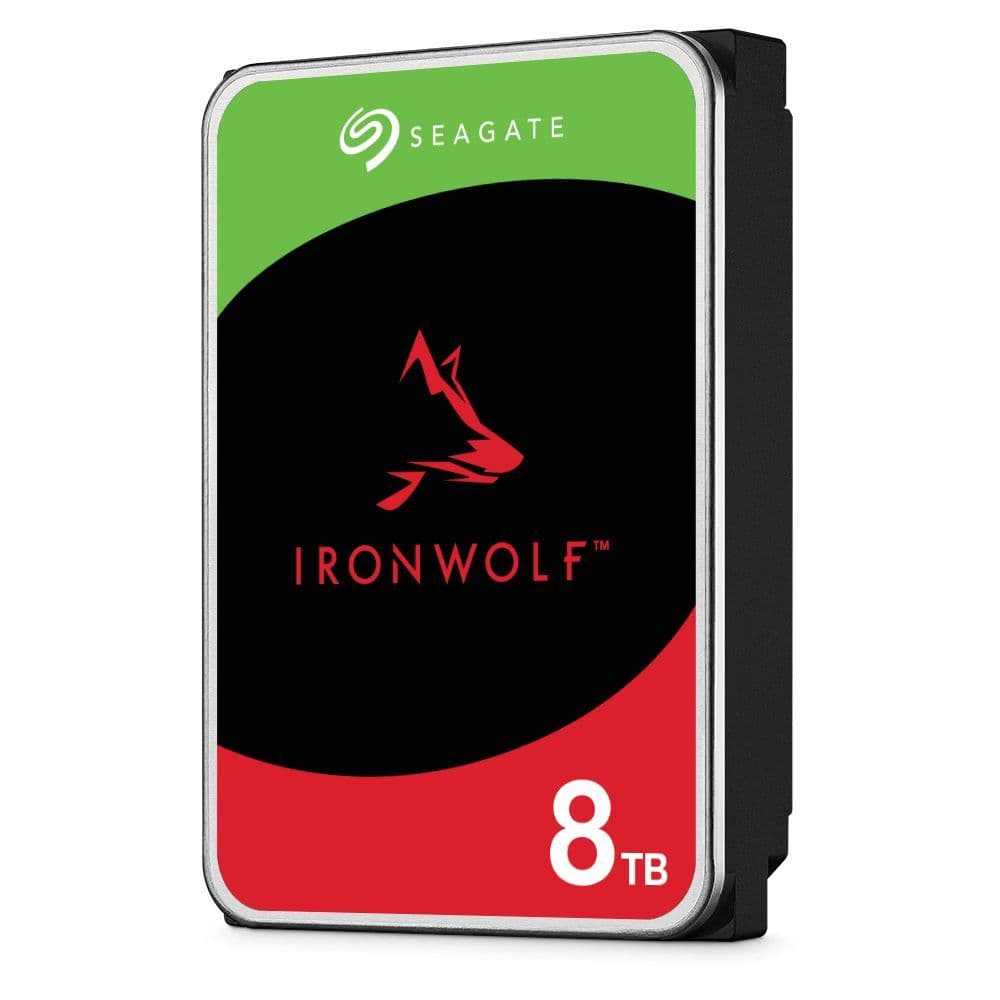
Seagate IronWolf
Made for home offices
The reliability of an IronWolf Pro but for smaller NAS enclosures
You get the best of IronWolf Pro drives but in a cheaper package with the standard IronWolf drives. They are the right choice for home or professionals working from home. They can handle a fair bit of workload but be sure to pick the right capacity so that you get ample cache memory to help further speed up the transfers.
Pros
- Capable enough for home and small office users
- Excellent data recovery features
Cons
- Fewer features on lower storage tiers
Most users buying a small Synology or QNAP system don’t need to invest in high-end hard drives and can easily get away with the standard IronWolf. This Seagate hard drive borrows the best part of its Pro sibling—the bundled data recovery service—and brings it to a much more affordable package. The IronWolf scores high when it comes to how well it performs under load, with respectable MTBF and workload figures, allowing you to run your NAS 24/7, all through the year without worrying about the hard drive’s health.
It’s worth noting that the IronWolf variants below the 6TB capacity offer lower read/write and spindle speeds. And Seagate doesn’t include a vibration sensor on IronWolf drives below 4TB. To make it easier for you, the IronWolf option with 8TB or higher storage comes with everything that you need, so those are the ones you should ideally go for. For anything below 8TB, look at the WD Red, our value pick.
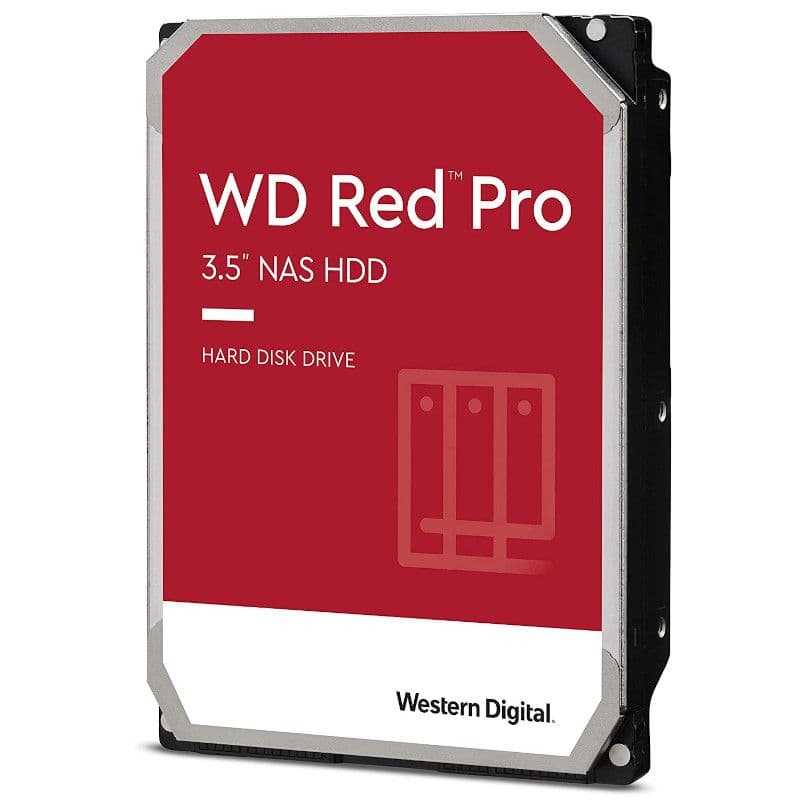
Source: Western Digital
Western Digital WD Red Pro
Big on performance
Professional-grade performance for commercial NAS users
With up to 22TB capacity and fantastic transfer speeds, the WD Red Pro is the right pal for your work NAS. Businesses will like the 5-year warranty coverage, ensuring longevity for the hard drive and reduced long-term cost. The company has tested these devices for quite a lot of annual workload, so you should be good for years to come.
Pros
- Suitable for commercial users
- Available in a wide range of storage sizes
Cons
- 2TB option is best avoided
- Costs more than the IronWolf Pro
Western Digital’s answer to the Seagate IronWolf Pro is among the best NAS hard drives suitable for businesses and demanding home offices. It goes all the way up to 22TB, allowing you to make the most of the available bays in your rack server. Like other professional hard drives, the WD Red Pro can also withstand vibrations in large NAS setups with up to two dozen drives running simultaneously. And if you’re still worried about its longevity, Western Digital takes care of hardware failures for a lengthy 5-year period.
While you get top-notch capabilities with the Red Pro drives, it’s better to avoid the base 2TB variant. All higher storage options get you a better overall experience with higher transfer speeds and cache size. The Red Pro’s price is slightly on the higher side when compared to the IronWolf Pro. However, it makes up for that (to a degree) with NASware 3.0 software that ensures better pairing with NAS enclosures to offer lower operating temperatures and power consumption, which will be particularly noticeable in large setups.
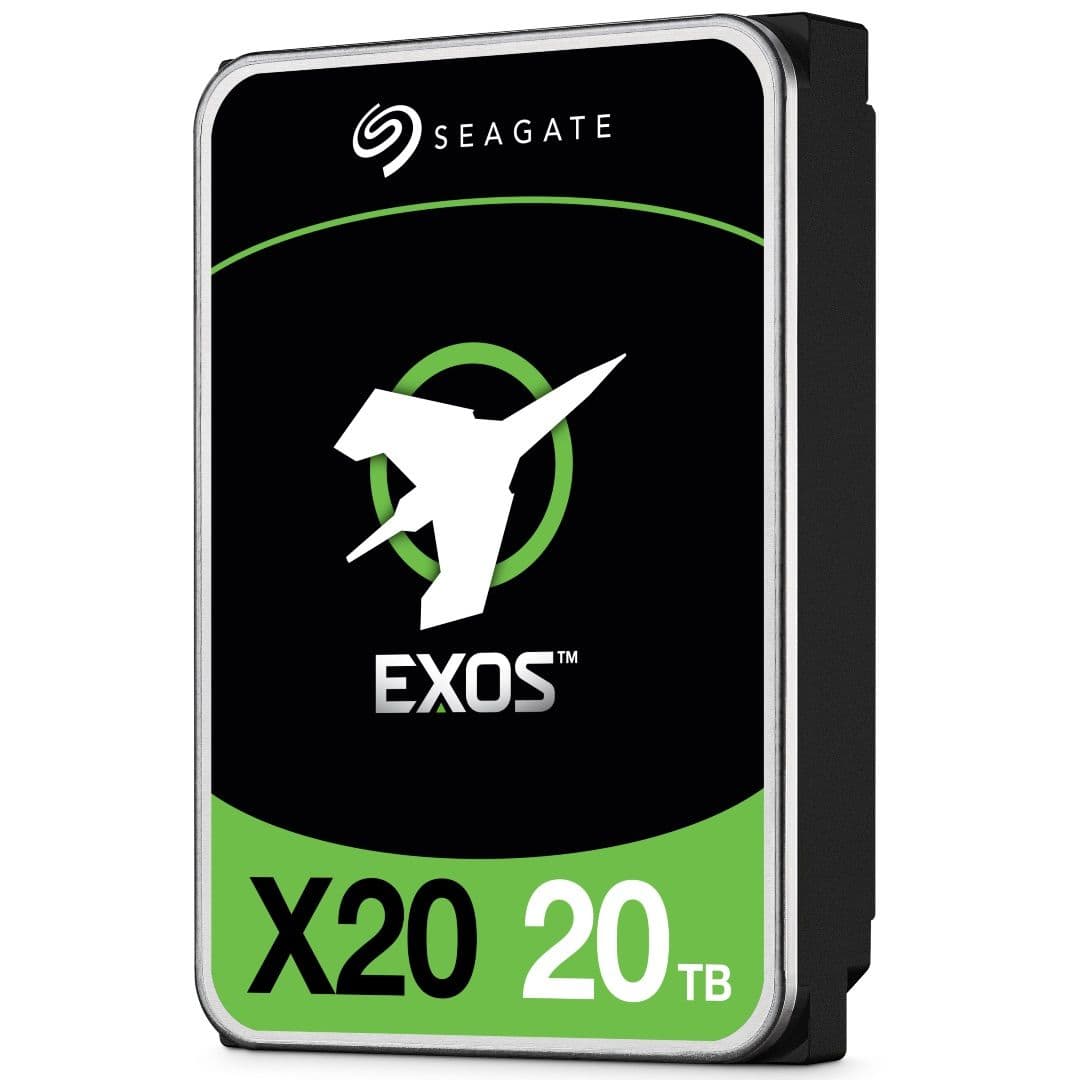
Seagate Exos
Enterprise favorite
Designed for massive data centers, making it more reliable than anything else
The enterprise lineup from Seagate offers top-notch performance suitable for large data centers. Their failure rate is among the lowest in the industry, while their performance is far higher than what you get with consumer-grade drives. The Seagate Exos series drives do cost more, but if your business can benefit from all its added benefits, these HDDs will pay for themselves in the long run.
Pros
- Full-fledged data server use
- Top-notch reliability and additional options for enterprise environment
Cons
- Confusing (and many) drive variants
- Doesn?t include Seagate?s data recovery service
Exos is Seagate’s separate lineup of enterprise HDDs suitable for large data centers and server rooms, like what you get with the WD Gold. Be it for performance consistency or speed, the Exos drives are counted among the best in the business. And to offer more versatility to its technically inclined enterprise clients, Seagate offers these drives in SATA and SAS arrangements.
SAS basically allows the drive to read and write simultaneously, thus speeding up its operations. If you have a specific need for SAS-based hard drives, then it makes sense to pick those up. But bear in mind that the price quickly mounts for SAS drives. Most small and even medium-sized businesses would be perfectly fine with standard SATA drives, saving them a substantial upfront cost.
This versatility is also a bane for Exos drives as they’re available in multiple variants, which can add to the confusion for the consumers. The newer X series Exos drives (X16, X18, and X20) have minor differences in maximum transfer speeds and power consumption, but they only start from 12TB. For anything lower than 12TB, you will have to go for Exos 7E8 or 7E10 drives. Each of these generations is offered in SATA and SAS configurations, further complicating Seagate’s enterprise lineup.
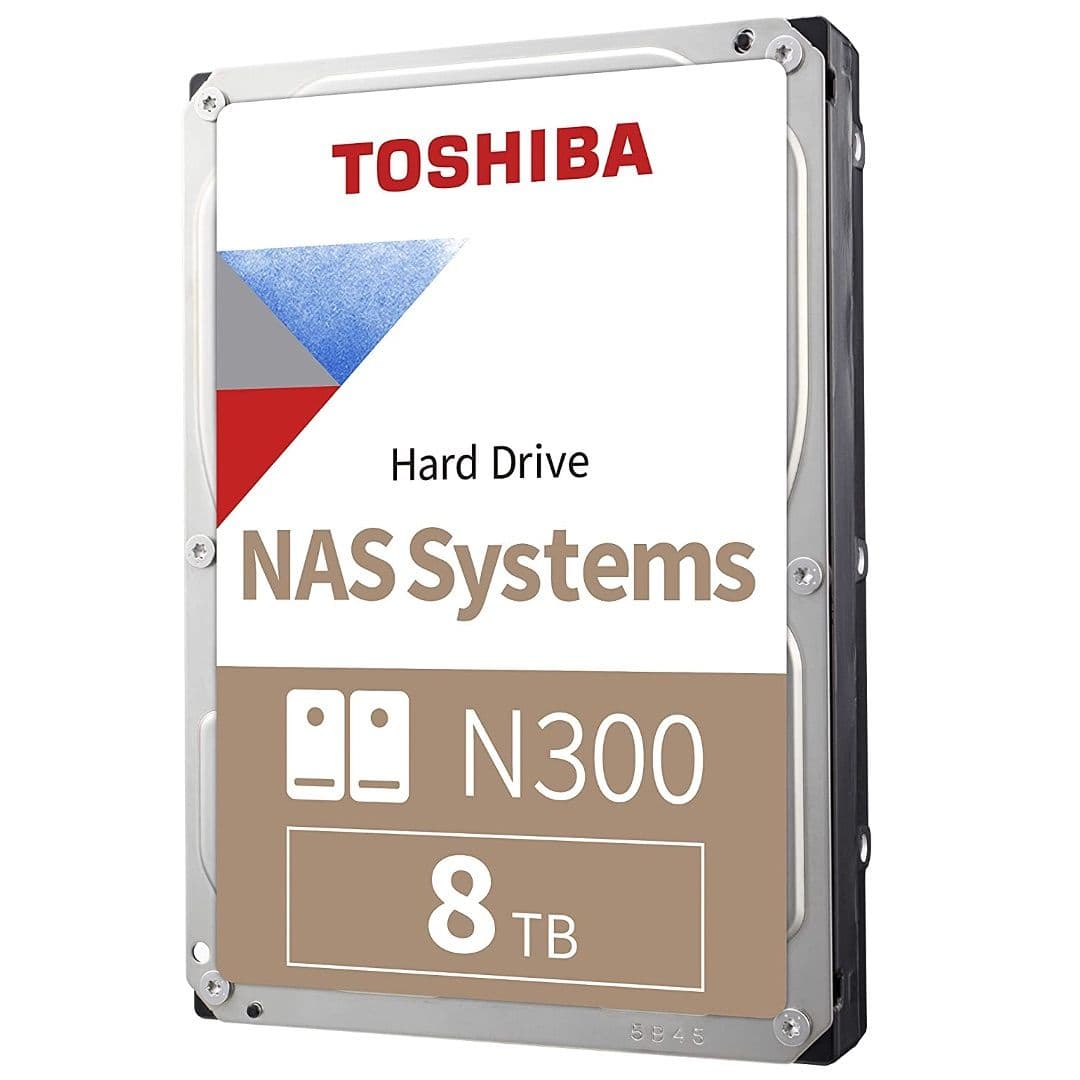
Toshiba N300
Reliable brand alternative
Perfect for all consumer NAS models with ample features
The Toshiba N300 gets a lot of things right and even its smallest storage options support good transfer speeds, which is not usually the case with a consumer NAS HDD. And Toshiba is as trustworthy a brand as any, considering its long history in making storage devices. For home use, this will fit your bill pretty well.
Pros
- Good fit for home and small businesses
- High transfer speeds across storage sizes
Cons
- Slightly more expensive than comparable drives
For small NAS enclosures, Toshiba’s entry-level hard drives do the job pretty well. Pop a pair of these in your home office NAS, and you’ll never have to worry about slow file transfers ever again. Unlike other brands that skimp on the lower-end variants, Toshiba offers a generous amount of cache memory for these drives, helping the N300 touch 230+MB/s of transfer speed across storage sizes.
Toshiba is a trustworthy brand in the storage modules market. In fact, it is known for making
white-label NAS HDDs for other popular brands
, so you cannot go wrong with Toshiba. The only thing that doesn’t work in the N300’s favor is that it awkwardly sits in the middle of price segments. You can get a similar drive from Seagate for less or a better one for slightly more.
Synology HAT5300
Made for Synology NAS
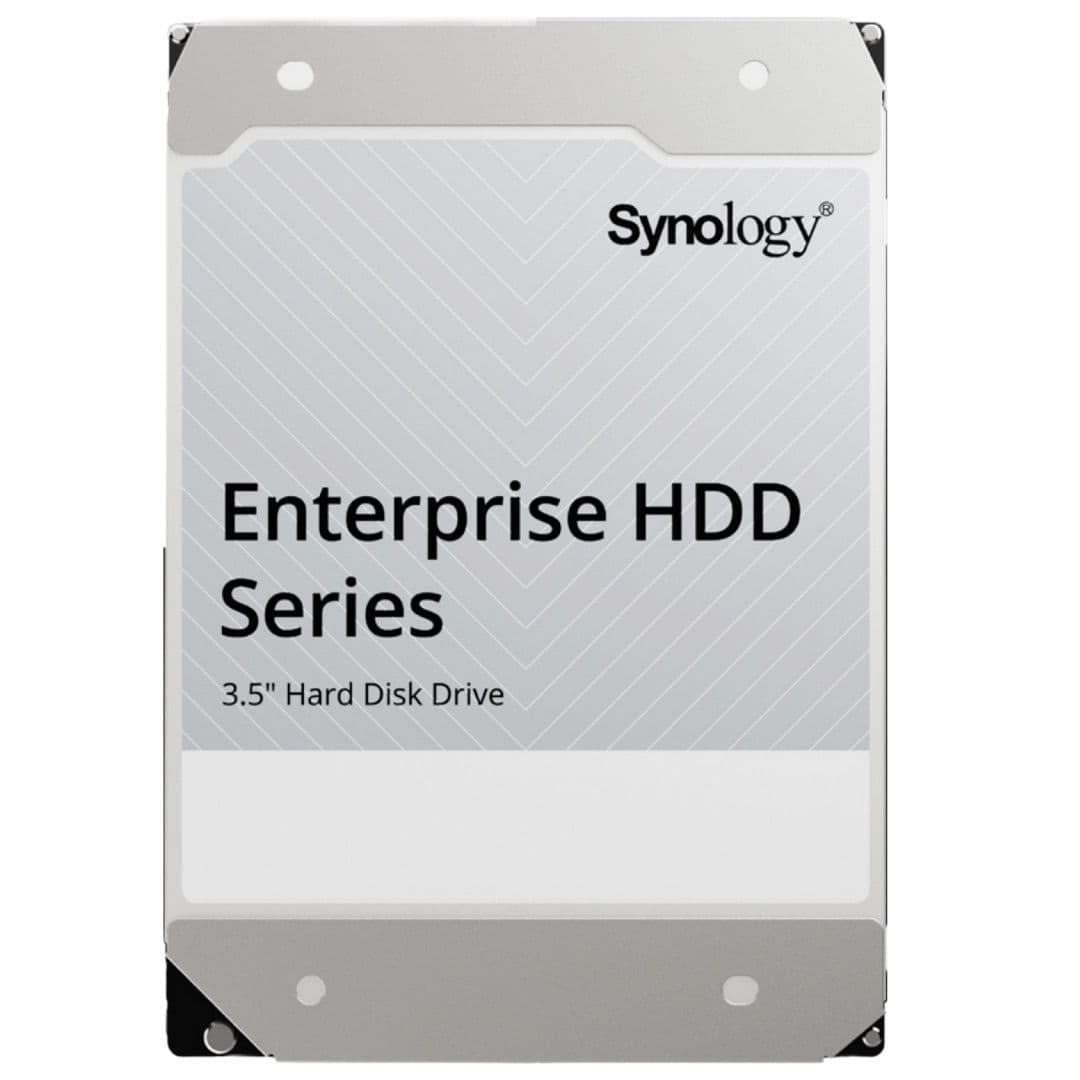
Enterprise NAS hard drives for Synology from Synology
This high-end enterprise-class NAS hard drive from Synology is custom-made for Synology NAS servers. It works with them right off the bat, and you get certain additional benefits like seamless firmware updates for the hard drives directly through the NAS. If your Synology NAS doesn’t support third-party drives, the Synology HAT5300 should prove to be a perfect contender.
Pros
- Perfect match for high-end Synology NAS
- Enterprise-class performance
Synology is better known for its outstanding NAS enclosures and their accompanying software, but it also got into hard drives to offer a complete package in-house. The HAT5300 is designed to work in tandem with a Synology NAS and unlocks some additional features, like direct firmware updates through DSM. Catering to enterprise customers, these Synology drives offer all the bells and whistles we’ve seen on the WD Gold and Seagate Exos, including impressive workload capacity and an MTBF rating.
The HAT5300 is priced on the higher side when put up against other comparable hard drives from Seagate and Western Digital. While you don’t necessarily need to buy it for
most
Synology enclosures, some higher-end DiskStation models like the DS3622xs+
now require Synology HDDs
and won’t show drive stats for other brands. This is definitely unreasonable but still, your only option if you’re eyeing the DiskStation model mentioned above.
Western Digital WD Red
For budget shoppers
Lets you get started with your home NAS on a tight budget
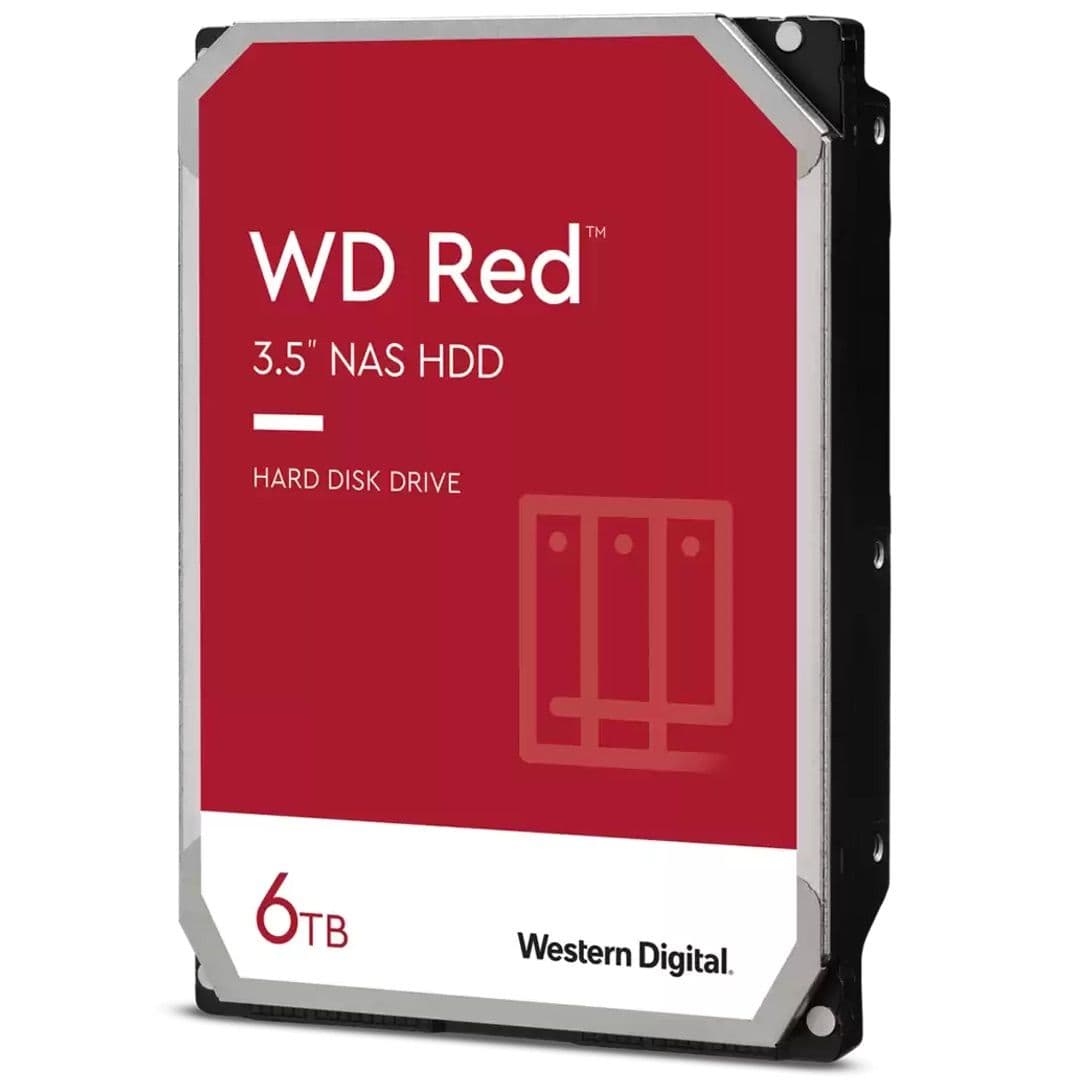
The entry-level WD Red model is meant for those home users who have limited needs and don’t want to spend a lot on hard drives after having invested in a NAS enclosure. You can get started with a pair of these without shelling out a lot of cash upfront, but be prepared to live with some of its shortcomings.
Pros
- Doesn?t cost a ton to get started
- Designed for small, home NAS enclosures
Cons
- Relatively slow read and write speeds
- Variants max out at 6TB
- It is SMR based
If you are on a tight budget for your NAS hard drives, you can consider the WD Red for your setup. It brings the best of Western Digital to a budget package so that home users can get started with their first NAS without needing to pay a hefty price upfront. You can get it in up to 6TB size, which is quite enough for single or two-bay NAS units that are good for home use and offsite backups. And just like every other WD NAS drive, the Red also comes with a 3-year warranty.
The only caveat with the WD Red is that it is based on SMR, whereas most other NAS drives rely on CMR. Especially for businesses with a high workload, SMR is downright unsuitable as these drives can get quite slow when transferring data in bulk — we are speaking tens of GBs or more here. That also means the data recovery time in a RAID setup would be much higher if one of the drives fails. None of these problems should affect home users with minimal use or single-bay NAS units. Just make sure that you don’t pair SMR drives with CMR ones on your NAS.
What is RAID?

The redundant array of independent disks — or
RAID
for short — is basically a safety net for the precious data stored on your NAS. With RAID set up on your network storage, your data can still be recovered even if a drive (or two) fails at any point. Depending on the type of RAID used, your NAS will either duplicate or distribute (or use a combination of both techniques) to provide you with better data safety, reliability, and, in many cases, performance gain as well.
There are multiple RAID levels that you can go for, depending on the storage pool and the number of disks installed. These are the most popular choices that you will come across:
-
RAID 0
: RAID 0 is used to speed up the transfer speeds as the data blocks are spread across two or more drives. While RAID 0 lets you fully utilize all the available storage
space
, it
does not
provide any kind of data protection and isn’t suitable if you want redundancy. -
RAID 1
: With at least two drives, RAID 1 uses mirroring to keep your data safe by maintaining an exact copy of the data on both HDDs. In case one of those drives dies, you will still have another copy of the data safe with you. RAID 1 is excellent for your critical data’s safety, but its only downside is that it halves your available storage space. -
RAID 5
: RAID 5 systems require at least three drives to function, and it’s one of the most commonly used RAID levels for NAS systems. With RAID 5, your data is distributed in blocks across all the drives along with their parity information. It gets you a fault tolerance of one drive, so your missing data can be “recreated” in case of a single drive failure. Two of RAID 5’s biggest benefits are much-improved transfer speeds and the fact that it spares more space to store your data with only one drive’s worth of storage used for redundancy. -
RAID 10
: Think of RAID 10 as a mix of RAID 1 and RAID 0. You get the benefits of both data mirroring and parity. This dual protection ensures the utmost protection of your data against multiple drive failures as long as at least one copy of the mirrored data is intact. But all this additional peace of mind comes at the cost of half the storage pool.
As you can see, all RAID systems require at least two drives to function. This means your single-bay NAS won’t have any kind of redundancy.
There are some more RAID levels, but they aren’t as commonly used as the ones mentioned above. If you’re picking up one of the top NAS enclosures from Synology, you can easily get away with one of these RAID options.
What hard drive size do I need for my NAS?
Considering one buys a NAS for the long run, and it isn’t particularly easy to upgrade the installed HDDs down the line, you must consider your current and future needs to decide the storage pool size you want to create.
For instance, if you plan on watching a ton of 4K movies on your new living room TV with Plex or edit a lot of 4K footage, you should go for the highest capacity drives that fit your budget, as those high-res videos eat up storage pretty quickly. With a set of four 16TB drives, you should be good for years to come. But if your home NAS is only occasionally used to back up your family members’ photos and devices, you can even get away with a pair of 8TB drives. Or you could be someone whose needs fall somewhere in the middle of that spectrum.
In any case, make sure to account for redundancy, considering how essential data
security
is for both home and office users. For example, on a two-bay NAS with RAID 1, you will essentially lose half the storage space. So, if you need 8TB of storage space, you will have to get two 8TB drives. RAID 5 is a little more forgiving, taking up only one drive’s worth of space in a four-bay system.
Before buying the drives, quickly check if your NAS supports the drive’s kind and size. For example, Synology’s top consumer NAS models don’t support drives over 16TB; this could differ by brand and their respective models.
What to look for when buying a NAS hard drive?
Hard drives meant for NAS units differ from your usual
desktop
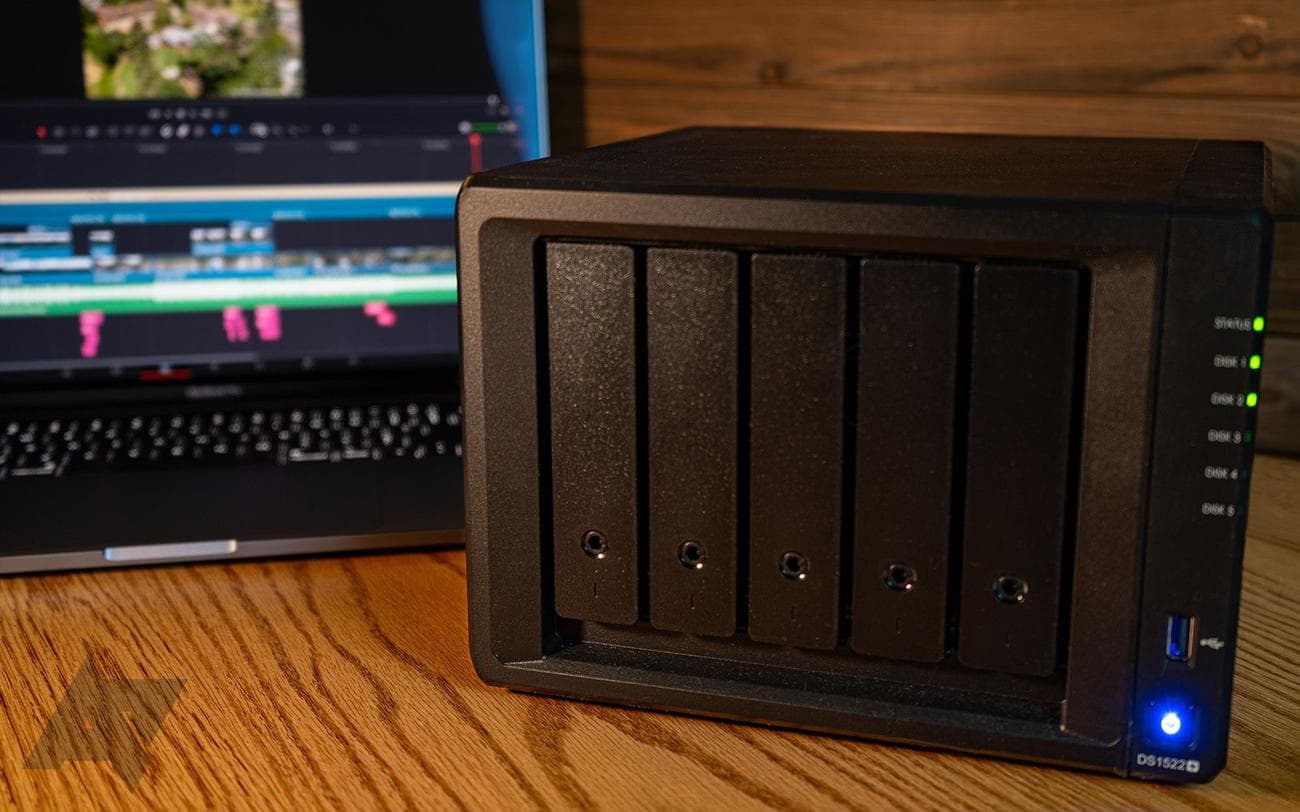
computer drives as they have to sustain far more load while spinning continuously for hours or days on end. The options we have on this list come from some of the most reliable brands in the space that you can go for without thinking twice. But there are some aspects of a NAS hard drive, besides its storage size, that you should consider before making the call.
Transfer speed
: Modern hard drives can accelerate the transfer speed quite a bit. Drives with a 7200RPM spinning speed can read and write data at speeds going over 200MB/s, while the available amount of cache also helps make things faster. Try to pick a drive variant that fits your budget while offering the highest possible amount of cache.
These additional features are often reserved for higher-capacity drives, usually 8TB and up. But no matter the storage capacity, you should avoid those slow-spinning 5400RPM drives unless they are for a backup NAS that you won’t be using every day or if you are on a really tight budget. You can consider some of the best SSDs currently available for NAS to further improve the transfer speeds.
Reliability
: As previously noted, NAS drives are supposed to run all day, often without any breaks. But there are a lot of variables that define their reliability, so one HDD model suitable for a particular use case could be an overkill for the other.
A hard drive made for large (up to 24-bay) NAS systems or servers is designed to sustain heavy vibrations to minimize the chances of drive failure. These drives tend to be on the expensive side but offer a better sense of security — you can even use them with your home NAS if you have some cash to spare.
These drives are designed to support a certain amount (between 180 and 550TB) of annual workload — the amount of data they can read or write in a year. Businesses and large teams will benefit from drives that can sustain a higher workload. In addition to that, you should also look for the mean time between failures (MTBF); simply put, the higher the number, the more reliable the drive is.
Warranty
: The peace of mind you get with a brand warranty is unmatched, especially for something as critical for your business as a NAS. You cannot only get your drive replaced with a brand new one in case of a failure, but Seagate also offers a recovery service as part of its warranty on certain models to help recover your data professionally. Recovery service or not, longer warranty support is always welcome.
Seagate IronWolf Pro
Best overall
The gold standard for NAS hard drives
Considering the IronWolf Pro is a professional hard drive made for large NAS units with up to 24 bays, you get extra peace of mind if you decide to use it with your 6-bay office NAS. It offers top-notch performance and reliability, and that 5-year warranty is the icing on the cake.