5 Things You Need to Know
iPhone 7 and iPhone 7 Plus problems continue to popup as we push away from
Apple
‘s latest iOS 15 release.
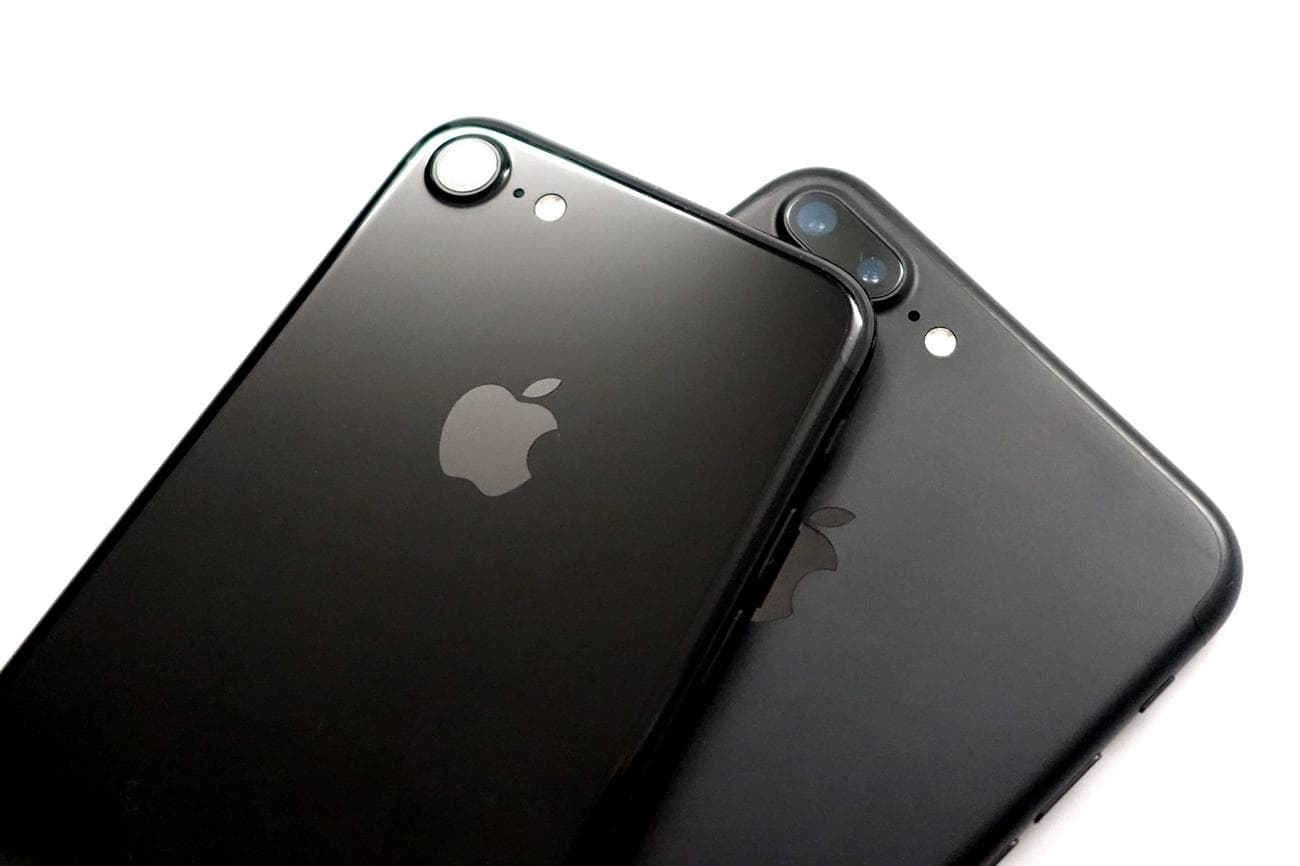
Apple’s most recent iOS 15 firmware is causing problems for some iPhone 7 users. While some iPhone 7 and iPhone 7 Plus problems are running into minor bugs, others are running into serious issues with their device.
With that in mind, we want to take a look at the current state of iPhone 7 Plus and iPhone 7 problems. We also want to make sure you’re prepared for the future, just in case you run into a bug or performance issue on your iPhone 7 or iPhone 7 Plus.
This roundup offers a look at the issues themselves and some steps to take if you do happen to run into a problem with your device.
iPhone 7 Problems
iPhone 7 and iPhone 7 Plus users who have made the move to iOS 15 are complaining about a variety of bugs and performance issues.
We’re hearing about severe battery drain, issues connecting to Wi-Fi, problems connecting to Bluetooth (a big problem given that the two phones don’t have a 3.5mm headphone jack), touchscreen issues, problems with various first and third-party applications, problems with Widgets, issues syncing photos, and much more.
It’s impossible to predict what you might run into during your time with the iPhone 7 so you’ll want to occasionally make a backup of the files stored on your phone.
We’ve also put together a list of things to do before installing the latest iOS 15 update on your iPhone 7 or iPhone 7 Plus and it’s worth a look if you’re new to iOS and the iPhone or if you simply need some additional help.
Where to Find Feedback
If you need additional help, there are a number of other places to look for fixes and feedback about iPhone 7 and iPhone 7 Plus performance.
We’ve released a guide that will walk you through the best reasons to, and not to, install the latest version of iOS 15 (iOS 15.7.7) on your phone. Start there.
We also recommend keeping an eye on YouTube,
Apple’s discussion forums
, social media sites like Twitter/
Facebook
, and the
MacRumors
forums
for additional feedback about iOS 15.
How to Fix iPhone 7 Problems
If you do run into a problem with your iPhone 7 or iPhone 7 Plus, there’s no need to panic. There’s a good chance you’ll be able to fix the issue(s) from the comfort of your home or office.
We’ve put together a list of fixes for common software problems and it offers fixes for Wi-Fi issues, issues with Bluetooth, and more. We’ve also put together some tips to help you improve performance and battery life.
If you’re running an older version of iOS, you should try updating your phone to the latest version. It could stabilize your phone’s performance.
Your last line of defense is Apple itself. If you can’t fix your iPhone 7 problem on your own, you have a couple of options.
You can get in touch with
Apple on Twitter
and see if its support can help. You can also get in contact with Apple Support
via the company website
.
If customer service can’t help you, and you still can’t fix your issue, you might think about taking your phone into an Apple Store if your local store is open.
Make a
Genius Bar appointment
and have them run diagnostics on your device to see if they can pinpoint the problem. Your iPhone 7 is under warranty so they might offer you a replacement if they can’t fix the issue.
How to Downgrade Your iPhone 7
If you recently downloaded an update on your iPhone 7 and you start experiencing problems, you might be able to downgrade back to an older version.
Downgrading isn’t a guaranteed way to fix performance issues but it’s an option if you decide you’ve had enough of your device’s poor performance.
Apple typically keeps the downgrade loophole open for a week or two after a new update’s release so you’ll need to act quickly if you want to make the move back down.
For more on the downgrade process, please take a look at our guide.
What’s Next
If your iPhone 7 or iPhone 7 Plus is having a rough time, you’re on your own for the time being.
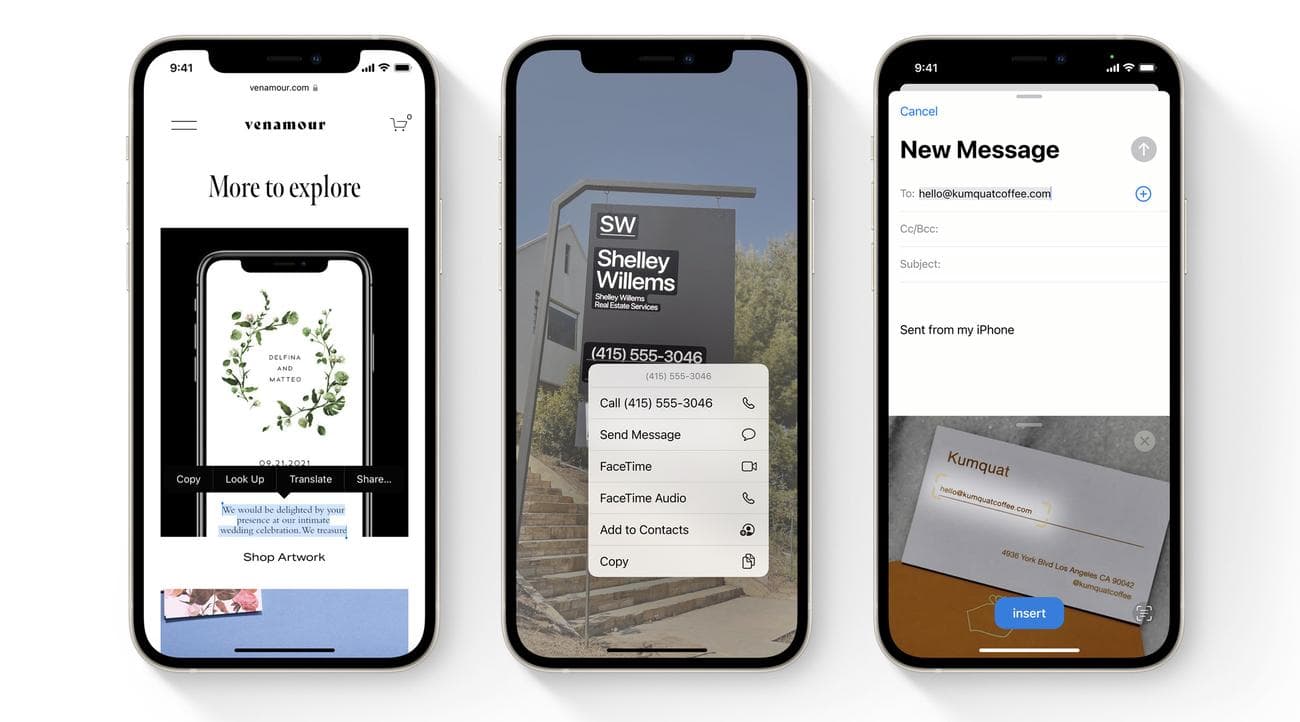
Apple’s iOS 15.7.8 update may serve as one of Apple’s final upgrades to iOS 15. There’s a chance it winds up being the company’s last iOS 15 update.
We could see Apple release a new point update down the road, but don’t expect a whole lot in terms of features and bug fixes moving forward.
Unfortunately, the iPhone 7 and iPhone 7 Plus didn’t make the move to iOS 16 and have been left behind on iOS 15. That won’t change. For more about iOS 16 and the changes you’re missing out on, check out our guide.
We should also note that the iPhone 7 and iPhone 7 Plus won’t make the move to iOS 17 either. iOS 17 is Apple’s next operating system and it’s due out this fall.
4 Reasons Not to Install iOS 15.7.8 & 11 Reasons You Should
Install iOS 15.7.8 for Better Security
|
|
 |
|
|
If security is important to you, you’ll want to think about installing Apple’s iOS 15.7.8 update right away.
iOS 15.7.8 has 10 security patches on board. These patches are essential if you want to keep your device and its data safe from harm. Apple’s outlined the changes in detail and they’re
As for older updates, iOS 15.7.7 brought three security patches to iPhone models lingering on iOS 15. For more about them, head over to
iOS 15.7.6 had several security updates on board. For more information about those patches,
The iOS 15.7.5 update patched up actively exploited vulnerabilities making it an extremely important upgrade for your iPhone. To learn more about the patches,
iOS 15.7.4 brought important security fixes to older iPhone models as well. If you want to learn more about these changes,
iOS 15.7.3 also brought a batch of security patches to iPhone. You can learn more about these changes
iOS 15.7.2 brought numerous patches along with it. For more about them, head over to
iOS 15.7.1 update brought
If you missed iOS 15.6.1, it had two security patches on board. You can read more about the pair on
If you missed Apple’s iOS 15.6 update, it had 30+ security upgrades on board. You can learn more about them
If you missed iOS 15.5 it brought 27 new security patches to the iPhone. You can learn more about these patches over on
If you missed iOS 15.4.1, it had one new security patch on board. You can read more about it
If you missed the iOS 15.4 update, it had a whopping 36 new security patches on board. If you want to learn more about these patches, head on over to
If you missed iOS 15.3.1, it had one security patch on board. For more about it, head over to
If you missed iOS 15.3, you’ll also get its patches with your upgrade. iOS 15.3 brought 10 new security patches to iPhone users. If you’re interested in the details, you can read more about them
If you missed iOS 15.2.1, you’ll get its security patch with your upgrade. You can learn more about the change over on
If you missed Apple’s iOS 15.2 update, you’ll get its 30+ security patches with your upgrade. You can read all about them over on the
iOS 15.2 also included some important upgrades to privacy. The software brought the company’s App Privacy Report to Settings. This lets you see how often your
In addition, iOS 15.2 brought
If you missed iOS 15.1, iOS 15.7.8 will bring its security patches to your iPhone. You can read more about them on
If you missed iOS 15.0.2 you’ll also get its security patch with your upgrade. You can learn more about it
iOS 15.0 also brought numerous security patches to your iPhone. If you’ll be moving up from iOS 14 and you’re interested in the exact nature of these improvements, you can read about them over on Apple’s updated its website with new information about iOS 15’s batch of security patches. The company now says the software patched up an issue that could have exposed a user’s private Apple ID information and in-app search history. It also says iOS 15 patched up an issue that allowed apps to override Privacy preferences. If you skipped iOS 14.8 or any older versions of iOS, you’ll get the security patches from those updates with your iOS 15.7.8 update as well. In addition to those patches, iOS 15 comes with some security and privacy upgrades including improvements to Siri. Requests made to Siri are now processed on the device itself using Neural Engine. This makes it more secure. If you’re an Apple Card user, you’ll now get a security code that changes regularly to use when you make online transactions.
Apple’s also included a built-in authenticator that’s similar to
There’s also a Mail |
|