
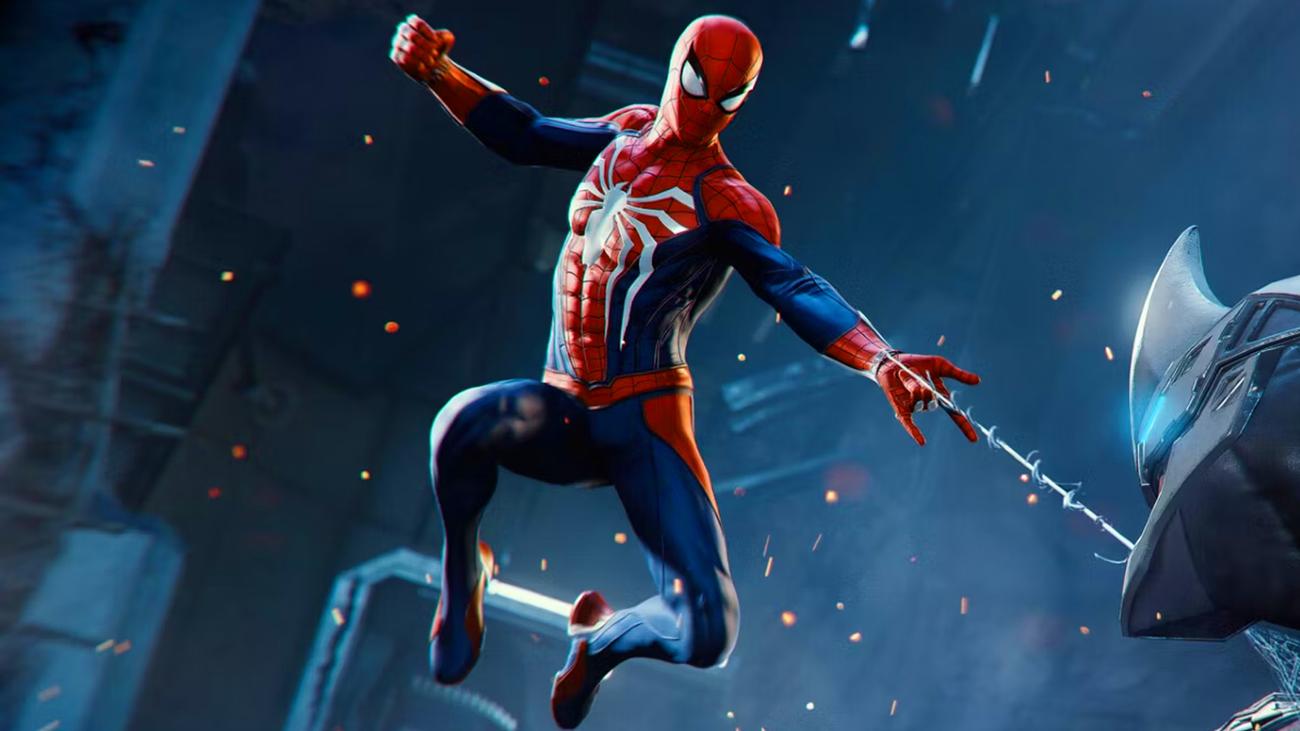
Στη δημοσιότητα οι επιλογές προσβασιμότητας για το Spider-Man 2
Το Spider-Man 2 θα κυκλοφορήσει σε δύο μήνες περίπου, αλλά κάθε νέα πληροφορία προκαλεί το ενδιαφέρον τον παικτών. Άλλωστε, ο αγαπημένος ήρωας έχει κερδίσει την αγάπη των παικτών με τα δύο προηγούμενα κεφάλαια της σειράς. Έτσι, η Insomniac
Games
προσέχει την κάθε λεπτομέρεια κατά την ανάπτυξη του Spider-Man 2.
Ομολογουμένως, αυτό δείχνει κι η
λεπτομερής δουλειά
που έχει κάνει,
όσον αφορά τις επιλογές προσβασιμότητας του παιχνιδιού
. Η ομάδα ανάπτυξης δίνει πολλές επιλογές,
ώστε να απολαύσουν ακόμη περισσότεροι παίκτες το παιχνίδι φέρνοντάς το στα μέτρα τους
. Παρακάτω, ακολουθεί η πλήρης λίστα σχετικά με τον ήχο, τους υπότιτλους, το gameplay και άλλα στοιχεία, σύμφωνα με το
insider-gaming
:
Gameplay
-
QTE Auto Complete
– Auto advance all QTE sequences without button presses. - Change Button Taps to Hold- button prompts that require button taps now require buttons holds.
-
Web-Shooter Burst
– Enable firing up to three webs at once. Allows the player to fully web up most enemies in one button press. -
Aim Mode
– Sets aim action to a toggle or a button hold. -
Swing/Parkour Mode
– Sets swinging and parkour to a toggle or a button hold. -
Air Trick Mode
-
Hold
– Air Trick inputs must be held to maintain Air Trick mode. -
Toggle Auto Clear
– Air Trick input is pressed to enter Air Trick mode. It auto clears after performing an action that breaks out of Air Trick mode or by pressing the Air Trick input again. -
Toggle Maintain
– Air Trick input is pressed to enter Air Trick mode and persists through other actions while swinging. Pressing the Air Trick input again turns off Air Trick mode.
-
-
Chase Assist
– Chase targets’ top movement speed is lowered so there is a longer window before the target escapes. Automatically attaches to the chase target when within range. Press [R3] to automatically turn the camera towards the chase target. -
Enhanced Auto Aim
– Snap onto targets with greater ease while in aim mode. -
Increased Dodge Window
– Increases the dodge window
time
. -
Skip Puzzles
– When Enabled circuit, spectrography, and surveillance tower puzzles will have the option to skip.
Controller
-
Accessibility Vibration
– Enable additional vibration to assist with auditory and visual gameplay elements including:- Focus availability
- Danger radius of explosives
- Collectible assistance
-
Vibration Intensity
– Adjust the intensity of controller vibrations. -
Gadget Select Button
– Swap the gadget select wheel between [R1] or [L1]. -
Photo Mode Shortcut
– enable left D-pad shortcut to open Photo Mode. -
Adaptive Triggers
– When Enabled allows the [R2] and [L2] buttons to dynamically change resistance during traversal actions.
Camera
-
Invert up/down
-
Invert left/right
-
Camera Sensitivity
– Adjusts the camera control sensitivity. -
Camera Shake
– toggle camera shake on or off. -
Swing Camera Motion
– Adjust the FOV when swinging. -
Camera Follow
– Automatically rotate the camera behind Spider-Man while swinging. -
Combat Camera
– Automatically rotates the camera to assist with keeping enemies in view. -
Look at Waypoint
– Automatically turns the camera towards the objective waypoint.
HUD
-
Mission Waypoint Display
– Toggle Waypoints between always on to show only when pressing R3. -
Control Hints
– Control hints are displayed on the bottom left corner of the HUD. -
Mini-Map
– Display the mini-map on the bottom right corner of the HUD. -
Air Trick Notifications
– XP rewards when doing Air Tricks are displayed on the right side of the HUD. -
UI Parallaxing
– When turned off HUD and Pause Menu elements stay in place on the screen. -
Icon and Prompt Size
– Set the size for in-word waypoints, icons, and prompts. -
HUD Background
– Enable a contrasting background for the HUD.
Subtitles
-
Subtitles
– Display Subtitles for spoken dialogue. -
Subtitle Size
– Adjust the size of the subtitles. -
Subtitle Background
– Enable a background for subtitles for improved readability. -
Subtitle Color
– Set the text color for subtitles. -
Subtitles Speaker Color
– Set the speaker name color for subtitles.
Audio
-
Master Volume
– Adjust the overall volume of the game. -
Music Volume
– Adjust the volume of the game’s music. -
Speech Volume
– Adjust the volume of the game’s dialogue. -
UI Volume
– Adjust the volume of the menu sound effects. -
SFX Volume
– Adjust the volume of the sound effect while in-game. -
Audio Balance
– Balances the audio between the right and left channels. -
Listening Mode Options
:-
Home Theater
– Recommended listening mode for home theater and stereo speaker environments. -
Maximum
– Similar to Home Theater listening mode with a wider dynamic range. -
Television
– Reduced bass frequency for small television
speakers
. -
Headphones
– Wide dynamic range suitable for headphones. -
Midnight
– Narrow dynamic range for low volume playback.
-
-
Mono Audio
– Combine audio tracks into a single output that plays through each speaker. On PS5 3D audio must be turned off in the PlayStation 5 settings before this option can be enabled. -
English VO
– use English Dialogue audio instead of system language if your system language is set to a SKU supported language. -
JJJ Podcast
– Automatically play JJJ Podcasts.
Visual
-
Graphics Mode Options
-
Fidelity
– 30FPS with graphical features like raytracing enhanced lighting and additional VFX. Temporal techniques provide an extra-high-quality picture from a 4K-resolution base. -
Performance
– 60 FPS without the extra graphical features in Fidelity Mode. Temporal techniques provide a 4K picture from a lower-resolution base.
-
-
HDR
– Enable high Dynamic Range. Only available on compatible TVs. -
Brightness
– Adjust the brightness. -
Contrast
– Adjust the contrast intensity. -
Motion Blur
– Adjust the blurring effect created by motion. -
Film Grain
– Adjust the intensity of the film grain visual effect. -
Chromatic Aberration
– Enables a filmic effect where colors appear slightly shifted and out of focus at the image’s corners. -
High Visibility Spider-
Sense
– Enable a high contrast Spider-Sense effect. -
Contrast Options
– Enables various shaders and high contrast options to help with visibility. Use presets or customize each setting individually. Including solid single colors on the hero, allies, enemies, etc. -
Contrast Toggle
– Toggle on or off the Contrast Option by pressing D-pad Right.
Συμπερασματικά, τέτοιες προσπάθειες αξίζουν συγχαρητηρίων γιατί δείχνουν ευαισθητοποίηση, καθώς λαμβάνουν σοβαρά υπόψη τις ανάγκες των παικτών. Ευελπιστούμε η Insomniac Games να κερδίσει το στοίχημα και σε αυτόν τον τομέα.
Εσείς τι γνώμη έχετε; Θα χαρούμε να δούμε στα σχόλια την άποψή σας.
