Best smart thermostats in 2023
Related Posts
Smart thermostats are more popular and effective than ever. Buying and installing one might seem like a complex undertaking on the surface, but in reality, it’s one of the most useful smart devices you can add to a home. Depending on your needs and budget, there’s a wide variety of options with features ranging from remote access and simple schedules all the way to learning algorithms that tailor your HVAC system to your usage patterns. Just make sure you choose one that’s compatible with your preferred voice assistant and smart ecosystem.
Which smart thermostat is right for your home in 2023?
Google
Nest Learning
Best overall
Intuitive, user-friendly interface
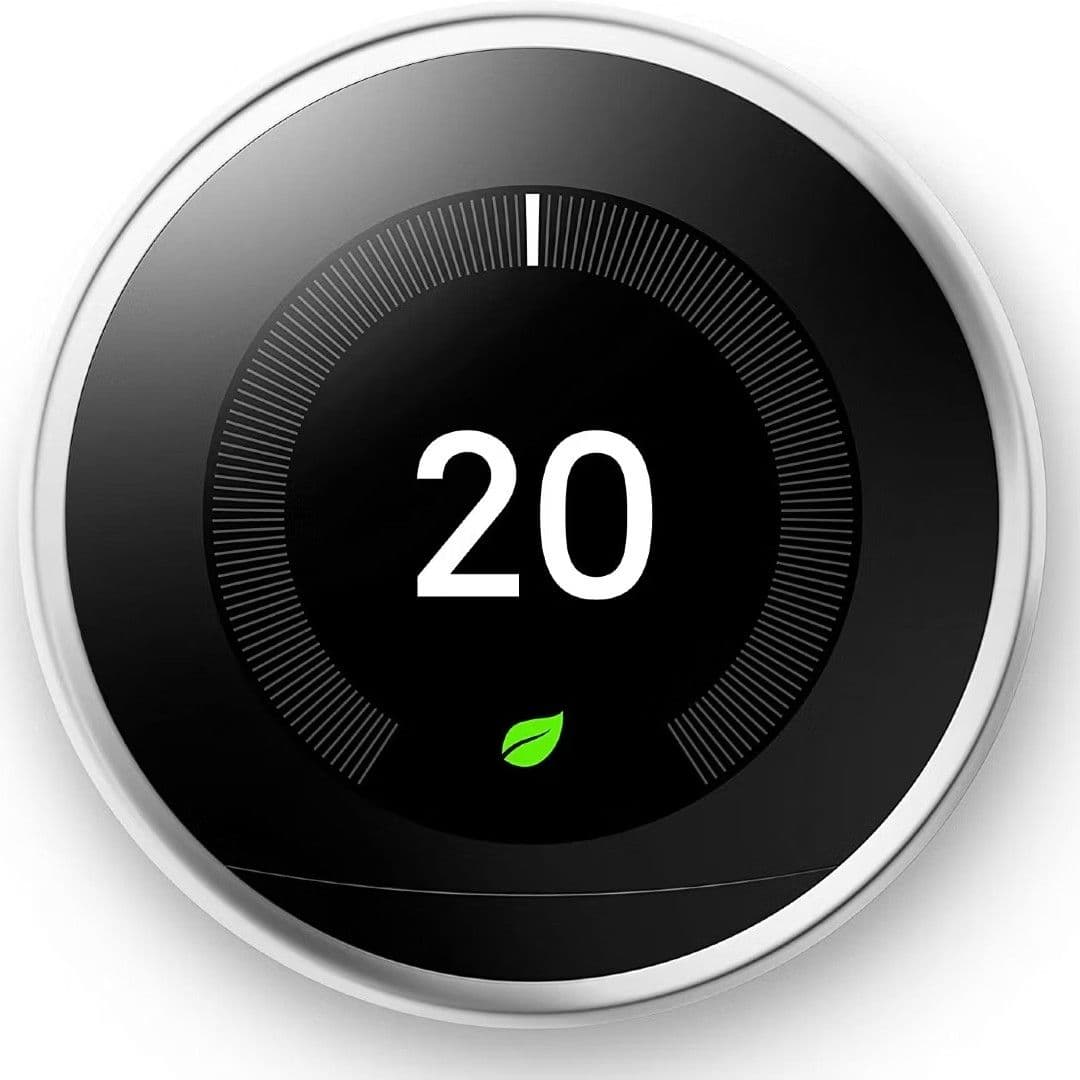
Widely hailed as the best, Google’s Nest Learning Thermostat is as user-friendly as they get. Over time, it automatically tailors its operation to the usage trends it picks up on, so you have to do less and less micromanaging to stay comfortable. It’s also great for aesthetics, as it looks considerably nicer than most others.
Pros
- Premium construction
- Straightforward and easy operation
- Supports external room sensors
Cons
- Will not receive Matter support
- Remote sensors limited to temperature
Smart thermostats don’t get much easier to use than the Google Nest Learning thermostat. They don’t get much easier to install, either, as it’s one of the few smart thermostats available that don’t require a C-wire or any major electrical work. (And once installed, it looks quite a bit better than other smart thermostats in most homes). It also periodically recharges itself when the HVAC system is running.
As far as performance goes, its learning algorithms mean you can pretty much just “set it and forget it” for regular use. You can, of course, still program schedules and geofencing contingencies, but you can also just let it do its thing, and it’ll eventually adjust, only requiring manual adjustment when you change your general routine.
Source: Ecobee
Ecobee Premium
Premium pick
Wide selection of powerful features
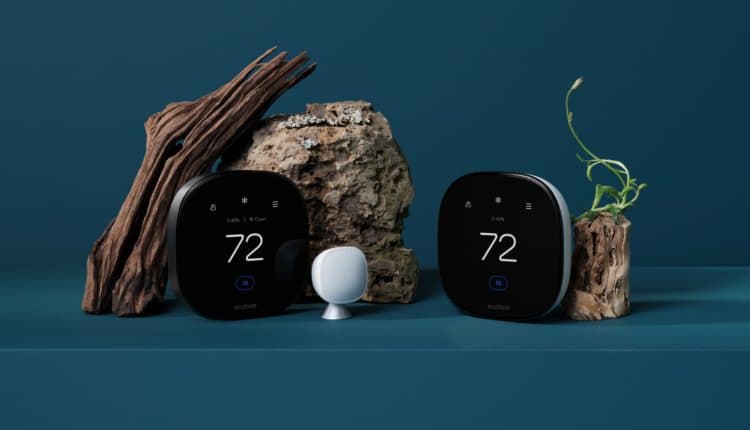
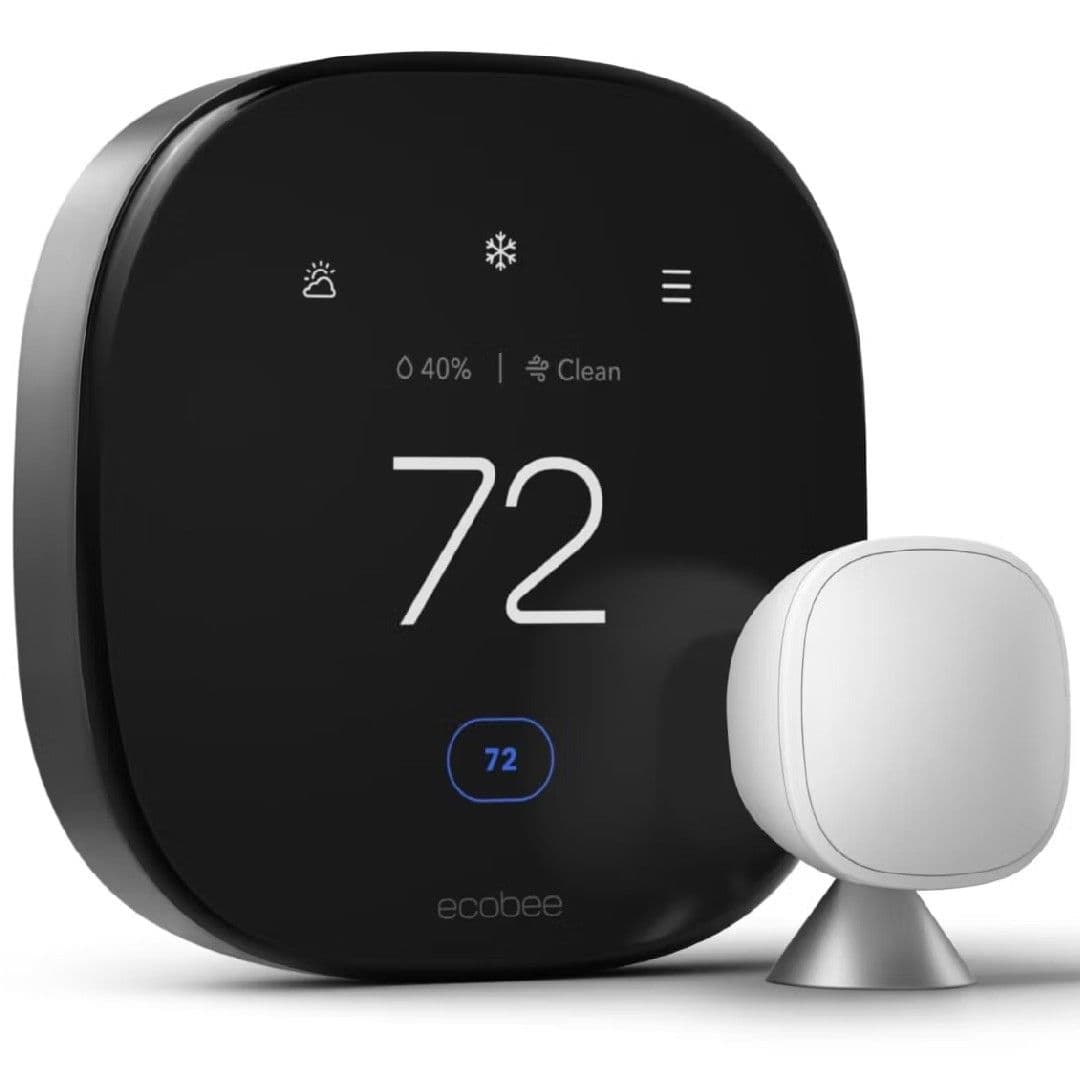
The Ecobee Premium makes a great option if you’re just setting up a new smart home, partly because of its built-in Amazon Alexa speaker. Of course, it’s also compatible with Google Assistant, SmartThings, and HomeKit, so it’s worth looking into if you want a full-featured thermostat regardless.
Pros
- Supports air quality monitoring
- Dual-band Wi-Fi connectivity
- Uses learning algorithms to suggest changes
As long as the price doesn’t put you off, the Ecobee Premium is one of the best thermostats you can buy. It works with all the current major smart ecosystems (including Apple HomeKit) and sports an attractive build with a slick-looking zinc body and glass touchscreen. Its
feature
set is basically the widest on the market and includes a remote sensor as well as air quality monitoring. The handy radar-based motion detection helps it know when somebody’s home and if the HVAC system should run, but you can also use geofencing as with any high-end smart thermostat.
Ultimately, it’s the best premium choice for most users, especially those not attached to the Google ecosystem. Alexa and Siri users, in particular, will appreciate the integrated smart speaker that works with either voice assistant. While it likely won’t ever support the Matter standard, Ecobee’s gone to great lengths to ensure its wide-ranging compatibility and impressive functionality. Like the top-end Google Nest, it even charts usage patterns and uses advanced algorithms to recommend the best way to adjust it for peak comfort and efficiency.
Sensi Lite
Best value
A powerful and affordable newcomer
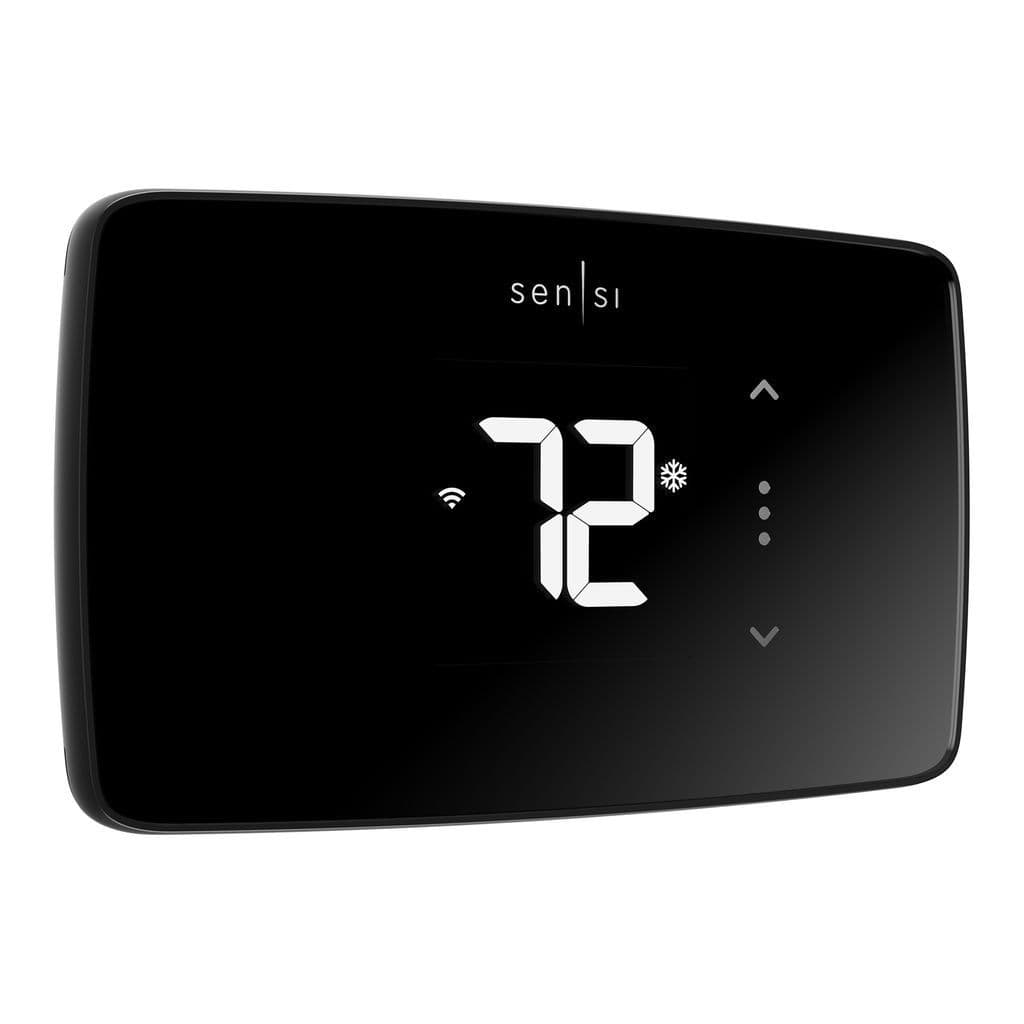
The Emerson Sensi Lite offers no-nonsense heating and cooling solutions, replicating all the features of a typical thermostat while adding remote access and scheduling from anywhere in the world. It’s also one of the few that can run on battery power, which is great for older homes that don’t have a C-wire installed.
Pros
- As affordable as they get
- All the basic smart features most people need
- Compact and good-looking
Cons
- Doesn’t work with room sensors
- No learning algorithms or suggestions
If you’re looking for something that allows remote access and programming but doesn’t cost a ton or have a bunch of fancy features you won’t use, Emerson’s new Sensi Lite is the way to go. It supports Amazon, Google, and Samsung’s smart home platforms.
Notably, it’s one of the rare thermostats that doesn’t require a C-wire on most systems but can instead run on two AAA batteries. And not only is it easy to install, but its streamlined app is simple for even smart home beginners to understand. If you’re not interested in room sensors, air quality monitoring, or similar advanced features, the Sensi Lite is a great choice.
Honeywell Home T9
Great for multi-zone
Supported by a trusted manufacturer
$190
$210
Save
$20
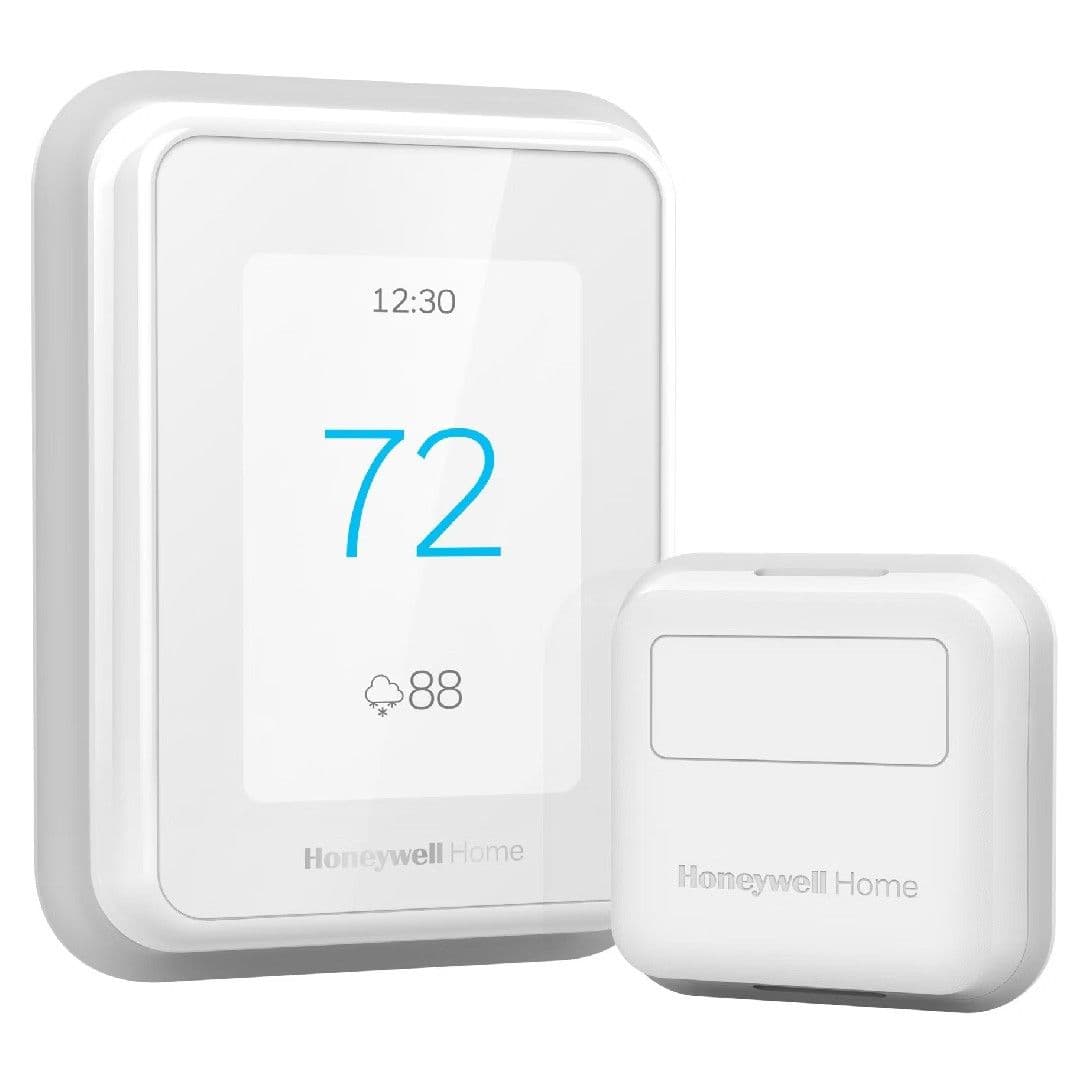
The Honeywell Home T9 is remarkably full-featured and comes with a single remote sensor with support for up to 20. Piggybacking on that, it’s the best option for controlling multiple HVAC zones, which most others can’t do. And unlike some smart thermostats, it gives you a decent amount of manual control on the unit itself in case your phone’s not on you.
Pros
- Humidity and air quality monitoring
- Dependable motion detection
- Works great with Honeywell security systems
Cons
- Not quite the same value as other premium models
The room sensors are the real star of the show when it comes to the Honeywell Home T9. Each one monitors temperature, humidity, and proximity, so heating can essentially follow you around the house and adjust accordingly. Its app is also easy to understand for the average person, with the most useful features right in plain sight.
A bright, full-color touchscreen is easy to see from anywhere in the room, and its responsive touch control makes it effortless to adjust without unlocking your smartphone. In fact, many people’s biggest gripe is that it’s not the sleekest thermostat out there, plus it’s only available in bright white and doesn’t include the backing plate you might need to cover the previous hole.
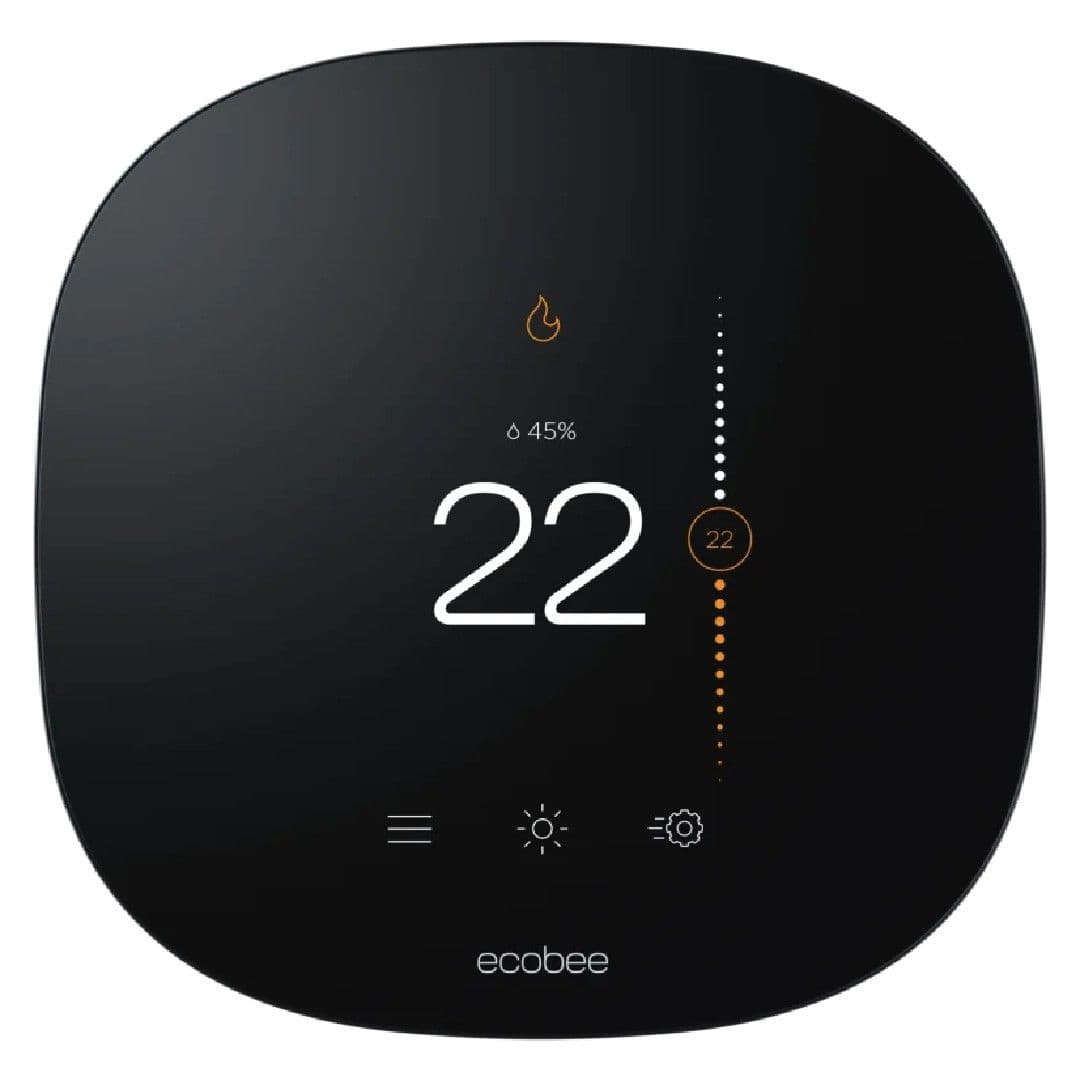
Ecobee3 Lite
A value alternative
Great for small homes and condos
The Ecobee 3Lite delivers the dependability of Ecobee’s Premium thermostat at a considerably lower price. No room sensor is included, and you will sacrifice some complex smart features compared to its more expensive relative, but it’s still a great choice for users of any smart home ecosystem.
Pros
- Excellent smart platform compatibility
- Powerful energy tracking and temperature
- Supports IFTTT programming
Cons
- No room sensors included
- Lacks native geofencing
Like its high-end sibling, the Ecobee3 Lite saw a redesign that brings it considerably more in line with modern home decor. Unlike the Premium version, though, it doesn’t come with a room sensor, and a few of its smartest features have been removed, including the algorithm-based usage tracking and adjustment recommendations.
Nonetheless, it’s still a good option due largely to its mostly intuitive interface. It comes with an adapter in case your home doesn’t have a C-wire. To help optimize your home, it tracks various data streams so, for example, you tell if you need to refresh your door and window weatherstripping. It’s a great way to get Ecobee’s excellent reliability and wide-ranging compatibility while also saving money on the initial purchase.
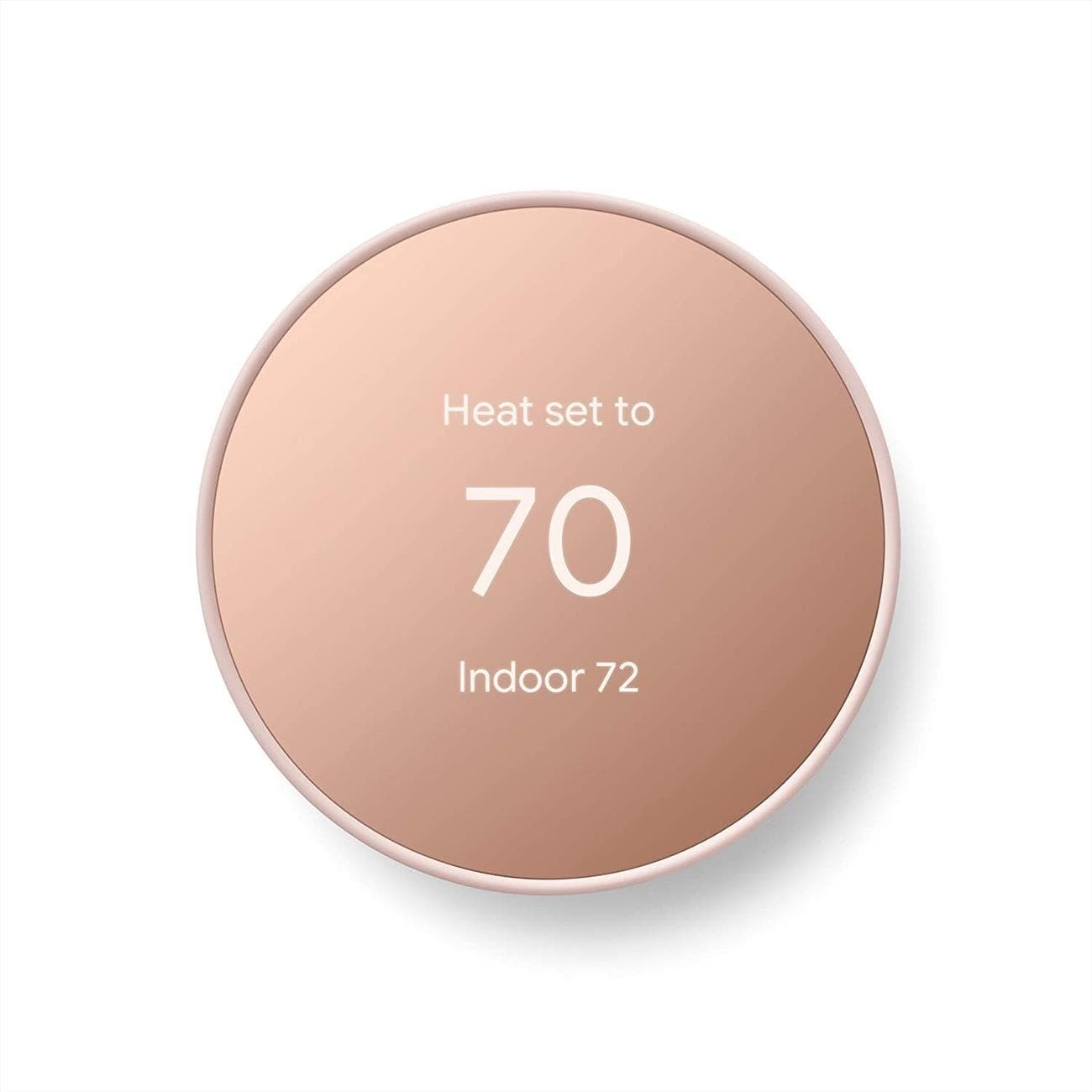
Google Nest Thermostat
For the Matter protocol
Streamlined and moderately priced
$100
$130
Save
$30
Essentially a slimmed-down version of the more costly Nest Learning Thermostat, the base model Google Nest Thermostat has some of the same features and the same simple interface at a much friendlier cost. It looks great in most homes, is simple to set up, and is the perfect budget option for Google-centric smart homes.
Pros
- Slim, minimalist design
- Works with many older HVAC systems
- Doesn’t cost a fortune
Cons
- Lacks learning algorithms
- No remote sensor support
Part of the Nest family’s appeal is its general design, and the Google Nest Thermostat holds true to that simple but good-looking standard. It doesn’t offer all the high-end features of the more costly model, but it is every bit as easy to use. It even supports dual-band Wi-Fi, so you won’t have to mess with your router’s 2.4GHz or 5GHz bands during initial setup.
There’s a lot going for the Nest if you don’t need learning algorithms or room sensors. For example, it retains plenty of functionality and a high degree of convenience. It also upholds Google’s reputation for user-friendly operation, and the radar-based motion detector is especially effective. Plus, it looks great, despite being made largely from plastic rather than metal.
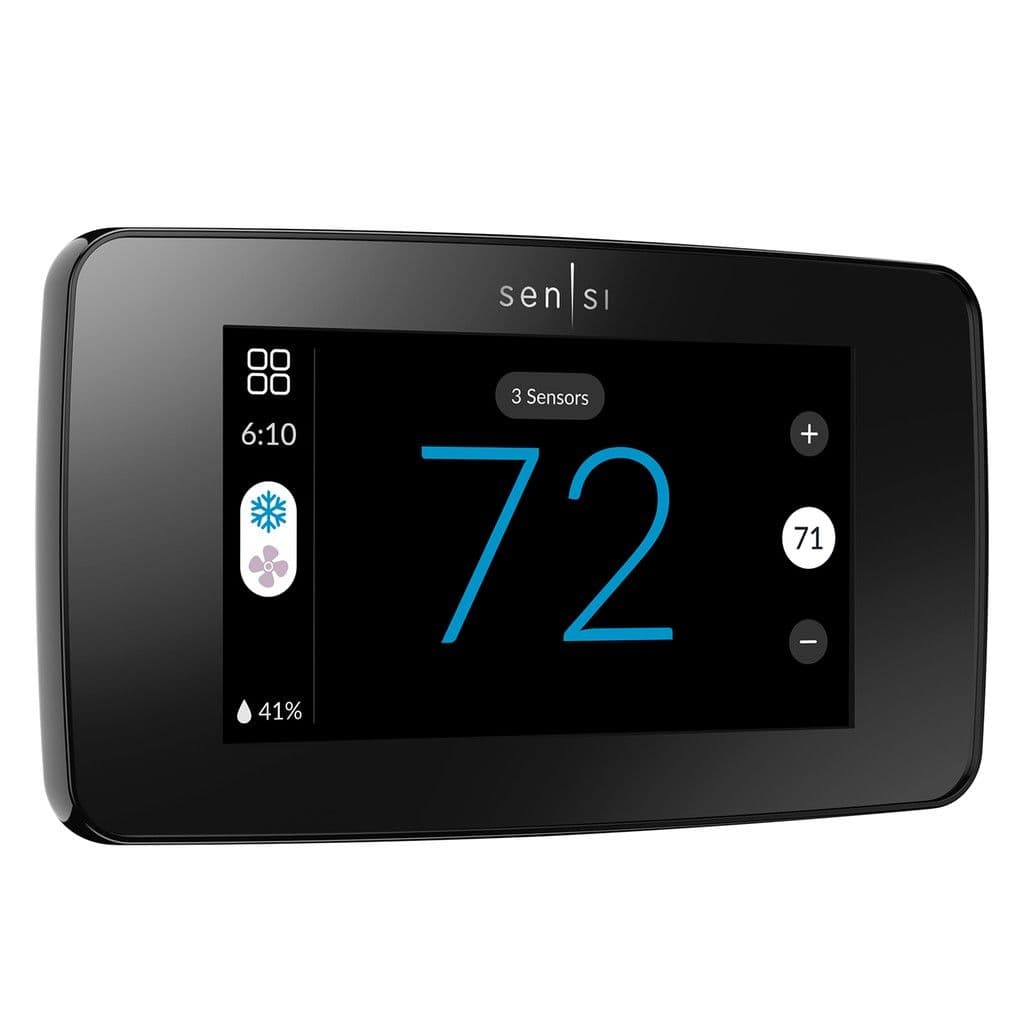
Emerson Sensi Touch 2
Great on-unit control
An Ecobee and Google challenger
The Sensi Touch 2 brings Emerson’s Sensi family in line with the high-end offerings from companies like Google and Ecobee. That includes effective geofencing control, extensive room sensor support, and long-term usage statistics. It’s also worth noting that most users find the app considerably easier to use than other smart thermostat apps.
Pros
- Large, responsive touchscreen
- Extensive on-device controls
- App is extremely easy to use
Cons
- Among the most expensive
- HomeKit support has been removed
If you’re willing to make the investment, the most recent Sensi Touch thermostat has nearly every smart feature you’ll need. That includes in-depth energy monitoring for long-term optimization, reliable geofencing, and extensive programming and scheduling options. Its bright touchscreen isn’t just easy to read; it also gives you control over almost all the functions possible, so you don’t have to hunt down your smartphone every time you want to adjust something.
One thing to note is that some users had minor installation and setup issues, so consider having it professionally installed or be prepared to call customer support if necessary.
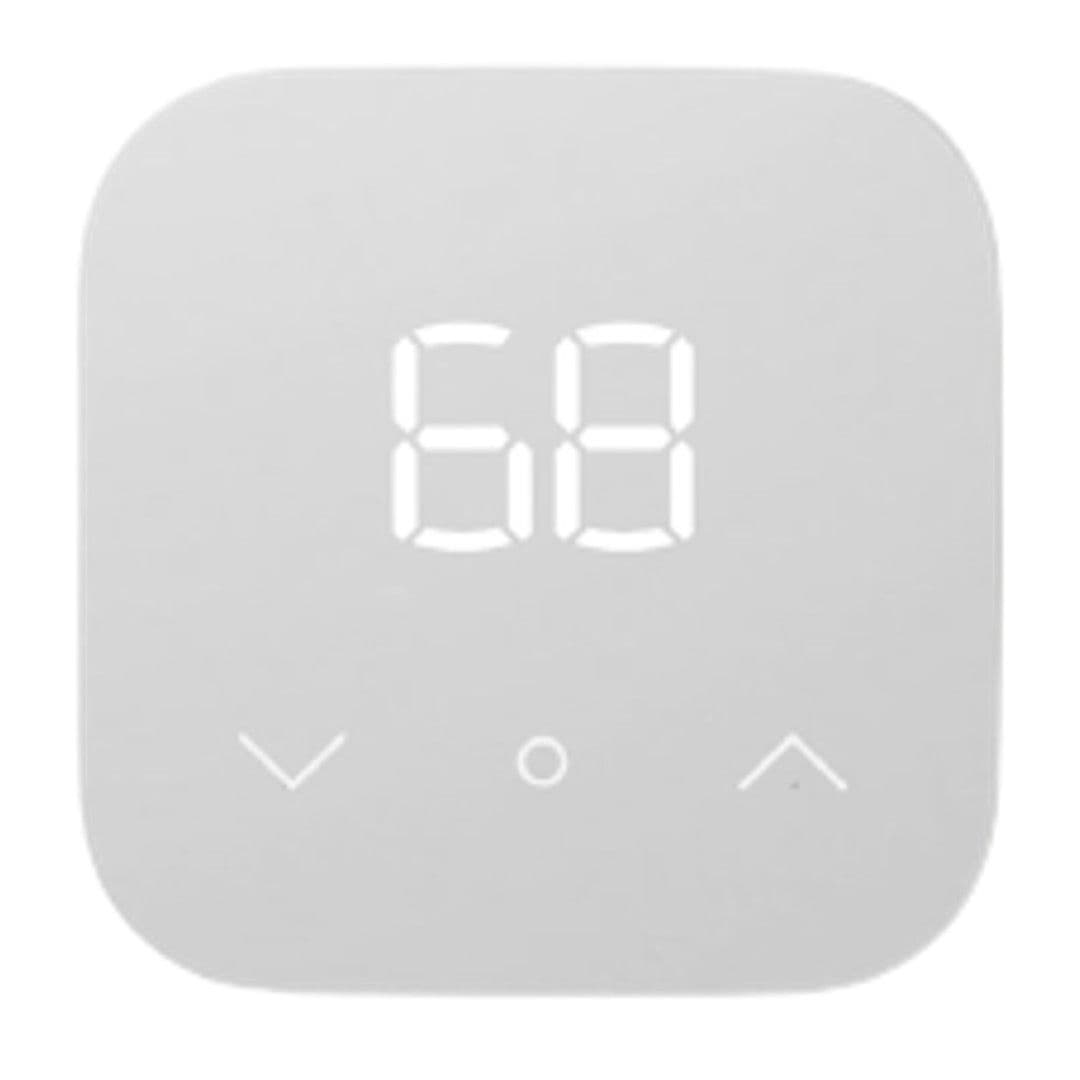
Amazon Smart Thermostat
Simple and cheap
Barebones remote HVAC access
They don’t get any simpler or more affordable than the Amazon Smart Thermostat. It gives you basic scheduling abilities and Alexa voice control but not a whole lot else. On the other hand, it’s particularly nondescript and the least expensive smart thermostat worth buying.
Pros
- A rock-bottom bargain
- Dependable Alexa compatibility
- Supports Amazon Hunches learning feature
Cons
- Few advanced features
- No other smart ecosystem support
If you want something smart but not too complicated, and you don’t want to spend a fortune, the Amazon Smart Thermostat is perfect for you as long as you plan on using the Alexa ecosystem. On the surface, there’s not a lot to this one, with only minimal smart features available, such as home/away/sleep detection and remote access.
However, it’s worth pointing out that it supports the Amazon Hunches smart learning feature. This program uses data from any additional Amazon Echo smart devices around your house to track your habits and adjust itself accordingly. This system isn’t perfect yet, but it is an interesting and useful inclusion on this highly affordable thermostat.
Do you need a C-wire to use a smart thermostat?
The C-wire or common wire exists to provide constant power to a thermostat, but not all homes have one. Luckily,
many smart thermostats offer a C-wire adapter
, so there’s a good chance you can still use them. The only ones that definitively do not require constant wired power are the Google Nest Learning and Emerson Sensi Lite thermostats. The Nest Learning siphons off enough power from the main HVAC circuit to recharge its battery, while the Sensi Lite can use a pair of AAA for several months before replacement.
Can you install a smart thermostat by yourself?
Simple electrical work like installing a thermostat isn’t exactly mind-blowingly difficult, but it can still be hazardous to the novice homeowner. If you have any electrical experience, you’ll know the importance of attention to detail and careful, precise work.
You will need to connect wires to a thermostat that will eventually carry considerable voltage (although you always need to turn off the circuit breaker when working with wiring). It’s doable for the savvy DIY artist, but
don’t hesitate to have an electrician do it if you’re not 100% confident and comfortable doing it yourself
.
Which are the best high-end and low-cost smart thermostats?
The Google Nest Learning Thermostat gets tons of hype for very good reasons. Its AI optimization basically allows you to set it and forget it, and after a few weeks, you’ll only rarely have to adjust it manually. On the other hand, if your routine changes a lot, it’s easy to update the schedules and utilize all the device’s smart features. The only drawback is the price, but it is still the best for many people. If you’re working with anything other than the Google ecosystem, the Ecobee Premium is your best bet.
If you’re looking to save money instead, check out the Emerson Sensi Lite, a new entry into the budget-friendly category. It’s more simple than it is smart, but it does give you the remote access and programming features that make smart thermostats so great.
Google Nest Learning
Best overall
Intuitive, user-friendly interface
Google’s Nest Learning Thermostat offers roughly the best feature set and almost certainly the nicest appearance and best AI optimization functionality of all smart thermostats.