
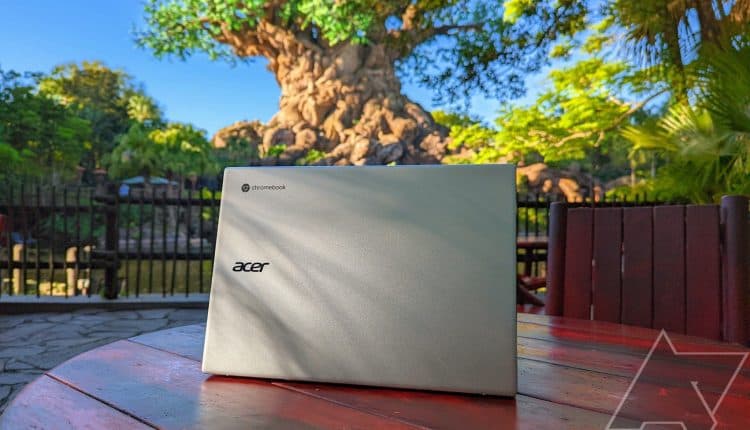
The best Acer Chromebooks in 2023
Related Posts
There are a lot of different Chromebooks on the market today, with many different manufacturers entering the arena to offer their specific brands of computing. Acer, in particular, makes a variety of Chromebooks, ranging from compact budget laptops to high-end gaming laptops.
While the best Acer Chromebooks can essentially cover every usage scenario, it can be tough to navigate AUE dates, features, performance hardware, and pricing. To help you get the perfect laptop, we’ve rounded up the best of the best when it comes to Acer Chromebooks.
Our favorite Acer Chromebooks
Acer Chromebook Spin 714
Best overall
A well-balanced convertible
Acer’s Chromebook Spin 714 might be relatively expensive, but it offers the best mix of performance, versatility (thanks to the convertible design), durability, and screen size for most people.
Pros
- Beautiful 14-inch touch display
- Strong 12th Gen Intel Core performance
- Long battery life
Cons
- Speakers are underwhelming
- Relatively expensive compared to other options
- No SD or microSD card reader
Improving upon its already-impressive predecessor even further, Acer’s Chromebook Spin 714 is a top-of-the-line convertible that’s every bit worth its high asking price. In fact, it’s also one of our top choices when it comes to the overall best Chromebooks from any manufacturer.
Under the hood, the Spin 714 features Intel’s 12th Gen Core i5 processor and 8GB of LPDDR4X RAM. Combine that with 256GB of high-speed SSD storage, and you’ve got a machine that can handle everything you throw at it without breaking a sweat. In addition, the 14-inch FHD touchscreen has a 16:10 aspect ratio and full coverage of the sRGB color gamut, making it ideal for productivity-oriented tasks. You also get a 1080p webcam with a dual-microphone array.
For connectivity, Acer Chromebook Spin 714 comes with Wi-Fi 6E and Bluetooth 5.2, as well as HDMI, USB-C (with Thunderbolt 4 support), and USB-A ports. Then there’s the integrated USI stylus, which can be used for four hours after being charged for a mere fifteen minutes. The Spin 714 adheres to military-grade durability standards, and, as tested in our Acer Chromebook Spin 714 review, the battery will last more than eight hours with regular use. You can double that number if you’re just streaming video.

Acer Chromebook Spin 311
Best value
Can’t beat the price
$169
$249
Save
$80
Acer’s Chromebook Spin 311 is the most affordable laptop in this roundup, and its compact size is perfect for children or casual users who just want something they can carry around without much effort.
Pros
- Can’t beat the price
- Versatile and compact design
- Solid battery life
Cons
- Performance won’t match pricier options
- HD display might not be ideal
When it comes to the best cheap Chromebooks you can buy today, the Acer Spin 311 is tough to beat. It costs anywhere from about $170 to $250, depending on the retailer and any ongoing sales. This very compact laptop weighs less than a pound and a half; you can easily slip it into a backpack without really noticing it’s there. Despite its size, it offers USB-C, USB-A, and a 3.5mm audio jack.
It’s all powered by a MediaTek MT8183C CPU with eight cores. The printer is not going to set any speed records, but it will be enough to handle light work, browsing, and streaming. The CPU is accompanied by 4GB of RAM and 32GB of eMMC storage (there are 64GB models out there, though they are much harder to find). The battery will go for up to 15 hours on a charge.
The 11.6-inch touch display has an HD resolution that doesn’t look nearly as pixilated at this size compared to larger screens, and it makes for an easier hold for small hands. Finally, the convertible design lets you rotate the screen around 360 degrees for tent, stand, and tablet modes, providing extra versatility at the same low cost.
Source: Acer
Acer Chromebook Vero 514
Premium pick
Rugged, fast, and recycled
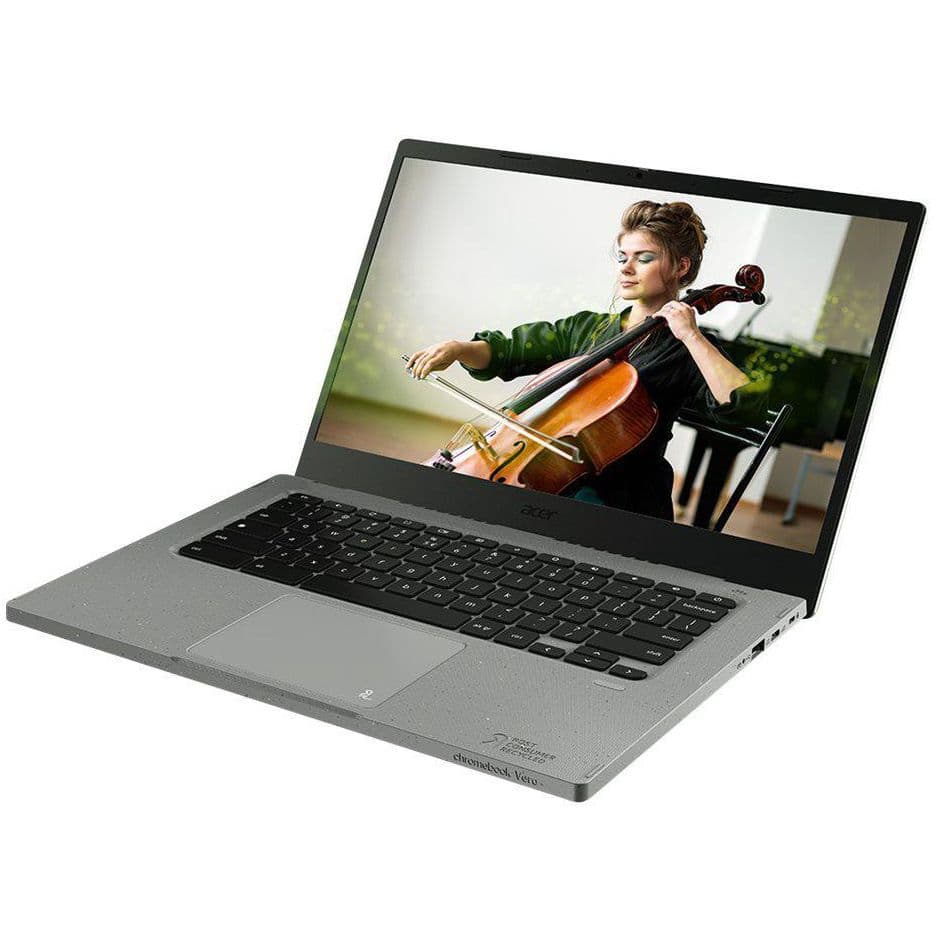
Acer’s Chromebook Vero 514 is an excellent choice for those who want a high-end laptop without a convertible design. It’s made from recycled material, it offers high-end performance, and the 14-inch display has a sharp FHD resolution.
Pros
- Durable build with recycled materials
- Strong 12th Gen Intel Core performance
- Speedy 256GB SSD
Cons
- Expensive
- No convertible design
The Chromebook Vero 514 is a high-end laptop with a heavy focus on sustainability and performance. It’s been certified for MIL-STD 810H durability to prove it can keep going for years, but its chassis and bezel are made of 30% recycled plastic, while the speakers and keyboard are 50% recycled materials.
Performance hardware for this model includes a 12th Gen Intel Core i5-1235U CPU paired up with 8GB of RAM and a 256GB SSD. Altogether, you’ll see superb performance that can handle just about any workload, and Acer says the battery can go for up to 10 hours between charges. Wi-Fi 6E makes it easy to connect to the internet wirelessly, and ports include HDMI, dual USB-C, USB-A, and 3.5mm audio jack. There’s even a fingerprint reader for added security.
The 14-inch display is a nice middle ground between 13- and 15-inch screens, giving you some extra space for multitasking without a lot of extra bulk. The FHD resolutions look crisp at this size, and the touch functionality adds some versatility, though it lacks the full convertible design that can turn it into a tablet.
Acer Chromebook 516 GE
Best gaming
For cloud or local gaming
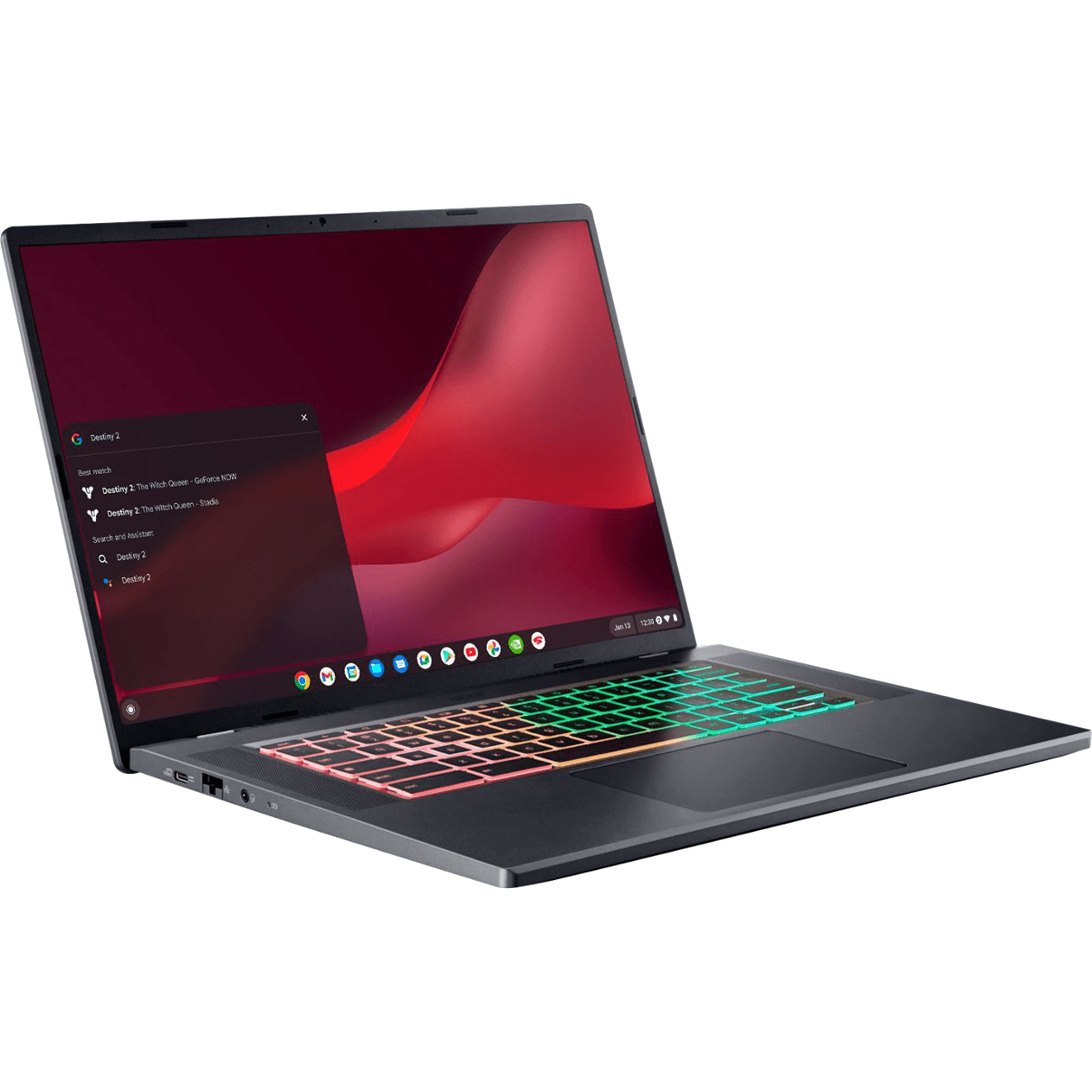
Want a Chromebook that was designed from the start for local or cloud gaming? You need to check out the Acer Chromebook 516 GE, complete with a premium 16-inch display and 12th Gen Intel Core CPUs.
Pros
- 12th Gen Intel Core P-series CPUs
- 16-inch display with QHD+ resolution, 120Hz refresh rate
- Outstanding audio from quad speakers
Cons
- No Thunderbolt 4
- No touch display
Acer’s Chromebook 516 GE is a powerhouse machine that packs in just about everything you could possibly want in a high-end laptop. It has a few extra goodies that make it stand out amidst a sea of other ChromeOS-powered laptops, and they’re good enough to make this device our top pick for best gaming Chromebooks.
As one of the first devices built for cloud gaming, the Chromebook 516 GE supports all major cloud gaming platforms, including Microsoft Xbox Cloud Gaming, Amazon Luna, and NVIDIA GeForce Now. It comes with Intel’s 12th generation Core i5 CPU, working in tandem with 8GB of LPDDR4X RAM and 256GB of SSD storage. You also get a 16-inch WQXGA display with a 16:10 aspect ratio and a 120Hz refresh rate. And as you’d expect from any gaming laptop worth its salt, an RGB keyboard (complete with four-zone lighting and presets) is included in the mix.
Talking about wireless connectivity and ports, Acer Chromebook 516 GE sports Wi-Fi 6E, Bluetooth 5.2, USB-C, USB-A, and even Gigabit Ethernet. Combine these with essentials such as a flare-reducing webcam and a four-speaker audio system with DTS Audio support, and you’ve got a Chromebook that excels at not only cloud gaming but just about everything thrown at it. This laptop is also certified to work with the Steam for ChromeOS beta, giving you the ability to enjoy some local gaming as well.
Source: Acer
Acer Chromebook Spin 514 (3H)
Best Ryzen
Excellent AMD performance
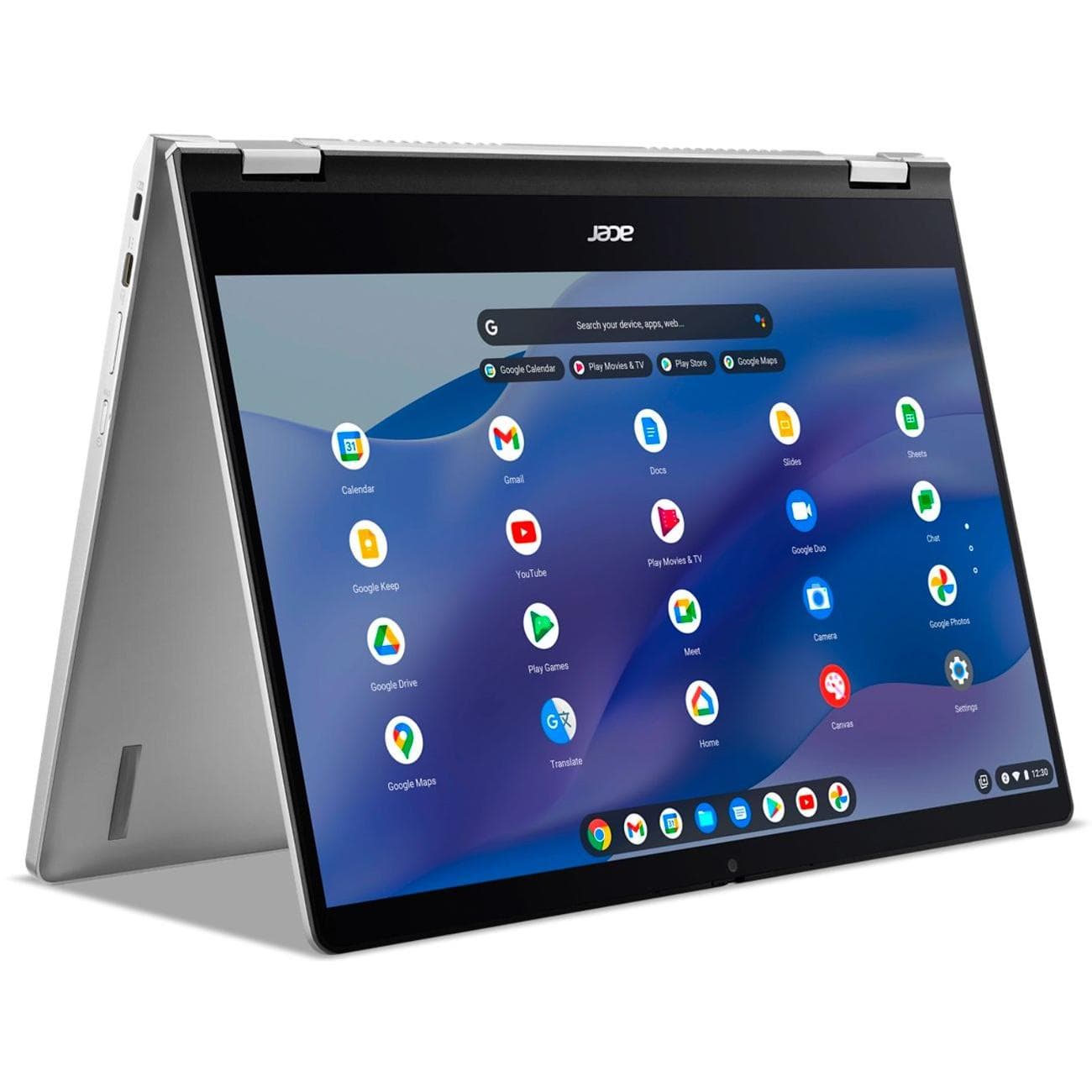
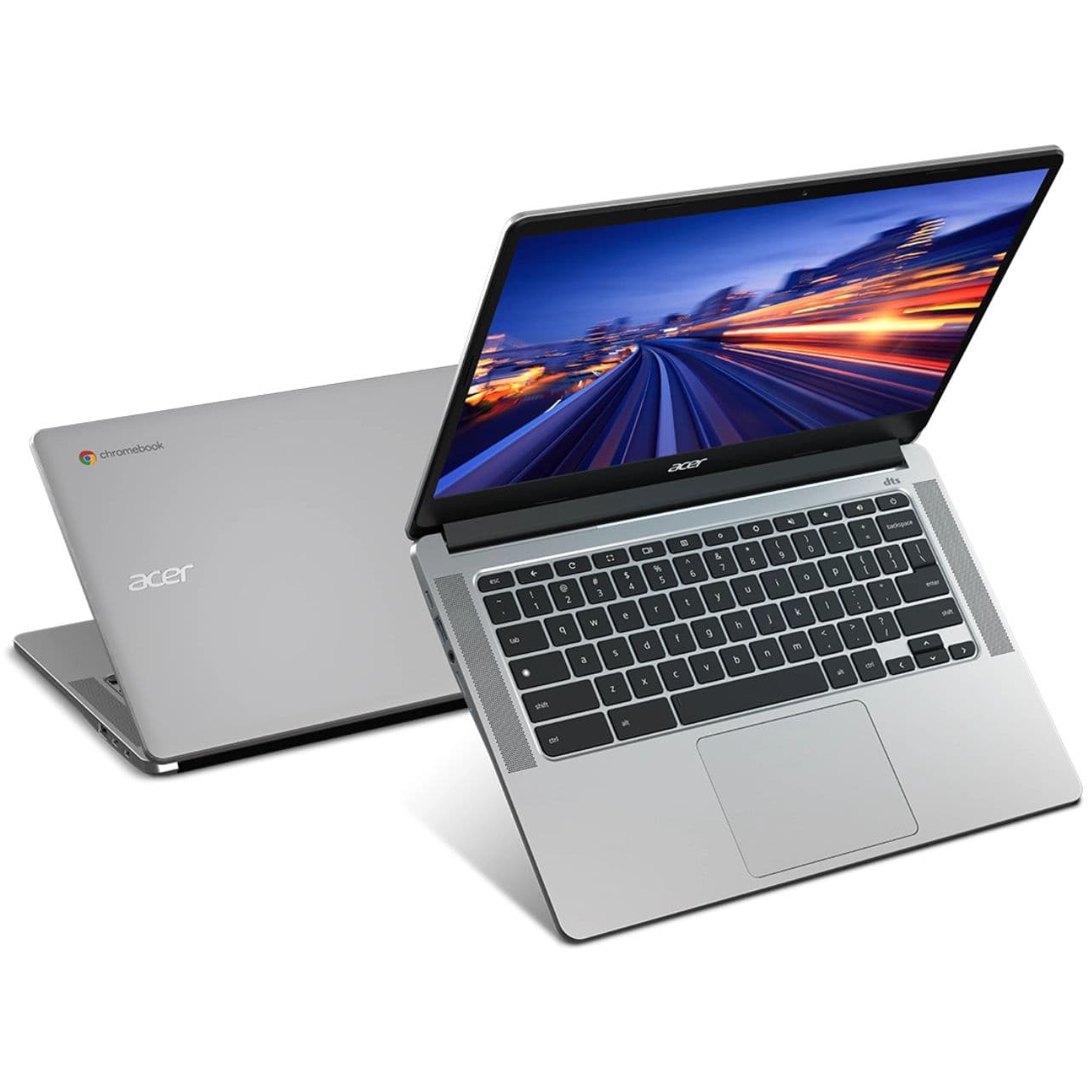
Prefer having an AMD chip in your Chromebook? The Spin 514 delivers with its Ryzen 3 CPU, 14-inch touch display, and sleek convertible build. This laptop is even more compelling now that we’re seeing prices around the $300 mark when on sale.
Pros
- Snappy AMD Ryzen performance
- 1080p webcam with privacy shutter
- Sleek convertible build
Cons
- Could use more screen brightness
- No built-in stylus
AMD-based laptops are generally cheaper than their Intel-based counterparts, yet they deliver long battery life and strong performance. For example, Acer’s Chromebook Spin 514 features a dual-core AMD Ryzen 3 5125C CPU combined with 8GB of RAM and 128GB of eMMC storage, which is enough to power a speedy ChromeOS experience. Acer says the battery should go for up to 10 hours between charges.
The 14-inch touch display has an FHD resolution and 250 nits brightness. Combined with the convertible build, you can use the touchscreen in tablet mode with one of the best stylus pens for Chromebooks. The laptop has two USB-C 3.2 (Gen 2), one USB-A, HDMI, and a 3.5mm audio jack. It also has a 1080p webcam with a privacy shutter for better video conferencing, and the Wi-Fi 6 connection will provide reliable wireless internet.
We got our hands on a Chromebook Spin 514 shortly after its 2022 launch, where it was noted that the introductory price was higher than competing laptops. The price has come down since then, and you can now find models for about $300 when on sale.
Source: Acer
Acer Chromebook 314
Best 14-inch
Affordable 14-inch notebook
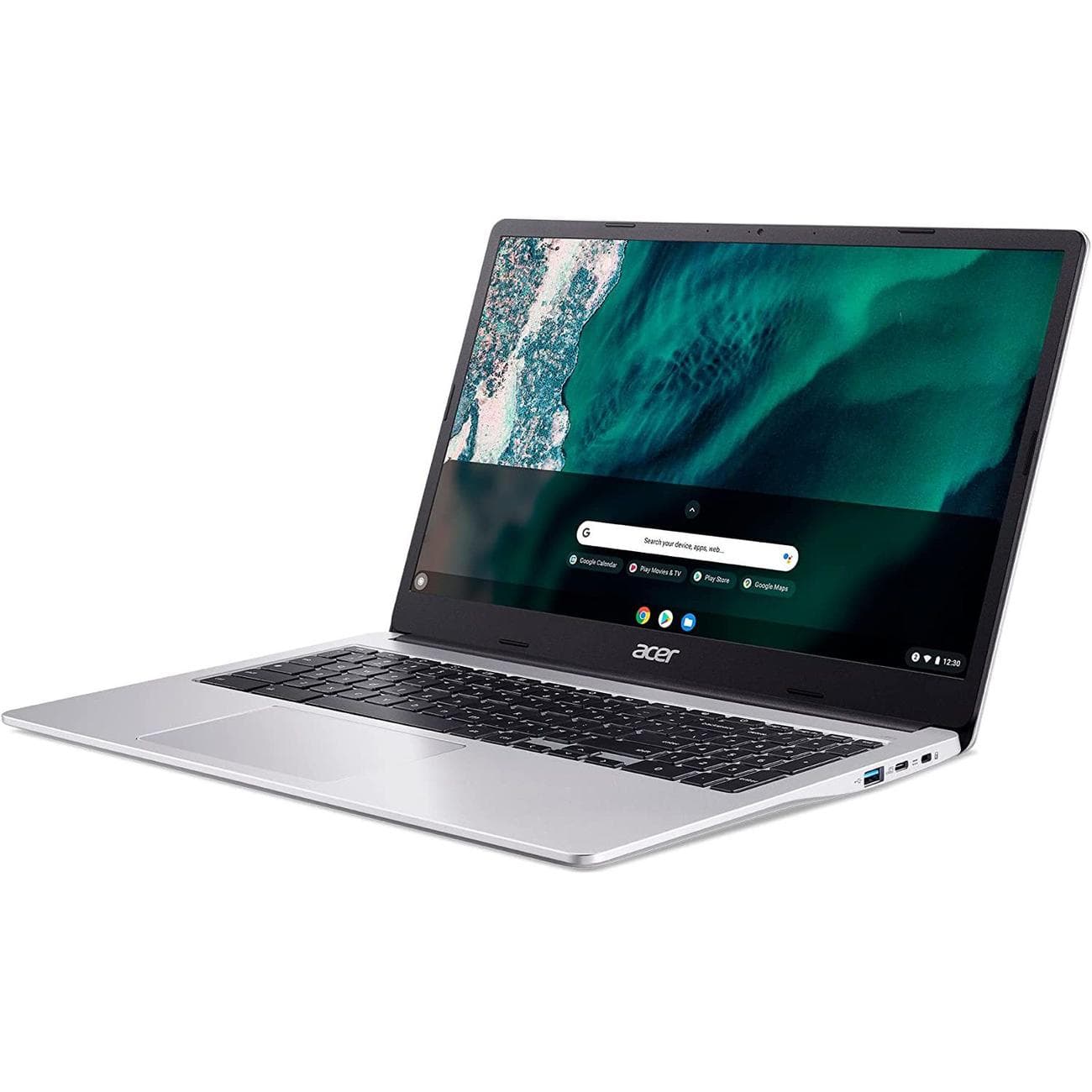
The 14-inch Acer Chromebook 314 is ideal if you want a no-nonsense notebook running ChromeOS. It runs on an Intel Pentium N6000 CPU with 8GB of RAM, and its FHD display is accompanied by top-firing speakers that flank the keyboard.
Pros
- 14-inch FHD display
- Relatively snappy performance
- Top-firing speakers
Cons
- Only 64GB of eMMC storage
- 720p webcam could be better
Arguably one of the best ChromeOS-based laptops available, Acer’s Chromebook 314 is a mid-range device that covers all the basics while packing in some nifty extras.
The display on the Chromebook 314 is a 14-inch FHD touchscreen with a 16:9 aspect ratio, and it comes with an anti-glare coating for better visibility even in bright conditions. Regarding basic hardware specs, you have Intel’s Pentium Silver N6000 CPU working alongside 8GB of RAM and 64GB of eMMC storage. This means that the laptop can easily handle casual workflows and even some multitasking, as long as you keep your expectations within reason. The environmentally-friendly touchpad is made of ocean-bound plastic materials and features a glass-like tactile texture.
Connectivity is handled wirelessly using Wi-Fi 6 and Bluetooth 5.0, and there are USB-A and USB-C (with charging and DisplayPort support) ports. It even comes with a microSD card reader for added convenience.
Source: Acer
Acer Chromebook 315
Best 15-inch
Big, but not too big
Love the look of Acer’s Chromebook 314 but need something just a bit larger? This 15.6-inch laptop runs on the same performance hardware but gets a size bump with a full number pad for the keyboard.
Pros
- Full keyboard with number pad
- Larger 15.6-inch display with FHD resolution
- Decent port selection
As its name would have you believe, Acer’s Chromebook 315 is basically a slight upgrade over the Chromebook 314 listed above. And even though those upgrades aren’t performance-related, they’re still very likely to be key decision-making factors for you and many other prospective buyers.
The Chromebook 315 is powered by Intel’s Pentium Silver N6000 CPU and 8GB of LPDDR4X RAM, making it well-suited to everyday computing tasks. This hardware is also capable of multitasking and media consumption, which is where the laptop’s 15.6-inch FHD panel really helps. Then there’s the full-size keyboard, which includes a numeric keypad on the right, thus making the Chromebook 315 perfect for anyone whose workflow involves dealing with numerical data.
For I/O, Acer’s Chromebook 315 comes with two USB-A ports, two USB-C (with DisplayPort and charging functionalities) ports, a 3.5mm audio port, and a microSD card slot. Among other features are stereo speakers and a flare-reducing webcam. Weighing about 3.53 pounds, the laptop can be carried around anywhere with ease, and it even comes with a protective sleeve that lets you do just that in style.

Acer Chromebook 317
Best 17-inch
Huge display helps with multitasking
This huge Chromebook features a 17.3-inch FHD display, top-firing speakers, a full keyboard with a number pad, and a generous port selection. This is the one to buy if you want the biggest Chromebook possible from Acer.
Pros
- Huge 17-inch FHD display
- Intel Pentium N6000 CPU with 8GB of RAM
- Top-firing speakers
Cons
- Slow eMMC storage
- Relatively heavy
Laptops are generally meant to be portable, but that’s definitely not the case with Acer’s Chromebook 317. In fact, it won’t be an exaggeration to call this thing a desktop replacement.
Driven by Intel’s Pentium Silver N6000 processor, the Chromebook 317 comes with 8GB of RAM and 64GB of eMMC flash storage. However, the laptop’s biggest highlight (quite literally) is its huge 17.3-inch touchscreen display. Packing a resolution of 1920×1080 pixels and a 16:9 aspect ratio, the anti-glare IPS LCD panel makes everything from binge-watching your favorite TV shows to split-screen multitasking a joy. The large touchpad and full-size backlit keyboard work well, but we still suggest checking out some of the best mice for Chromebooks and best keyboards for Chromebooks if you plan on using the Chromebook 317 as a desktop alternative for your home.
Acer’s Chromebook 317 offers all standard wireless connectivity and I/O options, such as Bluetooth 5.1, two USB-C (complete with charging and DisplayPort capabilities) ports, a 3.5mm audio port, and a microSD card slot. It weighs around 4.85 pounds.
Getting the right Acer Chromebook for you
Gone are the days when Chromebooks used to be underpowered devices that couldn’t do much. Thanks to long-term support and the regular addition of features from Google (such as the ability to run Android apps), modern-day Chromebooks work great for anyone who wants a reliable and easy-to-use computer. This is why almost all major PC manufacturers — including Acer — have quite a few of these Chrome OS-based machines in their product portfolio.
The best overall Acer Chromebook is currently the Spin 714. Driven by Intel’s 12th Gen Core i5 processor working alongside 8GB of RAM and 256GB of SSD storage, the Chromebook 714 can make quick work of even the most demanding tasks. Its 14-inch touchscreen has a 16:10 aspect ratio that gives you a little extra visual real estate, and the built-in USI stylus is the cherry on top.
If the Spin 714 isn’t quite what you’re looking for, Acer has plenty of other great options. And all models included here have a June 2030 AUE date, except the Spin 311’s June 2028 date. So although it won’t get as many years of update support, you’ll pay hundreds less for it than other options — that’s why we’ve included it as our top budget pick.
Those who decide to checkout with a new Chromebook today should also have a look at our collection of the best Chromebook accessories. Furthermore, those looking to set up a workstation for their laptop should consider some of the best Chromebook docks and best Chromebook monitors to complete the setup.

Acer Chromebook Spin 714
Best overall
The Chromebook Spin 714 is the best Acer Chromebook you can buy today. Its convertible design adds versatility, it has a built-in active pen for inking, and it has strong performance hardware.
