
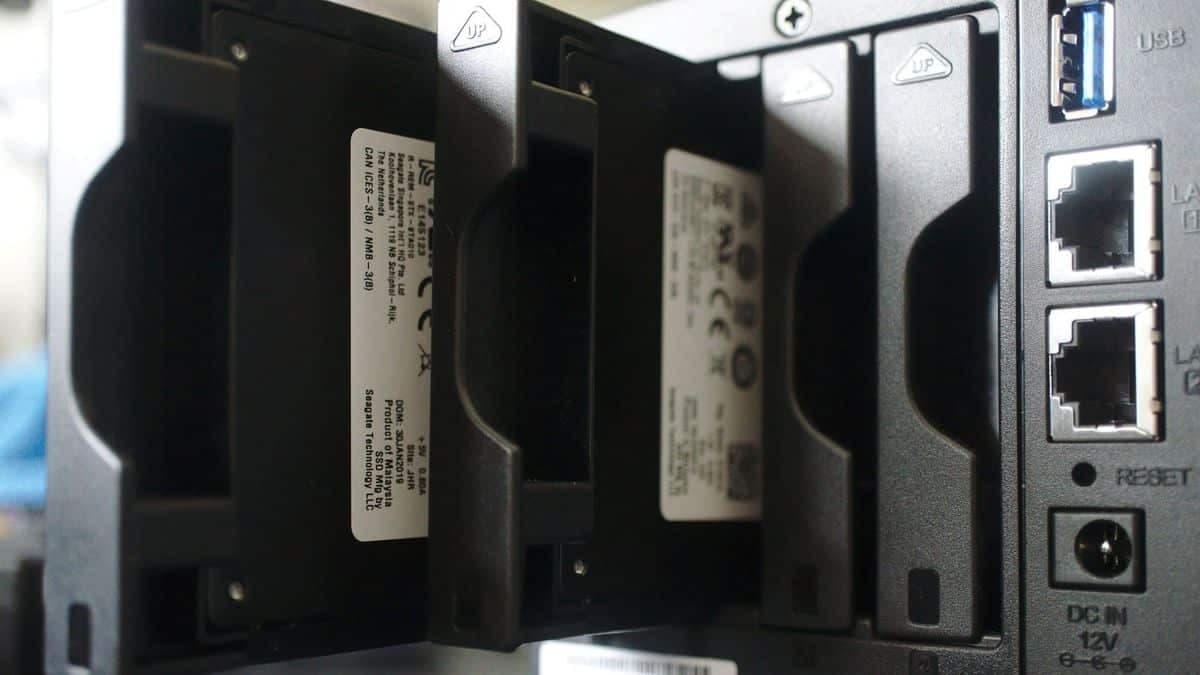
Best SSD for NAS 2023
Mechanical drives are the best option for lots of data being stored on a NAS, but should you want to go with more modern hardware, there are NAS SSDs available. SSD storage is much faster than mechanical, and in a NAS setting can also be used to supplement and speed up your mass storage.
Not only can you store data on these solid-state drives, but you can even use PCIe NVMe SSDs as a cache to improve NAS performance. SSDs will match perfectly with the best NAS for home or business. But not just any SSD will make a good match for a NAS drive, you really need to get a product that has been designed for the stresses of running in this kind of storage. Endurance isn’t the only factor, but one that’s more important when buying NAS storage.
Whatever your need or budget, these are the NAS SSDs you should be getting right now.
The quick list
Best overall
WD’s Red range of drives are designed specifically for NAS and the SA500 is the best overall choice, especially for home use. It packs great performance and endurance into a package that costs less than competitors.

Runner-up
Seagate is one of the best names in storage, and the IronWolf is one of the top choices for NAS. Endurance and performance are great, and it makes great cache, too, as well as mass storage.
Best for Synology
Designed specifically to work best with Synology’s own NAS enclosures, the high TBW rating alone makes this an SSD worth getting, albeit at a little bit of a premium over some competing drives.
Best budget
While not designed for NAS use, this is a much more affordable option that we’ve found can work well for lighter use, so long as you’re aware of the reduced endurance on offer.
Best for cache
Adding a superfast SSD like this into your existing NAS setup as cache can have significant performance gains, and this is the one to get with superb endurance to pair with its blistering speed.
Best endurance
6. Seagate IronWolf Pro 125
If endurance is key then this is the SSD to buy, with the ability to write its full capacity every single day for five years. Toss in power data loss protection and data recovery and you have a fantastic package.
Best overall
(Image credit: Source: Western Digital)
Like Seagate, Western Digital has a family of SSDs optimized for the best NAS for home. The Red SA500 is similar in many ways to the Seagate IronWolf 110 series, and that’s great news for those looking for a good deal as this SSD is generally more affordable.
The WD Red SA500 is optimized for caching in NAS enclosures, though you can also use one for actual storage, depending on how fast you need data transfers to be. The additional endurance improvements make these drives able to handle even more demanding read and write loads.
The reduced latency is ideal for environments where you’re working with video and other media. While these drives are technically better than mechanical HDDs, you will be paying a small premium for the luxury, and the capacities are limited to just 4TB.
| SSD | Max bays | Speed (read/write) | Workload (TBW) | Warranty | Price | $ per GB |
|---|---|---|---|---|---|---|
| Western Digital Red SA500 500GB | ~ |
530MB/s 560MB/s |
350 | 5 years |
$80 |
$0.15 |
| Western Digital Red SA500 1TB | ~ |
530MB/s 560MB/s |
600 | 5 years |
$120 |
$0.13 |
| Western Digital Red SA500 2TB | ~ |
530MB/s 560MB/s |
1300 | 5 years |
$230 |
$0.14 |
| Western Digital Red SA500 4TB | ~ |
530MB/s 560MB/s |
2500 | 5 years |
$550 |
$0.14 |
Runner-up
(Image credit: Source: Seagate)
It’s true that desktop-class mechanical hard drives simply aren’t designed for NAS use, but what about solid-state drives (SSD)? Similar rules apply, which is why Seagate launched its IronWolf 125 SSD series of NAS drives. What makes this family of SSDs better than other drives is DuraWrite technology.
This special
tech
allows for increased performance and reliability; both are important inside a NAS enclosure. Like Seagate’s existing mechanical drive lineup, these NAS SSDs are designed for 24/7 continuous operation. They can be used for storage or cache inside supported drive bays.
The major drawback to using SSD tech instead of traditional HDDs is the capacity limitation. The maximum capacity you can buy the IronWolf 110 in is 4TB. Compare that to 16TB for mechanical drives, and you can see why most NAS owners still prefer HDDs. Finally, there’s the price, which quickly balloons with higher capacity SSDs.
| SSD | Max bays | Speed (read/write) | Workload (TBW) | Warranty | Price | $ per GB |
|---|---|---|---|---|---|---|
| Seagate IronWolf 125 250GB | ~ |
540MB/s 560MB/s |
300 | 5 years |
$60 |
$0.24 |
| Seagate IronWolf 125 500GB | ~ |
540MB/s 560MB/s |
700 | 5 years |
$90 |
$0.18 |
| Seagate IronWolf 125 1TB | ~ |
540MB/s 560MB/s |
1400 | 5 years |
$160 |
$0.16 |
| Seagate IronWolf 125 2TB | ~ |
540MB/s 560MB/s |
2800 | 5 years |
$300 |
$0.15 |
| Seagate IronWolf 125 4TB | ~ |
540MB/s 560MB/s |
5600 | 5 years |
$621 |
$0.14 |
Best for Synology
(Image credit: Future)
Synology essentially knocked it out of the park with its initial SSD offering in the Synology SAT5200. The company only had to match what was already available on the market, but it somehow succeeded some of the more established SSD solutions. The SAT5200 isn’t for anyone who requires some serious space. You’d be far better off with HDDs, but if you
need
the faster read and write rates, this is a good way to go.
Like other 2.5-inch SATA SSDs on the market, you’ll be able to hit around 500MB/s and slightly above for read and write access, but it’s the additional features that really set the SAT5200 family apart. The available capacitors for power-loss protection, high TBW rating, and a high-quality
controller
makes for quite the NAS-friendly storage package.
Best budget
(Image credit: Future)
Unlike our previous two SSD recommendations, the Western Digital Blue series is primarily designed for desktop and
laptop
applications. That doesn’t mean you
can’t
use it inside your favorite NAS, but it’s not recommended for continuous operation. Still, it’s possible, and we’ve run a few of these drives inside a NAS enclosure for months without issue.
The best part about saving a little more than NAS SSDs is you get most of the same benefits compared to HDDs, including no moving parts (less noise!) and lower power consumption. It’s not perfect, however, and you’ll quickly rack up costs with higher capacities. Unfortunately, you won’t be able to match the amazing 16TB HDDs with the WD Blue series of SSDs.
If you want to use an SSD for cache, this drive series is a good option for 2.5-inch bays. This isn’t the best SSD for PC but does offer great value.
| SSD | Max bays | Speed (read/write) | Workload (TBW) | Warranty | Price | $ per GB |
|---|---|---|---|---|---|---|
| Western Digital Blue 250GB | ~ |
525MB/s 550MB/s |
100 | 5 years |
$55 |
$0.16 |
| Western Digital Blue 500GB | ~ |
530MB/s 560MB/s |
200 | 5 years |
$70 |
$0.11 |
| Western Digital Blue 1TB | ~ |
530MB/s 560MB/s |
400 | 5 years |
$114 |
$0.09 |
| Western Digital Blue 2TB | ~ |
530MB/s 560MB/s |
500 | 5 years |
$252 |
$0.09 |
| Western Digital Blue 4TB | ~ |
530MB/s 560MB/s |
600 | 5 years |
$403 |
$0.09 |
Best for cache
(Image credit: Source: Seagate)
Enhancing your NAS with a speedy SSD cache is a sure way to improve performance. Mechanical drives aren’t the fastest means of storing data anymore, which is where SSDs can play a part. If your NAS has a spare PCIe slot for an expansion card or has M.2 slots already available, you can use an SSD like the Seagate IronWolf 525.
This SSD is also designed for NAS use with improved endurance over desktop-class NVMe drives and comes with some outstanding performance figures. It’s also incredibly durable, which is perfect for NAS use. You’ll be able to use this SSD for an average of 1.8 million hours before experiencing an issue.
Whether you want to use one as storage or cache, you’ll be impressed with the results. The IronWolf 525 series is also backed by the same five-year warranty you’ll find on other Seagate NAS storage solutions.
Best endurance
(Image credit: Source: Seagate)
Seagate launched its IronWolf Pro 125 series of drives for those who have a high workload configured for their NAS enclosure. With a drive writes per day (DWPD) of 1, this means you can write the drive’s capacity every day for five years. Purchasing the 3.84TB drive would allow for almost 4TB of data to be written per day. Those are crazy levels of performance.
Similar features on the IronWolf 125 can be found here too, including power loss data protection, health management, and data recovery. To enjoy this impressive endurance, you will take a small hit to performance, but if you’re working with huge files, these drives will be more than a match for your requirements.
| SSD | Max bays | Speed (read/write) | Workload (TBW) | Warranty | Price | $ per GB |
|---|---|---|---|---|---|---|
| Seagate IronWolf Pro 125 240GB | ~ |
360MB/s 545MB/s |
435 | 5 years |
$98 |
$0.41 |
| Seagate IronWolf Pro 125 480GB | ~ |
500MB/s 545MB/s |
875 | 5 years |
$110 |
$0.23 |
| Seagate IronWolf Pro 125 960GB | ~ |
520MB/s 545MB/s |
1,750 | 5 years |
$280 |
$0.29 |
| Seagate IronWolf Pro 125 1.92TB | ~ |
520MB/s 545MB/s |
3,500 | 5 years |
$350 |
$0.18 |
| Seagate IronWolf Pro 125 3.84TB | ~ |
520MB/s 545MB/s |
7,000 | 5 years |
$495 |
$0.13 |
Best SSD for your NAS
Are you looking for the best SSD to use inside your NAS enclosure? Look no further than the Western Digital Red SA500. These are similar drives to Seagate’s offering, but the best pick goes to the one that offers the best value. Regardless of which you go for, you’ll be able to upgrade your bandwidth and improve overall NAS performance.
If you have an M.2 slot to spare, you can choose a high-performance NVMe SSD like the Seagate IronWolf 525. This SSD offers amazing performance numbers — we’re talking up to 5,000MB/s — and is well positioned for use as a cache drive or storage. Adding SSD cache to your NAS is a great way to boost overall system performance.
VIA:
WindowsCentral